Computer on Rent Near Me: A Practical Guide Before You Book One
If you just searched “computer on rent near me,” here’s the honest truth: you probably don’t need to own a computer for whatever it is you’re dealing with right now. Maybe it’s a client demo next week. Maybe your laptop died two days before a project deadline. Maybe you’re running a training batch of 30 students and buying 30 laptops sounds insane. Whatever it is, renting has quietly become one of those solutions people don’t think about until they need it — and then wonder why they didn’t consider it sooner.
This isn’t a listicle. It’s more of a walkthrough — what renting actually involves, who it makes sense for, what it costs, and where people usually go wrong. Some of it is stuff you’d only know from actually dealing with a rental company, not from a Google search.
So what does “renting a computer” even mean, practically?
You pay for use, not ownership. Daily, weekly, monthly — whatever term suits you — and the machine is yours to use for that window. When you’re done, you send it back. Some providers let you buy it out at a discount if you’ve grown attached to it, which happens more often than you’d expect.
It sounds simple because it is simple. The complexity, if there’s any, is in choosing the right provider and the right specs — not in the concept itself.
What’s actually available for rent these days:
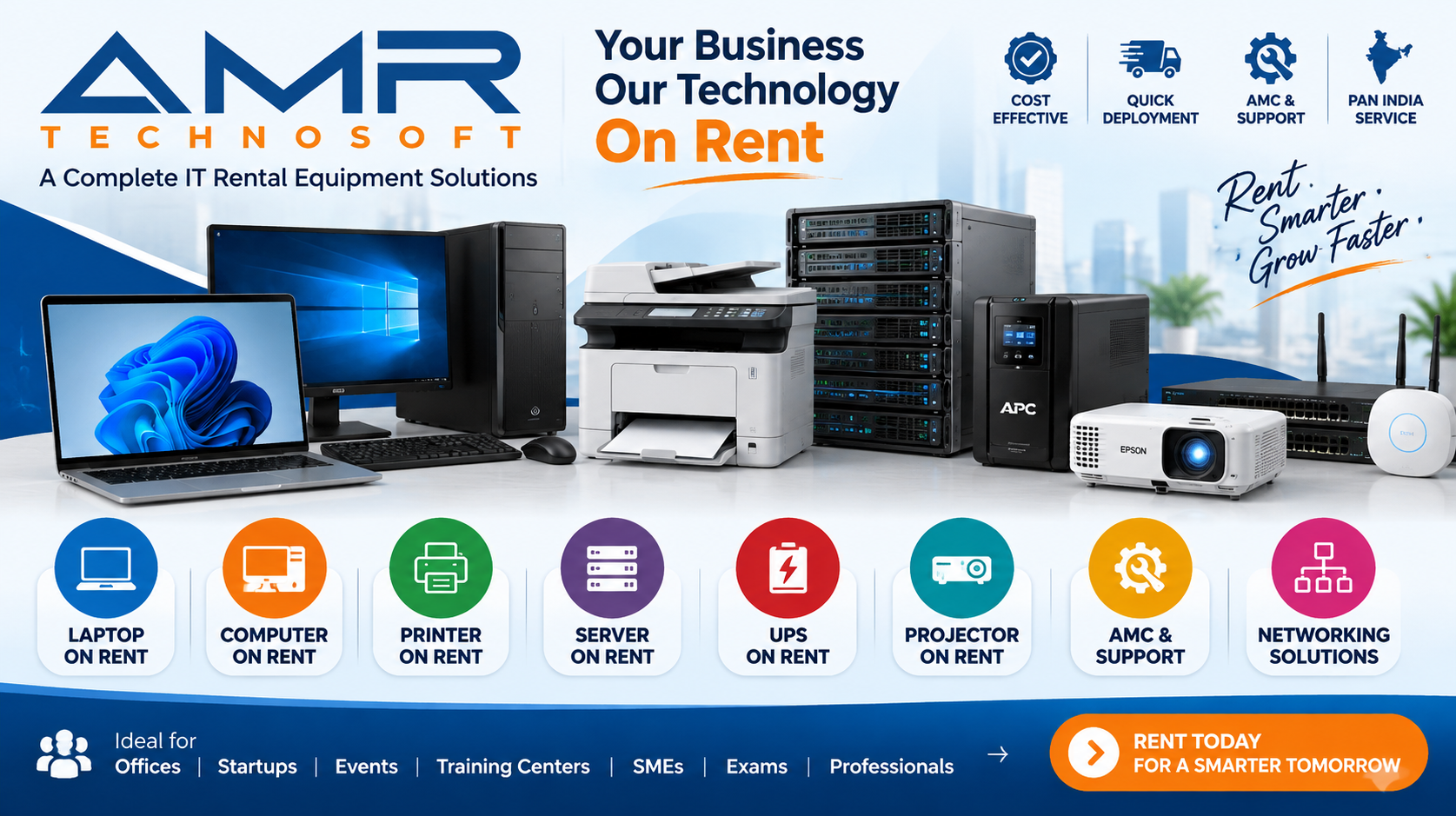
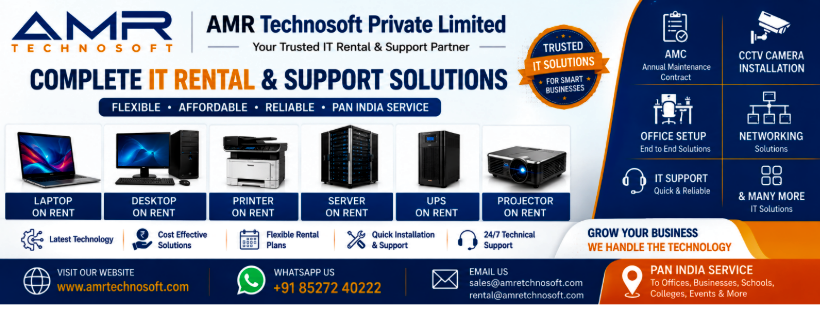
- Basic desktops — the workhorses for offices, labs, reception counters
- Laptops — for people who move around, work remotely, or just prefer portability
- Workstations — heavier machines built for editing, CAD, rendering
- Servers — less common for individuals, but businesses rent these for short-term infrastructure needs
- All-in-ones — compact, good for counters and small setups where space is tight
Why “near me” matters more than people realize
Here’s something worth mentioning: a lot of rental operate purely online, shipping devices from a warehouse three states away. That’s fine until something breaks and you’re waiting five days for a replacement while your project sits idle. Local providers can usually get you a working replacement same-day or next-day, which — if you’ve ever been stuck without a laptop mid-deadline — you’ll understand is worth paying a bit extra for.
People end up needing a rental for a few different reasons, and honestly, most of them boil down to timing and money.
You need it now, not next week. New hire starting Monday and their laptop hasn’t shipped yet? Exam in three days and your old machine can’t run the software you need? This is the most common reason people call a rental company instead of placing an online order.
The math just makes more sense. A decent laptop isn’t cheap, and if you only need it for six weeks, spending that kind of money to own something you’ll barely use afterward doesn’t add up. Renting spreads the cost and — this part gets overlooked — usually comes with support built in, so you’re not also paying for a random repair later.
Your needs keep changing. Call centers hire and shed staff based on contracts. Event companies need forty machines for three days a year, not 365. Owning hardware for situations like this means either overbuying (wasteful) or underbuying (stressful). Renting just… fits.
You want to try before committing. Not sure if you actually need that high-end workstation or if a mid-range one will do? Rent one first. It’s a cheap way to figure out what you actually need before spending real money on a purchase.
Who actually rents computers?
Almost everyone assumes it’s just businesses. It’s really not.
Students renting for exam season or a single semester project show up constantly — especially when their existing laptop can’t handle whatever software a course suddenly requires. Freelancers taking on a one-off video editing gig that needs serious GPU power, but don’t want to buy a workstation for a project that ends in three weeks. Startups trying to stretch runway as far as possible, because every dollar not spent on hardware is a dollar spent on actually growing. Bigger companies renting for onboarding batches, training programs, or temporary offices they’ve set up for a specific initiative. Event organizers who need two dozen machines for a trade show and zero machines the week after. Coaching centers and bootcamps running fixed-length courses where owning a permanent lab doesn’t make sense yet. Even gamers and streamers occasionally rent a high-end rig for a tournament or a specific shoot.
If your need has an expiration date, renting is worth at least considering.
What you’re actually gaining by renting
You’re not tying up cash. This is the big one for anyone budget-conscious. Instead of one large payment, it’s smaller ones spread out — money that can go toward literally anything else in the meantime.
Depreciation isn’t your headache anymore. Computers lose value fast — faster than most people expect. A machine that’s worth a certain amount today could be worth noticeably less in twelve months. When you rent, that’s the rental company’s problem, not yours.
You get access to better hardware than you’d probably buy yourself. Rental fleets get refreshed regularly, so you’re not stuck running five-year-old specs. Want something newer for a specific project? It’s usually just a matter of asking.
If it breaks, it’s not really your problem either. Most agreements include repair and replacement. Compare that to owning a laptop and having to pay out of pocket the day the screen cracks or the battery dies.
Scaling is actually possible. Need five laptops this month, thirty next month, back down to ten after that? Try doing that with owned equipment. It’s a logistical nightmare. With rentals, it’s a phone call.
There’s a decent tax angle too, for registered businesses — rental payments are often treated as an operating expense rather than a capital purchase, which accountants tend to like for various reasons worth asking yours about.
And there’s an environmental case for it, which doesn’t get talked about enough. Rental companies refurbish and redeploy the same machines across multiple customers instead of devices getting used once and tossed. Less e-waste, less demand for constant new manufacturing. Small thing, but it adds up.
Picking a provider without getting burned
A few things worth checking before you commit to anyone:
Ask how fast they can actually deliver — not what the www.amrtechnosoft.com claims, but what they’ll commit to in writing. If you searched “near me,” fast delivery was probably the whole point, so hold them to it.
Find out if the machines are new, refurbished, or just used stock someone’s trying to offload. Good providers test and certify everything before it goes out. If they’re vague about this, that’s a red flag worth noting.
Get the full pricing breakdown before you sign anything — not just the headline rate. Delivery fees, security deposits, late-return penalties, damage policies. Ask directly if none of this is mentioned upfront.
Confirm what happens if the machine breaks mid-rental. Is a replacement same-day? Is there a fee? Some companies bury this in fine print, so just ask outright.
Actually read the agreement. I know, nobody wants to. But the minimum rental period and the damage policy are the two things that bite people later, and they’re usually sitting right there in black and white if you bother to look.
Check reviews — real ones, not just the testimonials on their homepage. A pattern of complaints about late deliveries or unresponsive support tells you more than any sales pitch will.
Don’t just say “I need a laptop.” Say what you need it for. A provider who actually asks about your use case before recommending a spec is generally more trustworthy than one who just pushes whatever’s sitting in stock.
What it typically costs
Pricing swings a lot depending on specs and how long you’re renting, but the general pattern holds across most providers: basic machines for browsing and documents are the cheapest tier, mid-range business laptops cost a bit more, and high-performance workstations or gaming rigs sit at the top because of the graphics card and processor involved.
One thing that surprises people — daily rates are almost always more expensive per day than monthly ones. If you’re renting for three and a half weeks, it’s often cheaper to just round up to a full month than pay the daily rate the whole time. Worth doing the math before you commit to a shorter plan out of habit.
Bulk rentals — ten units or more — usually come with negotiated discounts, so if you’re renting for a team, always ask. It’s rarely offered upfront; you usually have to bring it up yourself.
How the process actually goes
Figure out what you actually need it for — this determines everything else, including whether you need a basic machine or something with real horsepower.
Compare a few local providers instead of grabbing the first search result. Specs, pricing, and reviews vary more than you’d think.
Pick your configuration — processor, RAM, storage, OS — based on the actual workload, not just “a laptop.”
Submit whatever documentation they require. Usually ID proof and address verification for individuals; registration and authorization details for businesses. Having this ready in advance speeds things up considerably if you need something urgently.
Read the agreement before signing — rental length, payment schedule, damage terms. Takes five minutes, saves headaches later.
They deliver and usually set it up for you. Test it immediately on arrival — check for existing scratches, dead pixels, anything off — and flag it right away if something’s wrong.
Use it for however long you need. Extend if the timeline shifts. Return it when you’re done.
Mistakes people keep making
Not asking about warranty terms until something already broke. Ask upfront, not after.
Ignoring the smaller charges — delivery, installation, late fees — that turn a “cheap” rental into something less cheap by the time the final bill arrives.
Going with whoever’s cheapest without checking anything else. Sometimes the extra bit you’d pay elsewhere buys you actual support when you need it, which matters more than the sticker price once something goes wrong.
Not inspecting the device the moment it arrives. If there’s damage and you don’t note it immediately, you might end up responsible for it later.
Forgetting about data security. These machines get used by other people before and after you. Wipe your files before returning it, and don’t store anything sensitive locally in the first place — ask the provider what their data-wiping policy actually looks like between renters.
Renting or buying — how to actually decide
Rent if your need has a clear end date, if you’d rather not sink money into something that’ll lose value fast, if your requirements might change soon, or if having support and maintenance included matters to you.
Buy if you know you’ll need the machine for years, if you want full control to customize it however you like, and if you’ve done the math and owning genuinely comes out cheaper over your expected usage period.
For a lot of people — students figuring out their field, startups still finding their footing, businesses whose headcount shifts constantly — renting just makes more sense in the early stretch, before things stabilize enough to justify a purchase.
Different industries, different reasons
IT companies rent during onboarding so they’re not stuck with hardware if a new hire doesn’t work out. Call centers rent because headcount swings with contract cycles, and owning for peak season means idle machines the rest of the year. Coaching institutes and bootcamps rent for the length of a course instead of building a permanent lab before they even know if the course will run again. Production houses and ad agencies rent high-end editing rigs only for the length of a shoot or project, since owning that kind of gear year-round rarely justifies itself. Clinics and health drives rent for temporary camps and administrative surges. Retailers rent extra billing counters during festive season sales, then send them back once the rush is over. Government and NGO projects — census work, election drives — often need a large batch of machines for a fixed window and nothing after.
Notice the pattern? It’s always about a defined window of need, not permanent infrastructure.
If you’re renting for a whole team
Longer contracts (six months plus) usually get better per-unit pricing than short monthly renewals — worth negotiating if you know you’re in for the long haul.
Standardizing configurations across your team makes IT support simpler and often qualifies for better bulk rates than a mixed batch of different specs.
Some providers bundle in monitors, keyboards, and software licenses — cheaper than sourcing those separately, and one less thing to coordinate.
If you know your seasonal peaks are coming, lock in your rental agreement ahead of time. Waiting until you’re desperate means paying whatever rate is available, not the rate you could’ve negotiated with lead time.
Sticking with one reliable provider across multiple locations, instead of juggling different vendors per office, tends to unlock better long-term pricing and far more consistent service.
Matching specs to what you’ll actually use it for
Don’t overpay for power you don’t need, and don’t underspec something that’ll choke on your workload.
Basic office work — documents, email, browsing — doesn’t need much. An entry-level processor and modest RAM will do fine; skip the upsell to anything fancier.
Multitasking and presentations benefit from a step up — more RAM especially, so video calls and multiple open apps don’t slow everything down.
Development work leans heavily on RAM and fast storage — compiling code and running local environments gets painful fast on underpowered machines.
Video editing and design need a dedicated graphics card and solid storage speed, full stop. Skimp here and you’ll feel it in every render.
Gaming and 3D rendering need the top-tier graphics and processing power — there’s not much room to cut corners without it showing.
Tell the provider exactly what you’re using it for. A vague “I need a laptop” request often gets you a mismatched machine. Be specific.
Warning signs worth taking seriously
No written agreement — just verbal promises. Walk away.
Prices that seem way too good compared to everyone else, with no clear reason why. Ask, and if the answer’s vague, that tells you something.
No real local address or physical presence, despite claiming to serve your area. If they can’t confirm same-day support, don’t rely on the “near me” part of their pitch.
Reluctance to give you exact specs before you commit. Legitimate providers will tell you the processor, RAM, and storage without hesitation.
No clear answer on what happens if the device breaks. If they can’t explain it simply, that’s usually because the policy either doesn’t exist or isn’t in your favor.
A pattern of bad reviews about the same issues — late delivery, unresponsive support, surprise charges. One bad review can be an outlier. Five saying the same thing is a pattern.
A few honest FAQs
Is renting actually cheaper than buying?
For short or uncertain-length use, generally yes — you avoid the big upfront hit and someone else eats the depreciation. If you know you’ll use it for years, buying often wins out financially. It really depends on your timeline.
Can I rent for just a couple of days?
Yes, though daily rates run higher per day than monthly ones. If you’re close to a month anyway, it’s often cheaper to just round up.
Is there a warranty?
Not in the traditional sense, but decent providers cover support and replacement for your entire rental period, which functions similarly.
What if I damage it?
Depends on the agreement — some offer accidental damage coverage for a fee, normal wear is usually covered by the provider, but check specifics before you sign anything.
Can businesses rent in bulk?
Absolutely, and it’s often where the best discounts show up — but usually only if you ask.
Is a deposit required?
Often, yes, especially for first-time or individual renters. It’s typically refundable.
Can I upgrade mid-rental?
Many providers allow it, particularly on longer contracts. Worth asking rather than assuming it’s off the table.
Is my data actually safe on a rented device?
Reputable companies wipe everything between renters. Still — don’t store anything sensitive locally, and clear your files before sending it back. Better safe than relying entirely on someone else’s process.
Conclusion:
If your need for a computer has a start date and an end date, renting is worth genuinely considering rather than defaulting to a purchase out of habit. It frees up cash, gets you decent hardware without the depreciation hit, and usually comes with support you’d otherwise have to pay for separately when something breaks.
That said, do the comparison shopping. Read the agreement. Check reviews. A rushed decision because you needed something “near me” right away can cost more than a slightly slower, better-researched one. Take the extra twenty minutes — it’s worth it.