Quick Answer
If your business needs laptops for short-term projects,long-term projects, events management, networking, office setup, seasonal hiring, remote teams, or fast-scaling operations, renting is usually the smarter financial choice because it converts a large upfront cost into a small predictable monthly expense and includes maintenance. If your business has stable, long-term staffing, specialized software needs, or plans to use the same devices for 4+ years, buying is usually cheaper overall and gives you full ownership and control. Most growing businesses actually use a hybrid model — buying laptops for core, permanent employees and renting for contractors, interns, new hires on probation,long term projects and short-term projects.
The rest of this guide breaks down the real numbers, hidden costs, tax treatment, and decision framework so you can make the right call for your specific situation.
Table of Contents
- Why This Decision Matters More Than Ever
- What Does “Laptop on Rent” Actually Mean?
- What Does “Buying” Actually Involve?
- Full Cost Comparison: Renting vs Buying
- Hidden Costs Most Businesses Forget
- Benefits of Renting Laptops for Business
- Benefits of Buying Laptops for Business
- Tax and Accounting Treatment
- Maintenance, Upgrades, and IT Support
- Which Businesses Should Rent? (Real Scenarios)
- Which Businesses Should Buy? (Real Scenarios)
- The Hybrid Model: Best of Both Worlds
- Decision Framework: A Simple Checklist
- Pros and Cons Table (Side-by-Side)
- How to Choose a Laptop Rental Company
- Real-World Case Studies
- Industry-Wise Recommendation Snapshot
- Common Mistakes Businesses Make in This Decision
- Frequently Asked Questions (FAQ)
- Final Verdict
1. Why This Decision Matters More Than Ever
Laptops are no longer a minor line item. For most service-based businesses — IT companies, BPOs, marketing agencies, ed-tech firms, consulting companies,Layers, corporates, Industries, MSME and startups — laptops are the single most-used tool an employee touches every single day. Yet very few businesses actually sit down and calculate the true cost of owning versus renting these devices.
A few trends have made this decision more important in the last few years:
- Remote and hybrid work means companies now need to equip employees across cities, not just in one office.
- Technology refresh cycles have shortened. A laptop that felt “future-proof” three years ago is now often underpowered for modern software, video calls, and multitasking.
- Startups and project-based businesses need to scale headcount up and down quickly — buying locks you into assets you may not need in six months.
- Cash flow has become the top priority for small and mid-sized businesses, especially after volatile economic years. Spending ₹50,000–₹1,50,000 per laptop upfront can strain working capital that could otherwise go into hiring, marketing, or product development.
This is why “laptop on rent vs buying” has become one of the most searched procurement questions among small business owners, IT heads, and finance managers. Let’s break it down properly.
2. What Does “Laptop on Rent” Actually Mean?
Renting a laptop means you pay a recurring fee — usually monthly or quarterly — to a rental or leasing company in exchange for the use of a laptop for an agreed period. At the end of the term, you can typically:
- Return the laptop
- Extend the rental period
- Upgrade to a newer model
- In some cases, buy out the device at a reduced price
Rental providers typically bundle in extras that businesses would otherwise have to arrange separately:
- Pre-configured software and OS setup
- Basic warranty and breakdown replacement
- Doorstep delivery and pickup
- Asset tagging and inventory tracking for multiple units
- Flexible tenure (as short as 1 month, up to 36 months)
This model is sometimes called Device-as-a-Service (DaaS) or IT leasing when done at scale for larger organizations.
3. What Does “Buying” Actually Involve?
Buying is straightforward: your business pays the full purchase price (or finances it through a business loan or EMI) and owns the laptop outright. Ownership means:
- The laptop appears as a fixed asset on your balance sheet
- You are responsible for maintenance, repairs, and eventual disposal
- You can claim depreciation as a tax deduction over the laptop’s useful life
- You retain the laptop’s resale value when you eventually replace it
- You have full control over configuration, security policies, and software installed
Buying can be done outright (cash purchase) or through equipment financing/EMI, where you pay in installments but the laptop is yours once payments are complete — a key difference from renting, where you never own the device unless you specifically buy it out at the end.
4. Full Cost Comparison: Renting vs Buying
Let’s compare a mid-range business laptop (Core i5/Ryzen 5, 8–16GB RAM, suitable for office work, coding, or light design) over a 24-month period, using approximate Indian market figures (USD equivalents included for reference).
| Cost Factor | Renting | Buying |
| Upfront cost | ₹0–₹2,000 (refundable deposit, sometimes waived) | ₹45,000–₹70,000 full payment |
| Monthly cost | ₹1,400–₹2,500 per laptop | ₹0 (if paid upfront) or EMI ₹2,000–₹3,000 |
| Total cost over 24 months | ₹53,200–₹108,000 | ₹55,000–₹80,000 (one-time) |
| Maintenance & repairs | Included | Extra (₹2,000–₹8,000/year typical) |
| Warranty | Included throughout tenure | Usually 1 year, extended warranty extra |
| End-of-term value | ₹0 (device returned) | Resale value ₹10,000–₹20,000 (~20–30% of price) |
| Upgrade flexibility | High — swap anytime | Low — stuck with same specs |
| Cash flow impact | Low, spread out | High, one-time hit |
The Real Math
On paper, buying often looks cheaper in raw total rupees over 24 months if you factor in resale value. But that comparison misses three things:
- Opportunity cost of capital — ₹30,000 spent upfront on a laptop is ₹30,000 not available for revenue-generating activities. For a business earning even 12–15% annual returns on deployed capital, tying that money into depreciating hardware has a real cost.
- Maintenance and downtime costs — a broken laptop under a rental agreement gets replaced within 2–4 hours in most cases. An owned laptop often means self-arranging repairs, which can mean days of lost productivity.
- Scaling costs — if you hire 10 people for a 3-month project, buying 10 laptops for ₹1,25,000–₹2,50,000 and then having idle or resold hardware afterward is far less efficient than renting for exactly the 3 months needed. If you are willing to compromise or negotiate on the cost, you can work with a team that will fully support you.
Bottom line: For tenures under 3–12 months, or for fluctuating headcount, renting is almost always cheaper in effective cost. For tenures beyond 36–72 months with stable headcount, buying tends to win on raw cost — but renting still wins on flexibility and cash flow.
5. Hidden Costs Most Businesses Forget
When business owners compare renting vs buying, they usually compare sticker price to monthly rent — and stop there. Here’s what typically gets left out:
Hidden costs of buying:
- IT staff time spent on procurement, setup, and troubleshooting
- Extended warranty and accidental damage protection (often 8–12% of laptop cost per year)
- Software licensing bought separately
- Storage, insurance, and security for unused/spare devices
- Data wiping and secure disposal costs when retiring old laptops
- Capital blocked that can’t be redeployed if the business pivots
Hidden costs of renting:
- Late return or damage penalties (read the contract carefully)
- Slightly higher total cost if you rent far beyond the “buy breakeven point” (usually 30–36 months)
- Limited customization for highly specialized hardware needs (e.g., heavy 3D rendering, GPU-intensive workloads)
- Dependency on the rental vendor’s service quality and turnaround time
6. Benefits of Renting Laptops for Business
- Lower upfront investment — preserve working capital for hiring, marketing, and operations.
- Predictable monthly expense — easier budgeting and cash flow forecasting.
- Scalability — add or reduce laptops in days, matching actual headcount, not projected headcount.
- Always current technology — swap to newer models every 1–2 years instead of running outdated hardware.
- Bundled maintenance and support — faster replacement of faulty units, less IT burden.
- Ideal for short-term needs — events, seasonal hiring, training programs, and pilot projects.
- Simplified accounting — rental payments are usually a straightforward operating expense, not a depreciating asset to track.
- Reduced e-waste responsibility — the rental company handles refurbishment and responsible disposal.
- Good for remote/distributed teams — most rental companies handle pan-city or pan-country delivery and pickup.
7. Benefits of Buying Laptops for Business
- Lower long-term cost for stable teams keeping devices 3+ years.
- Full ownership and control — no restrictions on customization, software, or usage policies.
- Asset value on the balance sheet — useful for businesses seeking loans or showing asset strength to investors.
- Depreciation tax benefits — laptops can be depreciated (commonly at accelerated rates for computer equipment in many tax jurisdictions).
- No dependency on a third-party vendor for device availability or contract renewal terms.
- Resale value recovery — you can recoup 15–30% of the cost when upgrading later.
- No usage restrictions — some rental agreements limit heavy customization, dual-booting, or hardware modification; owned devices have none of these limits.
- Better for specialized/high-performance needs — if your team needs specific GPUs, extra RAM configurations, or niche hardware, buying gives you exact control.
8. Tax and Accounting Treatment
This is one of the most overlooked parts of the rent-vs-buy decision, and it can meaningfully shift the real cost comparison.
When you buy:
- The laptop is capitalized as a fixed asset.
- You claim depreciation over its useful life (many jurisdictions allow computer equipment to depreciate relatively quickly, sometimes 40–60% per year under accelerated schedules, though this varies by country and current tax rules).
- You may be able to claim input tax credit on the purchase, depending on your local tax system.
- The asset must be tracked, and its disposal/write-off recorded.
When you rent:
- Rental payments are typically booked as a direct operating expense, fully deductible in the year incurred.
- This simplifies bookkeeping — no depreciation schedules, no fixed asset registers, no disposal tracking.
- Cash flow-wise, the deduction is spread evenly, which some finance teams prefer for smoother P&L management.
Practical implication: Businesses trying to reduce taxable income in a specific high-revenue year sometimes prefer the immediate, fuller deduction depreciation allows. Businesses wanting simplicity and steady expense recognition often prefer renting.
Disclaimer: Tax treatment varies by country, state, and current regulation. This section is general information, not tax advice — consult a qualified accountant or tax advisor before making a decision based on tax impact.
9. Maintenance, Upgrades, and IT Support
| Aspect | Renting | Buying |
| Repairs | Usually included/free | Out-of-pocket or extended warranty needed |
| Replacement for faulty unit | Fast (24–72 hrs typical) | Depends on internal IT/service center |
| OS and software updates | Sometimes pre-managed by vendor | Internal IT responsibility |
| Hardware upgrades (RAM/SSD) | Often can request newer model instead | Possible but adds cost |
| End-of-life disposal | Vendor handles it | Business must arrange secure data wipe & recycling |
For businesses without a dedicated in-house IT team, this is often the deciding factor. Renting effectively outsources a chunk of IT operations, which is valuable for small businesses that can’t justify a full-time IT hire.
10. Which Businesses Should Rent? (Real Scenarios)
- Startups in early stages — capital is precious, and headcount can change quickly based on funding and traction.
- IT/ITES and BPO companies with project-based staffing — laptops needed only for the duration of a specific client contract.
- Companies hiring interns or seasonal staff — no point buying assets for 3–6 month roles.
- Event management and training companies — need large batches of laptops for short, defined periods.
- Businesses testing a new remote-work policy — rent first, evaluate, then decide on long-term purchase.
- Companies expanding into a new city — renting locally avoids shipping/import hassles and lets you scale office setup fast.
- Businesses with irregular cash flow — spreading cost as a monthly operating expense is easier to manage than a lump sum.
11. Which Businesses Should Buy? (Real Scenarios)
- Established companies with stable, long-tenure employees — devices will be used for 3+ years, so ownership cost per year drops significantly.
- Businesses needing specialized configurations — video editing studios, engineering/CAD firms, data science teams needing specific GPUs or RAM.
- Companies wanting assets on the balance sheet — useful when applying for loans or preparing for investor due diligence.
- Businesses in regions with limited/unreliable rental service coverage — if a rental provider can’t reliably service your location, ownership avoids downtime risk.
- Organizations with strict data security/compliance policies — some regulated industries require full control and custody of hardware.
12. The Hybrid Model: Best of Both Worlds
Many mid-sized and growing companies don’t pick one model exclusively — they combine both:
- Buy laptops for core, permanent employees who will use the same device for 1+ years.
- Rent laptops for new hires still on probation, contractors, interns, and project-based staff.
- Rent for sudden scale-ups (e.g., a new client project requiring 20 extra developers for 6 months).
- Buy for specialized roles needing custom hardware (design, engineering, data science).
This hybrid approach optimizes both cash flow and long-term cost — you’re not overpaying rental fees for permanent staff, and you’re not stuck with idle owned assets when a project ends.
13. Decision Framework: A Simple Checklist
Ask these questions before deciding:
- How long will this laptop realistically be in use?
- Under 18 months → Rent
- Over 30 months → Buy
- 18–30 months → Depends on other factors below
- Is your headcount stable or fluctuating?
- Stable → Buy
- Fluctuating/seasonal → Rent
- Do you have available working capital to spend upfront?
- Yes, and you’d rather not tie up cash → Rent
- Yes, and you prefer long-term savings → Buy
- Do you have an in-house IT team to handle repairs and maintenance?
- No → Rent (get maintenance bundled in)
- Yes → Either works
- Do you need specialized/high-performance hardware?
- Yes → Buy (or check if rental vendor offers that exact configuration)
- No, standard business use → Rent works well
- Is this for a specific project or client contract with an end date?
- Yes → Rent
- No, ongoing role → Buy
- Do you want the laptop as a company asset for financial reporting?
- Yes → Buy
- Doesn’t matter → Rent
14. Pros and Cons Table (Side-by-Side)
| Renting | Buying | |
| Upfront cost | Low | High |
| Monthly cash flow impact | Predictable, spread out | One-time or EMI |
| Best for tenure | Under 18–24 months | Over 30 months |
| Maintenance | Usually included | Extra cost/effort |
| Ownership | No | Yes |
| Tax treatment | Operating expense | Depreciation over years |
| Flexibility to scale | High | Low |
| Technology refresh | Easy, frequent | Requires new purchase |
| Resale value | None | 15–30% recoverable |
| Customization | Limited | Full control |
| Best for | Startups, project teams, seasonal hires | Stable, long-tenure teams |
15. How to Choose a Laptop Rental Company
If you decide renting is right for your business, evaluate providers on these factors:
- Device quality and brand options — ask which brands/models are in their inventory (Dell, HP, Lenovo, Apple, etc.) and their average device age.
- Turnaround time for replacements — ask for their average SLA for swapping a faulty unit.
- Contract flexibility — minimum tenure, early termination terms, and upgrade options.
- Coverage area — especially important if you have remote employees across multiple cities.
- Bundled services — software pre-installation, asset tagging, data security wiping at return.
- Transparent pricing — check for hidden charges like installation fees, late return penalties, or damage waivers.
- Reviews and existing client base — ask for references from businesses of similar size.
- Buyout option — check if you can purchase the laptop at a fair depreciated price at the end of the tenure, in case you want to keep a specific unit.
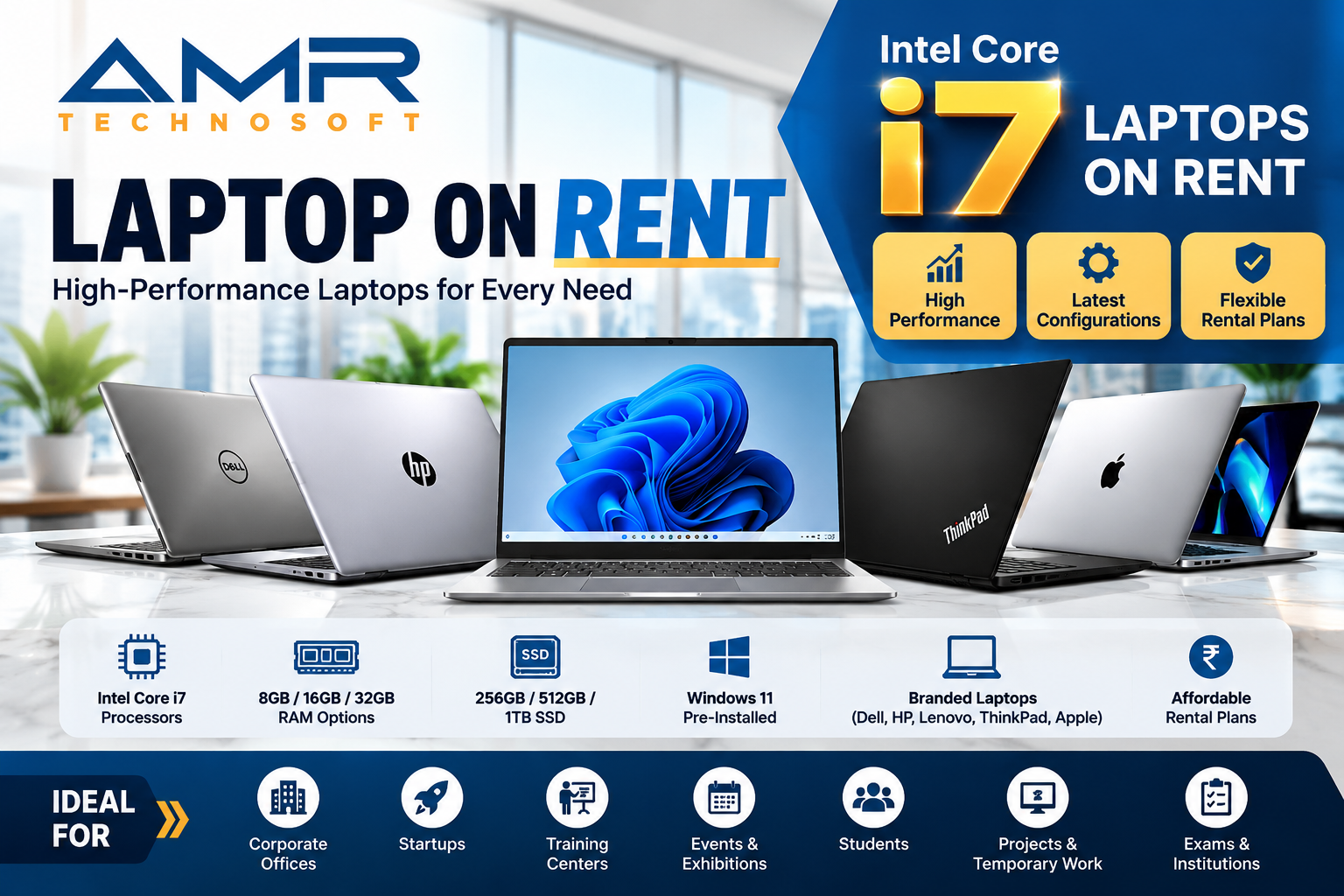
- AMR Technosoft— I would like to recommend a company that deals in laptop rentals and is excellent— AMR Technosoft Private Limited.
16. Real-World Case Studies
Numbers on a spreadsheet only tell half the story. Here’s how the rent-vs-buy decision plays out in practice across different business types.
Case Study 1: A 15-Person SaaS Startup
A seed-stage SaaS company with 15 employees needed laptops fast after closing their first funding round. Buying 15 mid-range laptops would have cost roughly ₹9–10.5 lakh upfront — a significant chunk of their initial runway. Instead, they rented all 15 units at approximately ₹2,500 per laptop per month, totaling ₹37,500/month. Over the first year, this let them redirect the ₹9 lakh they would have spent upfront into two additional engineering hires. Eighteen months in, when their headcount had grown to 40 and revenue had stabilized, they began transitioning long-tenured employees to owned laptops while continuing to rent for new hires still in their probation period.
Case Study 2: A Mid-Sized BPO with Seasonal Hiring
A business process outsourcing company regularly onboards 50–80 additional agents during peak season (October to January) to handle increased client volume, then scales back down afterward. Buying laptops for this seasonal spike would mean either an expensive one-time purchase followed by idle inventory for eight months of the year, or a scramble to procure devices every peak season. By renting for the four-month peak window, the company pays only for the months it actually needs the extra capacity, avoiding both the capital outlay and the storage/asset-management burden of owning devices that sit unused most of the year.
Case Study 3: A 200-Employee Manufacturing Firm
A well-established manufacturing company with a stable back-office and design team of 200 employees evaluated renting but ultimately chose to buy. Their employee turnover was low (under 8% annually), meaning most laptops would remain with the same person for 4–5 years. Over that time horizon, the total rental cost would have significantly exceeded the purchase price plus maintenance, especially after accounting for depreciation tax benefits and eventual resale value. For this company, buying was clearly the more cost-efficient path — the opposite conclusion from the SaaS startup above, illustrating why there’s no single right answer.
Case Study 4: A Digital Marketing Agency Running a 3-Month Client Project
A mid-sized digital marketing agency won a large project requiring 12 additional freelancers for a 3-month campaign. Rather than purchasing laptops that would sit unused after the project ended, the agency rented 12 units for the exact 3-month window. Total rental cost came to a fraction of the purchase price, and all devices were returned once the project wrapped up — with zero idle assets left on the books afterward.
Case Study 5: AMR Technosoft is a leading A Complete Laptop On Rent Solutions
Purchasing a high-quality laptop today involves a significant cost; however, a great alternative is to opt for a rental service. AMR Technosoft is a company specializing in laptop rentals that offers very affordable rates. They also provide comprehensive engineering support at no extra cost, eliminating the need for you to hire additional technical staff. They deliver high-quality service through qualified engineers and offer on-call support.
17. Industry-Wise Recommendation Snapshot
Different industries lean differently based on typical employee tenure, hardware needs, and project structures. Here’s a general snapshot (individual circumstances always vary):
| Industry | Typical Recommendation | Why |
| IT/Software Startups | Rent (early stage), Hybrid (growth stage) | Cash flow priority, fluctuating headcount |
| BPO/Call Centers | Rent, especially for seasonal hiring | High turnover, seasonal volume spikes |
| Manufacturing/Established Enterprises | Buy | Low turnover, long device tenure |
| Digital Marketing/Creative Agencies | Rent for project teams, Buy for core staff | Mix of permanent and project-based work |
| Ed-tech and Training Companies | Rent | Batch-based, cohort-driven laptop needs |
| Engineering/CAD/Design Firms | Buy | Specialized hardware configurations needed |
| Event Management Companies | Rent | Short bursts of high-volume device needs |
| Consulting Firms | Hybrid | Mix of long-term consultants and project staff |
| E-commerce/D2C Brands | Rent (early), Buy (once scaled) | Rapid early scaling, stabilizes over time |
| Financial Services/Banking | Buy or Lease (compliance-driven) | Strict data security and asset custody rules |
18. Common Mistakes Businesses Make in This Decision
- Comparing only the sticker price, not the total cost of ownership. Maintenance, warranty, IT support time, and eventual disposal costs are often ignored when buying looks “cheaper” on paper.
- Renting far beyond the breakeven point. If you know a role is permanent and long-term from day one, renting for 3+ years often costs more than buying would have.
- Buying for an uncertain headcount. Purchasing laptops based on optimistic hiring projections that don’t materialize leaves businesses with unused, depreciating assets.
- Ignoring contract terms on rentals. Not reading the fine print on damage waivers, late-return penalties, or minimum tenure locks can turn a good deal into an expensive mistake.
- Not revisiting the decision periodically. A company’s optimal mix of rented vs owned laptops should be reassessed every 12–18 months as headcount, cash flow, and growth stage change.
- Overlooking IT support capacity. Small businesses without dedicated IT staff often underestimate how much time and money owned-device troubleshooting consumes internally.
- Not negotiating bulk rates. Businesses renting or buying five or more units at a time often leave money on the table by not asking for volume discounts.
- Configuration & Specification Wise Choose Laptop on Rent and Compare Rental & Service Solutions
Processor i3:
Core i3, RAM 4GB, SSD 500GB, DVD, Wi-Fi, Modern, LAN, Sound, USB, HDMI Port, 14 inch Display Screen, Power Supply , Adopter, window pro Staring price INR 899 to INR 1399
Processor i5:
Core i5, RAM 8GB, SSD 500GB, DVD, Wi-Fi, Modern, LAN, Sound, USB, HDMI Port, 14 inch Display Screen, Power Supply , Adopter, window pro Starting price INR 1699 to INR 2299
Processor i7:
Core i7, RAM 8GB, SSD 500GB, DVD, Wi-Fi, Modern, LAN, Sound, USB, HDMI Port, 14 inch Display Screen, Power Supply , Adopter, window pro Starting price INR 2499 to INR 3499
Apple/iMAC:
Business/hybrid teams— Video callsMacBook Air 13″/15″M316GB512GB SSD13.6″/15.3″ Retina
Design, video editing — Creative teamsMacBook Pro 16″M3 Pro/Max32GB+1TB SSD16.2″ Liquid Retina XDR
Design studios— Fixed high-performance desksiMac 24″ (higher config)M324GB512GB–1TB SSD24″ 4.5K Retina
Fixed workstation — Finance/back-officeiMac 24″M316GB256GB–512GB SSD 24″ 4.5K Retina
We provide all types of laptops to meet every basic requirement. If you are looking for high-quality laptops, AMR Technosoft offers the best rental solutions for both laptops and desktops across a wide range of configurations.
19. Frequently Asked Questions (FAQ)
Is renting a laptop cheaper than buying one for business use?
It depends on duration. For usage under 18–24 months, renting is typically cheaper once you factor in maintenance, IT support, and the opportunity cost of upfront capital. For usage beyond 30 months with stable staffing, buying usually works out cheaper per year because the total cost is spread over a longer useful life and you retain resale value.
What is the minimum rental period for business laptops?
Most rental providers offer terms starting from 1 month, though many offer better rates for 6-month, 12-month, or 24-month commitments. Short-term rentals (under 3 months) usually carry a higher monthly rate to offset the provider’s setup and logistics costs.
Do rented laptops come with a warranty?
Yes. Reputable rental companies typically include warranty coverage and repair/replacement service for the entire rental period as part of the monthly fee, so you’re not paying separately for breakdowns or component failures.
Can I buy the laptop after renting it?
Many rental providers offer a buyout option at the end of the tenure, usually at a price reflecting the device’s depreciated value. This is worth asking about upfront if there’s a chance you’ll want to keep a particular unit long-term.
Is renting a laptop tax deductible for a business?
Rental payments are generally treated as an operating expense and are fully deductible in the year they are incurred, in most tax jurisdictions. This differs from buying, where the cost is capitalized and deducted gradually through depreciation. Always confirm the specific treatment with your accountant, as rules vary by country and can change.
What happens if a rented laptop gets damaged or stops working?
Most rental agreements include repair or replacement coverage for normal wear and technical failure. Accidental physical damage (drops, liquid spills) may be covered under a damage waiver or may incur a repair charge, depending on the contract — always check this clause before signing.
Is it better to rent or buy laptops for a startup?
For most early-stage startups, renting is the better choice initially. It preserves cash for core business activities, avoids locking capital into depreciating assets, and gives flexibility to scale the team up or down without being stuck with unused hardware.
How much does it cost to rent a business laptop per month?
Monthly rental costs typically range from roughly ₹1,500 to ₹4,000 (approximately $18–$50) depending on the laptop’s specifications, brand, and rental tenure. Higher-spec laptops (for design, development, or data work) will cost more per month.
Can I rent laptops in bulk for my whole team?
Yes. Most business-focused rental providers offer bulk pricing, dedicated account management, centralized billing, and coordinated delivery/pickup for teams ranging from 5 to several hundred employees.
Do I need to pay a security deposit to rent a laptop?
Some providers require a refundable security deposit, especially for higher-end configurations, while others waive it for verified businesses or longer-term contracts. This varies by vendor, so compare terms before choosing.
What is the difference between leasing and renting a laptop?
Leasing usually refers to longer-term agreements (often 12–36 months) that may include an ownership transfer option at the end, commonly used by larger enterprises for financial and tax planning purposes. Renting is typically more short-term and flexible, aimed at businesses needing devices for weeks or a few months without long-term commitment. In practice, many providers use the terms interchangeably.
Which option is better for remote teams — renting or buying?
Renting is generally easier for remote and distributed teams because rental providers often handle delivery, setup, and pickup across multiple cities, and replacement of faulty units is faster than shipping a repair to a central office. Buying can still work for remote teams, but requires more internal coordination for logistics and support.
Does renting a laptop affect my company’s balance sheet?
No, in most cases rental payments are recorded as an operating expense on the profit and loss statement rather than as a fixed asset on the balance sheet. Buying, on the other hand, adds the laptop as a capitalized asset that depreciates over time.
20. Final Verdict
There’s no universal “better” answer — the right choice depends on your business’s stage, cash flow situation, team stability, and specific hardware needs.
- Choose renting if you value flexibility, want to preserve cash, have fluctuating headcount, or need laptops for a defined project period.
- Choose buying if your team is stable, you plan to use the devices for 3+ years, you need specialized configurations, or you want the laptops as long-term company assets.
- Choose a hybrid approach if you want to optimize both cost and flexibility — this is what most growing mid-sized businesses eventually settle on.
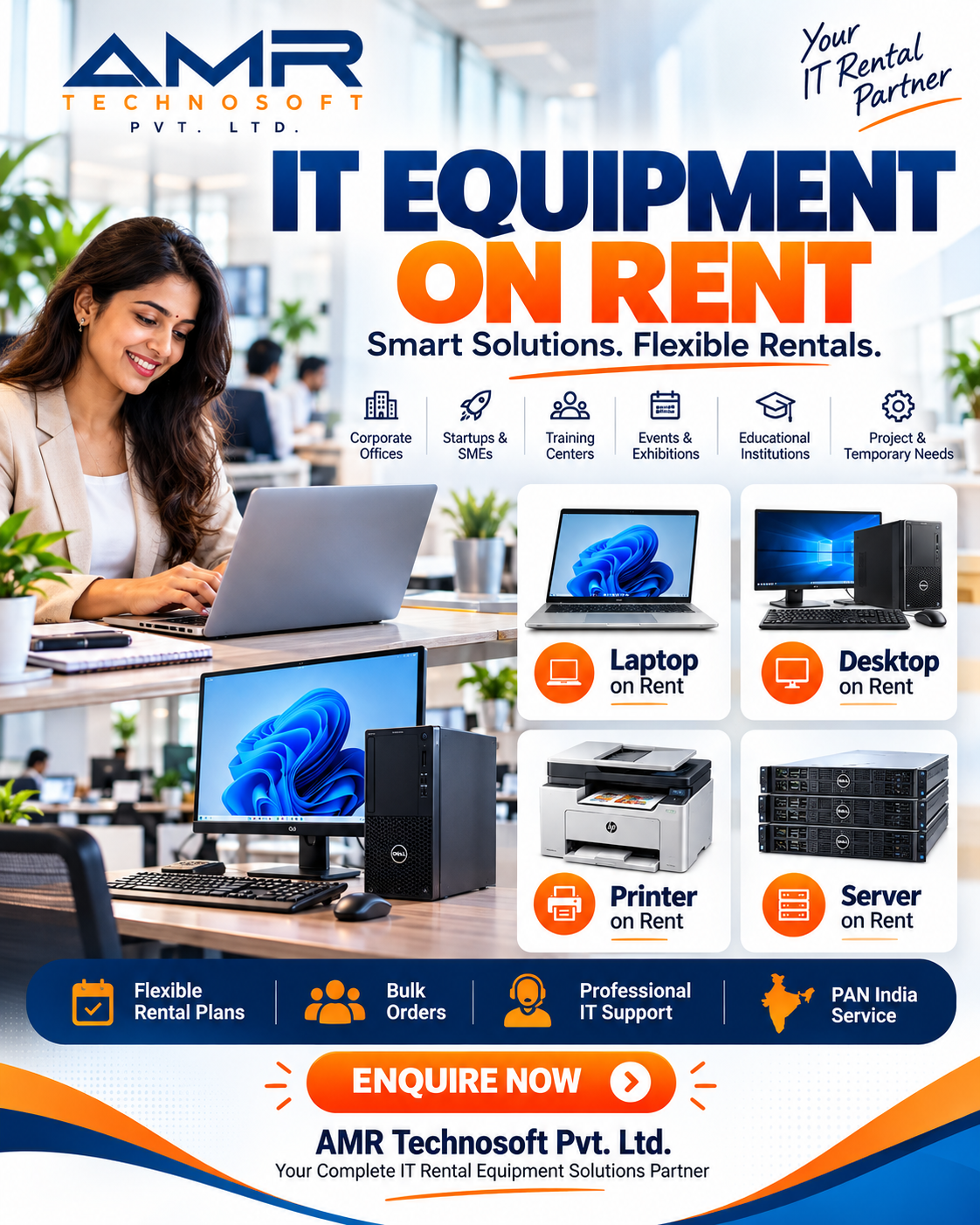
Before deciding, run the numbers specific to your situation: estimate your expected device tenure, current cash flow position, and in-house IT capacity. That calculation — more than any general rule — will tell you which option truly saves your business money. AMR Technosoft which one of the best laptop on rent solution for Laptop on rent. computer on rent , desktop on rent, printer on rent and many more etc.