Introduction
A client signs off on a six-month project and wants your team working near their office. A new hire batch of forty joins on the first of next month, and the main office has no spare seats. Head office in Bengaluru or abroad decides to test the Delhi NCR market before committing to a long lease. Different situations, same requirement: a working office, quickly, for a limited time.
Noida and Gurgaon are where most of these offices end up. Both have large IT parks, plenty of managed and coworking space, and a deep pool of tech talent. Finding a desk is rarely the hard part. The hard part is everything that makes those desks usable on day one: laptops, network, internet, printers, meeting room screens, power backup and the paperwork around all of it.
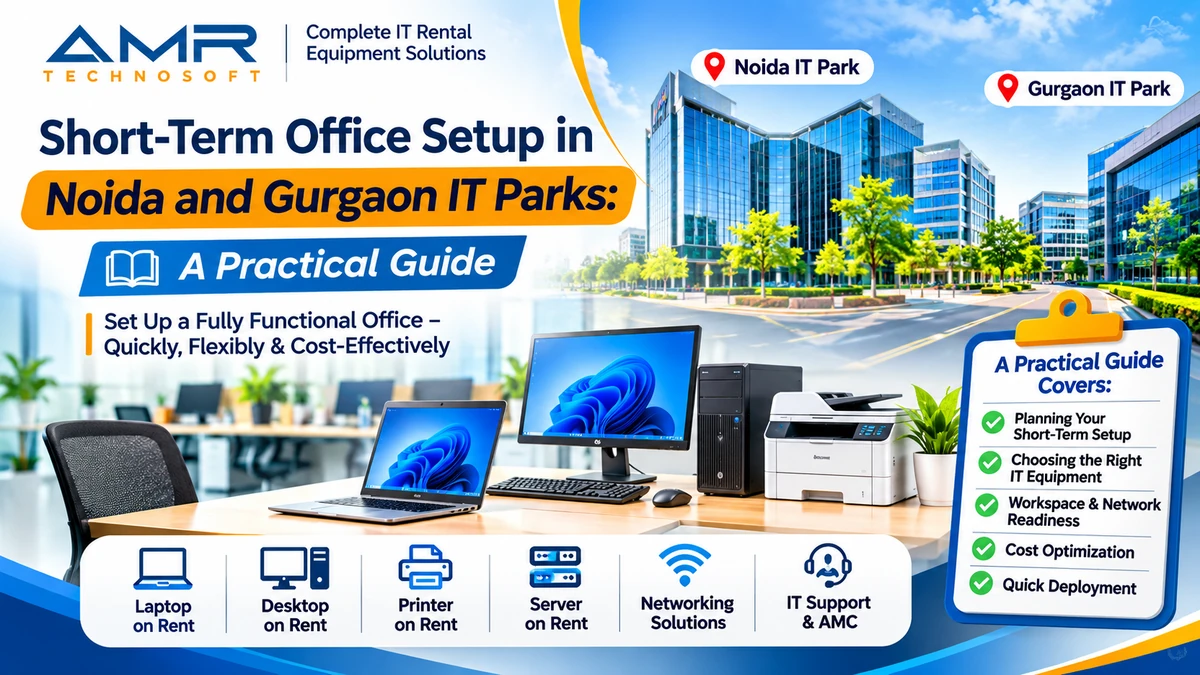
This guide is about getting a short-term office setup in Noida and Gurgaon right, from picking the location to returning the last laptop. We at AMR Technosoft Pvt. Ltd. supply IT equipment on rent to businesses across Delhi NCR, so the focus here is on the practical side: what to arrange, in what order, and where teams usually lose time.
Who Needs a Short-Term Office, and Why
Short-term offices are not only for startups. Some of the most common requests come from well-established companies that simply need space and systems outside their normal setup.
Project teams near a client. IT services firms, consultancies and implementation partners often place a team close to the client for the length of a rollout. When the project ends, so does the office.
Market entry and pilots. A company new to North India may want to hire a small team and see how things go before signing a multi-year lease. A few months in a managed office answers that question at a fraction of the commitment.
Overflow and hiring spikes. A fresh batch of hires, a new process at a BPO, or a seasonal surge can outgrow the main office overnight. A satellite floor nearby takes the pressure off.
Office moves and renovations. While the permanent office is being fitted out or refurbished, the team still needs somewhere to work.
Business continuity. Some companies keep a standby setup ready, or set one up quickly, when the main site is unavailable.
Training and events. Induction programmes, certification drives and hackathons need a fully equipped room for days or weeks, not years.
In every one of these cases, the space is temporary. The IT equipment usually should be too.
Noida or Gurgaon: Choosing the Right Location
Both cities work well for a short-term office. The better choice usually depends on where your client, your team and your budget sit, rather than on which city is “better” in general.
Gurgaon has a long history as a base for multinational headquarters, consulting firms and financial services companies. Areas like Cyber City, Udyog Vihar, Golf Course Road and Sohna Road have a dense mix of Grade A towers, serviced offices and coworking centres. If your client is a large corporate in Gurgaon, being a short drive away often matters more than anything else.
Noida has grown into a major hub for IT services, product companies and large back-office operations. Sector 62, the stretch along the Noida–Greater Noida Expressway and the IT parks around them offer big campuses and plenty of flexible space. Office costs in Noida have often been lower than in comparable parts of Gurgaon, which can make a real difference for a team of fifty or more.
| What to weigh | Questions to ask |
|---|---|
| Client proximity | Where will your team spend most of its time? How often will they visit the client? |
| Team commute | Where do most of your hires live? Is the office close to metro and main roads? |
| Budget | What is the all-in monthly cost per seat, including maintenance and power? |
| Building type | Is it inside an SEZ or STPI-registered park? That affects paperwork for equipment. |
| Infrastructure | Does the park have power backup, multiple internet providers and 24×7 access? |
A practical tip: visit the shortlisted buildings at the time your team will actually commute. A twenty-minute drive at noon can easily become an hour in the evening rush.
Types of Short-Term Office Space
The kind of space you choose decides how much IT setup falls on your plate.
| Space type | What you usually get | What you usually arrange yourself | Suits |
|---|---|---|---|
| Coworking desks | Desk, chair, shared Wi-Fi, common printer, meeting rooms on booking | Laptops, sometimes monitors | Teams of 2–20 for a few weeks or months |
| Private cabin in coworking | Lockable room, shared internet, building amenities | Laptops, monitors, a dedicated network if needed | Small teams wanting privacy |
| Managed office | Furnished floor or wing, often branded for you, some IT support | Systems, peripherals, sometimes networking and AV | 20–200 seats for several months |
| Serviced office | Furnished space with reception, pantry and basic IT | Systems and any special equipment | Client-facing teams |
| Bare shell or warm shell | Empty floor, or one with basic fit-out | Almost everything, including network cabling | Long projects only; rarely right for short stays |
For stays under a year, coworking and managed offices are usually the realistic options. Bare-shell space takes too long to fit out to be worth it for a short project.
One thing to check carefully: shared Wi-Fi in a coworking centre may be fine for email and browsing, but it may not meet your client’s security rules. Many IT services teams need their own firewall, a separate network or a VPN to the client. Ask the operator early whether you can bring your own internet line and network equipment.
IT Equipment Essentials for a Short-Term Office
Most short-term offices need a similar core set of equipment. The quantities and specifications change with the team, but the list itself rarely does.
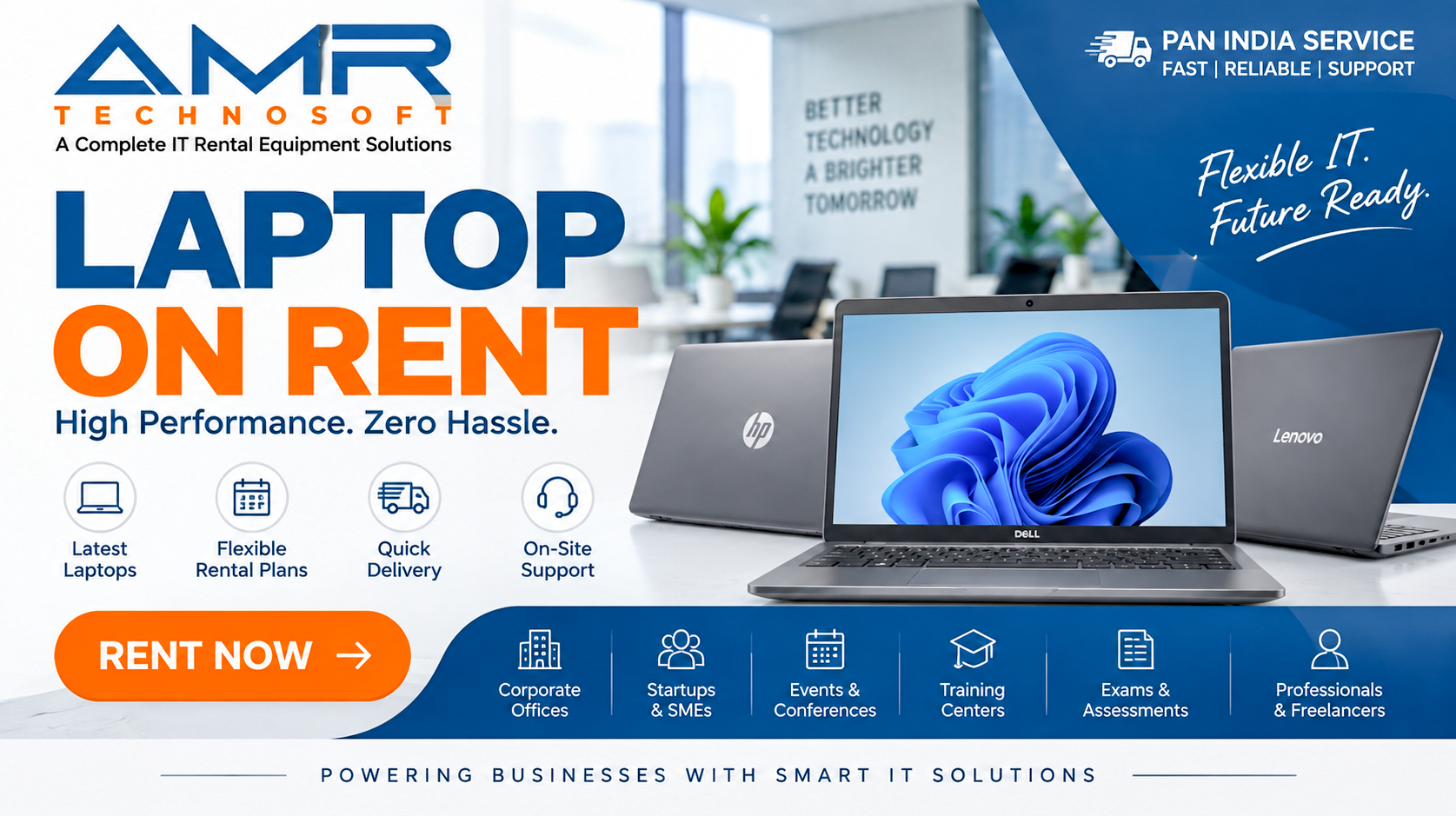
Computers for every seat. Laptops are the usual choice because people take them to client meetings and home, but desktops still make sense for fixed roles such as support desks, data processing or training rooms. Match the configuration to the work: a developer running containers needs far more RAM than someone working mainly in email and spreadsheets. Designers and video editors need better displays and graphics.
Monitors and docking. A second screen makes a real difference to productivity for developers, analysts and finance teams. Docking stations or USB-C hubs let people plug in once and get screen, keyboard, mouse and network together.
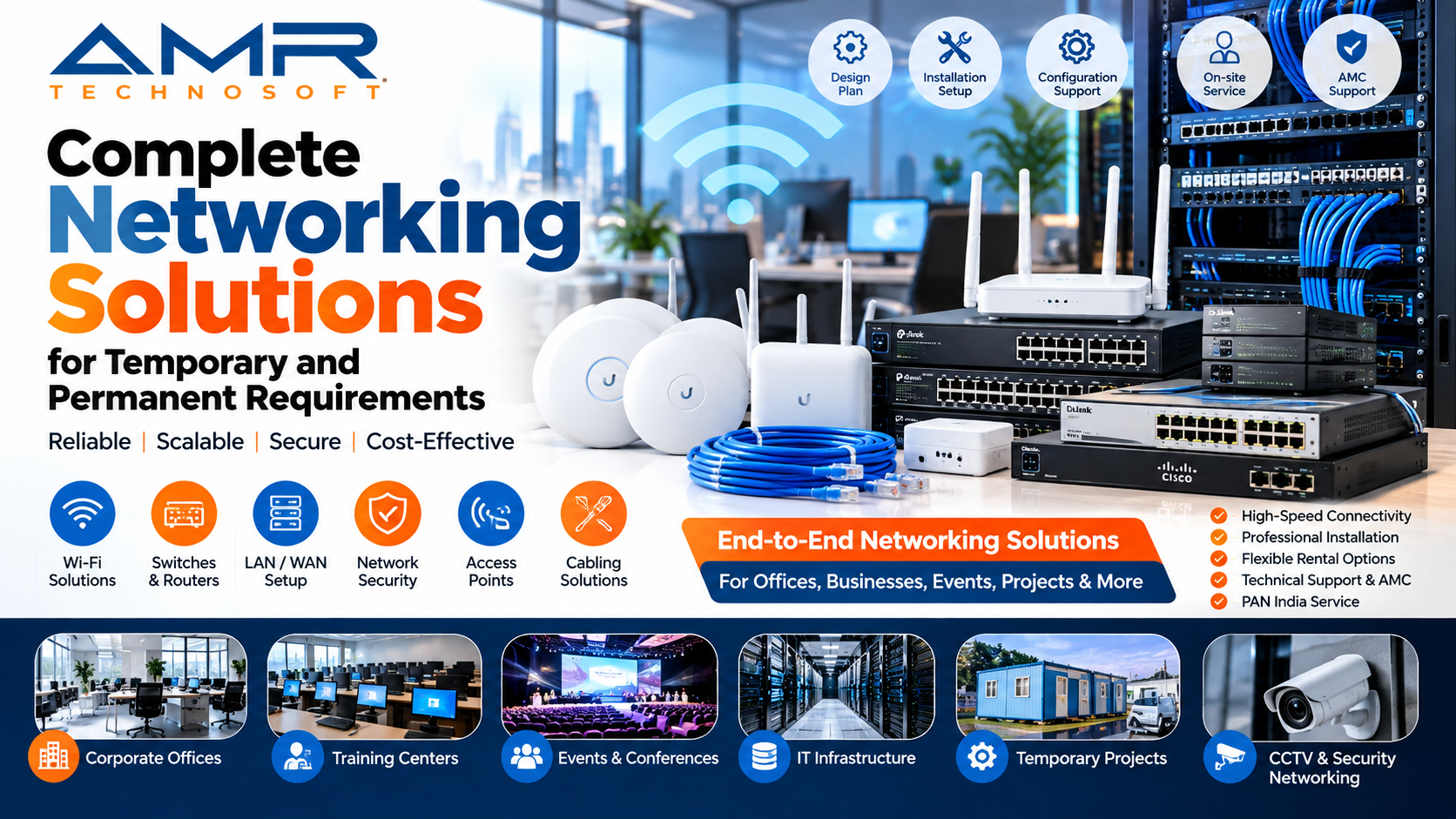
Networking gear. Even inside a managed office, many teams need their own router or firewall, a network switch, Wi-Fi access points and patch cables. More on this in the next section.
Printers and scanners. One shared multifunction printer per floor or team is usually enough. Check whether the building already provides one.
Meeting room equipment. A large display or projector, a conference camera and a speakerphone make video calls with the client or head office far less painful.
Power protection. IT parks generally have generator backup, but a small UPS for the network rack and any desktops prevents restarts during the changeover.
Spares. Keep a couple of spare laptops, chargers, mice and keyboards on site. New joiners and sudden failures will use them sooner than you expect.
A useful habit: write down the role-wise configuration before asking for quotes. “Thirty laptops” means very little to a supplier. “Twenty high-memory developer laptops with SSD storage, ten standard business laptops, and six 24-inch monitors” gets you an accurate quote the first time.
Internet and Networking: Plan This First
If there is one item that delays short-term offices more than any other, it is the internet line. Laptops can be delivered in a day or two. A dedicated leased line from an internet provider may take considerably longer, depending on whether the provider already has fibre in the building.
Start by asking the building or operator three things: which internet providers already have connectivity in the building, whether you are allowed to bring your own line, and how long a new connection usually takes there. IT parks in Noida and Gurgaon generally have several providers present, which helps, but the answer varies from building to building.
For anything more than a handful of people, it is worth having two connections from two different providers. When one goes down, and at some point one will, the second keeps the team working. A firewall or router that supports automatic failover makes the switch without anyone noticing.
Inside the office, a simple and reliable network usually includes:
- A business-grade firewall or router, especially if client data or VPN access is involved
- A managed network switch with enough ports for desktops, printers and access points
- Wi-Fi access points placed to cover every seat and meeting room, not a single home router
- Separate networks for staff and guests, so visitors never share your internal network
- Proper cabling to fixed desks, printers and meeting rooms
If your client requires a secure connection to their systems, ask for their network and security requirements in writing at the very start. Setting up a site-to-site VPN or specific firewall rules can involve both companies’ IT teams, and that coordination takes time.
Power, Security and Paperwork
These are the parts of the setup nobody talks about in the first meeting, and the ones that cause the most awkward delays later.
Power
Most IT parks in Noida and Gurgaon have generator backup for the building, but there is often a short gap of a few seconds while it kicks in. That is enough to restart desktops and drop network equipment. A UPS for the network rack, any desktops and the meeting room setup avoids this. Also check the sanctioned power load for your space if you plan to run many desktops, servers or heaters in winter.
Data and device security
A short-term office still handles real company and client data. Treat the laptops accordingly:
- Enable disk encryption and strong login passwords on every device
- Use your company’s device management or security software if you have one
- Restrict admin rights so users cannot install whatever they like
- Keep an asset register with serial numbers and who has which device
- When the project ends, securely wipe every rented device before it goes back, and ask your rental provider how they handle data on their side too
If your client has its own security policy, read it before the devices arrive. Some clients require specific antivirus, USB blocking or screen locks, and it is much easier to set these up on day one than to fix them later.
Paperwork and approvals
A few administrative points are easy to miss:
- Rental agreement for the space. Read the notice period, lock-in, and what happens if you need to extend or leave early.
- GST registration. If you are opening a new place of business, check with your CA whether the address needs to be added to your GST registration.
- Local registrations. Depending on the state and the nature of the office, registrations such as the shops and establishments licence may apply. Your CA or legal adviser can confirm.
- SEZ and STPI buildings. If the office is inside a Special Economic Zone, moving equipment in and out may need specific documentation. Ask the park developer and your rental provider about this before the delivery date.
- Building access and gate passes. Most IT parks need a gate pass or prior intimation for equipment deliveries and pickups. Arrange these in advance so trucks are not turned away at the gate.
A Step-by-Step Setup Timeline
Every office is different, but the order of work stays fairly constant. Here is a realistic sequence for a team of twenty to a hundred people, counted back from the day they start work.
- Four to six weeks before: lock the space. Shortlist buildings, visit at commute time, confirm seat count and sign the agreement. Ask about internet providers, power backup and delivery rules at the same time.
- Straight after signing: order the internet. Place orders with two providers if possible. This is the longest-lead item, so it should not wait for anything else.
- Three to four weeks before: finalise the IT list. Write role-wise specifications for laptops, desktops, monitors, network, printers and meeting rooms. Collect your client’s security requirements if any.
- Three weeks before: get rental quotes and confirm. Share the list, address, start date and duration with two or three suppliers. Confirm the order in writing.
- Two weeks before: prepare images and accounts. Your IT team or the rental partner prepares a standard laptop image with your software, security tools and settings. Create user accounts and email IDs for new joiners.
- One week before: install network and test internet. Set up the firewall, switch and Wi-Fi. Test both internet lines and failover.
- Three to four days before: deliver and set up devices. Arrange gate passes, receive equipment, check serial numbers against the delivery note and set up desks.
- One or two days before: test everything. Log in on every device, print a page, run a video call from the meeting room, and test a client VPN connection if needed.
- Day one: hand over. Give each person their device against a signed acknowledgement. Keep spares and the supplier’s support number ready.
- Last week of the project: plan the exit. Back up data, wipe devices, collect all equipment and accessories, and schedule pickup with the building and the supplier.
If you have less time than this, it can still be done. Short-notice laptop and desktop rentals are common in Delhi NCR. The internet line is the one thing to sort out the moment the space is confirmed.
Should You Rent or Buy IT Equipment for a Short-Term Office?
It seems odd to sign a six-month lease for the space and then buy laptops that will last four years. Yet many companies do exactly that, mostly out of habit.
Think through what happens at the end of the project. If the devices were bought, they now have to be shipped back to head office, stored, reassigned or sold. Some will be outdated by the time the next project comes along. If they were rented, they are collected and the matter is closed.
Renting also fits the uncertainty that comes with short-term work. Projects grow, shrink and get extended. Ten more developers join in month two; the client pauses a stream in month four. With rental, adding or returning devices is an order change. With purchased equipment, every change is either a new purchase or an idle asset.
There is a cash-flow side as well. Rental is a monthly operating expense that can be charged to the project it supports, instead of a capital purchase sitting on the balance sheet. For GST-registered businesses, input tax credit on rental invoices is usually available, though your CA should confirm it for your situation.
Buying does make sense in some cases: when the office will clearly become permanent, when the equipment will be used continuously for several years, or when your security policy requires company-owned devices only. For everything else, especially projects under a year, renting is usually the cleaner choice.
Common Mistakes That Slow Down a Short-Term Office
Most delays come from a few predictable gaps, not from bad luck.
- Ordering the internet last. Teams sort out furniture and laptops first, then discover the leased line needs more time. Order connectivity the day the space is confirmed.
- Relying on shared coworking Wi-Fi for client work. It may not meet the client’s security requirements. Check before you sign the space.
- Vague equipment requests. Asking for “laptops” without role-wise specs leads to the wrong machines and a second delivery.
- Forgetting meeting rooms. The first client call from a room with a small laptop screen and no proper microphone sets the wrong tone.
- No spares. One broken charger or a late joiner should not leave someone without a working system for two days.
- Skipping the asset register. Without serial numbers and signed handovers, tracking down a missing laptop at the end of the project becomes painful.
- Ignoring building rules. Deliveries turned away for missing gate passes, or SEZ documentation sorted out at the last minute, waste whole days.
- Not planning the exit. Data backup, device wiping, accessory collection and pickup timing should be planned weeks ahead, not on the final afternoon.
Choosing an IT Rental Partner in Noida and Gurgaon
Your rental partner will be part of the office from the first delivery to the last pickup, so it is worth choosing carefully. A few questions separate dependable suppliers from the rest:
- Can they supply the exact configurations you need, in the quantity you need, by your start date?
- Do they cover both Noida and Gurgaon, and do they know the delivery rules of IT parks and SEZ buildings?
- Will they prepare devices with your standard image and software before delivery?
- How quickly will they replace a faulty device, and is that written into the agreement?
- Can they also supply monitors, networking equipment, printers and meeting room displays, so you deal with one vendor?
- Is the quote clear about rent, delivery, installation, deposit, support and GST?
- How do they handle data on returned devices?
- Can you add or return equipment mid-project without penalties?
How AMR Technosoft Pvt. Ltd. can help
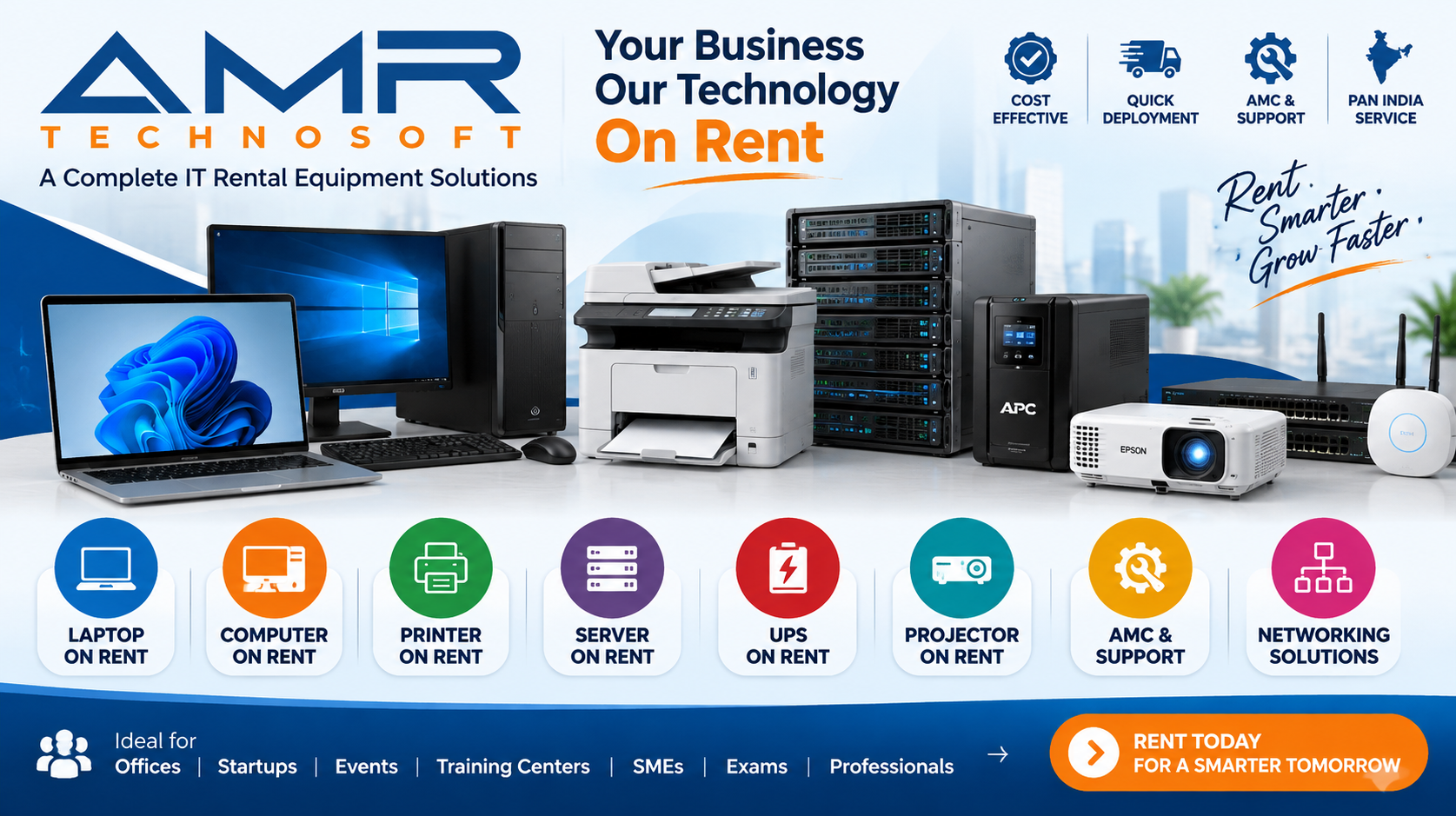
AMR Technosoft Pvt. Ltd. provides IT equipment on rent for businesses setting up offices across Delhi NCR, including Noida and Gurgaon. Depending on your needs, this can include laptops, desktops, monitors, networking equipment, printers and other office IT accessories, along with delivery and setup support where available.
To get a useful quotation quickly, share your office address, start date, expected duration, number of users and the role-wise configuration you need. If you are not sure about specifications yet, describe the work your team will be doing, and we can suggest a suitable mix.
Frequently Asked Questions
How quickly can a short-term office be set up in Noida or Gurgaon? With ready managed or coworking space, the desks and IT equipment can be in place within days. The internet line is usually what takes longest, so order it as soon as the space is confirmed.
Is Noida or Gurgaon better for a short-term office? Neither is better in every case. Choose based on where your client is, where your team lives, your budget per seat and the type of building you need.
Can I rent laptops for just one or two months? Yes. Short rental periods are common for project and overflow offices. Confirm the minimum period and any charges for extending or returning early.
Do I need my own internet if I am in a coworking space? Not always. Shared Wi-Fi may be fine for general work, but many IT services teams need a dedicated line, firewall or VPN to meet client security rules.
Can rented laptops come with our software pre-installed? Many rental providers can load a standard image or a list of software before delivery. Share the requirements and licences in advance.
What if a rented laptop stops working? A good provider will repair or replace it. Agree the replacement time in writing and keep a few spares on site for immediate swaps.
Is GST input credit available on IT equipment rental? For GST-registered businesses it is usually available on rental invoices, but confirm the details with your CA.
What should we do with data on rented devices at the end? Back up what you need, then securely wipe every device before return. Ask the provider how they handle data on returned equipment as well.
Conclusion
A temporary office should not feel temporary to the people working in it. When the internet is stable, every laptop is ready on day one, and the meeting room just works, the team can focus on the project instead of the setup.
The pattern for a smooth short-term office setup in Noida and Gurgaon is simple enough: choose the location around your client and team, order connectivity early, write clear role-wise IT requirements, sort out building and paperwork rules in advance, and plan the exit before you need it. Renting the IT equipment keeps the whole arrangement as flexible as the lease itself.
If you are planning a project office, overflow floor or market-entry setup in Noida or Gurgaon, get in touch with AMR Technosoft Pvt. Ltd. Share your location, team size, start date and duration, and we will help you put together the right mix of laptops, desktops, networking and office IT on rent.
Publishing Notes (not part of the article)
Internal linking recommendations
| Anchor text | Link to | Place in section |
|---|---|---|
| laptops on rent | Laptop rental service page | IT Equipment Essentials |
| desktops | Desktop rental service page | IT Equipment Essentials |
| networking equipment | Networking solutions page | Internet and Networking |
| meeting room equipment | Display / AV rental page | IT Equipment Essentials |
| Renting the IT equipment | Corporate IT rental page | Conclusion |
| online exam centres | Exam centre rental article | Who Needs a Short-Term Office (training and events) |
| trade fair displays | Trade fair touchscreen article | FAQs or related posts block |
Image placement and alt text
| Placement | Image idea | Alt text |
|---|---|---|
| Below introduction | Team working in a furnished office floor | Short-term office setup in an IT park in Noida or Gurgaon |
| Location section | Office towers in an IT park | IT park office buildings in Delhi NCR |
| IT equipment section | Desks with laptops and monitors | Rented laptops and monitors set up for a project team |
| Internet section | Network rack with firewall and switch | Office network setup with firewall and switch |
| Timeline section | Technician setting up laptops | Technician preparing rented laptops before office launch |
Use your own office or delivery photos where possible.
Suggested CTA
Setting up an office in Noida or Gurgaon for a few months? Tell AMR Technosoft Pvt. Ltd. your team size and start date, and get a clear quote for laptops, desktops and networking on rent. Request a Quote
Social media description
Need a project office in Noida or Gurgaon, fast? From choosing the space to internet, IT equipment and exit planning, here is a practical guide to setting up a short-term office without the usual delays.