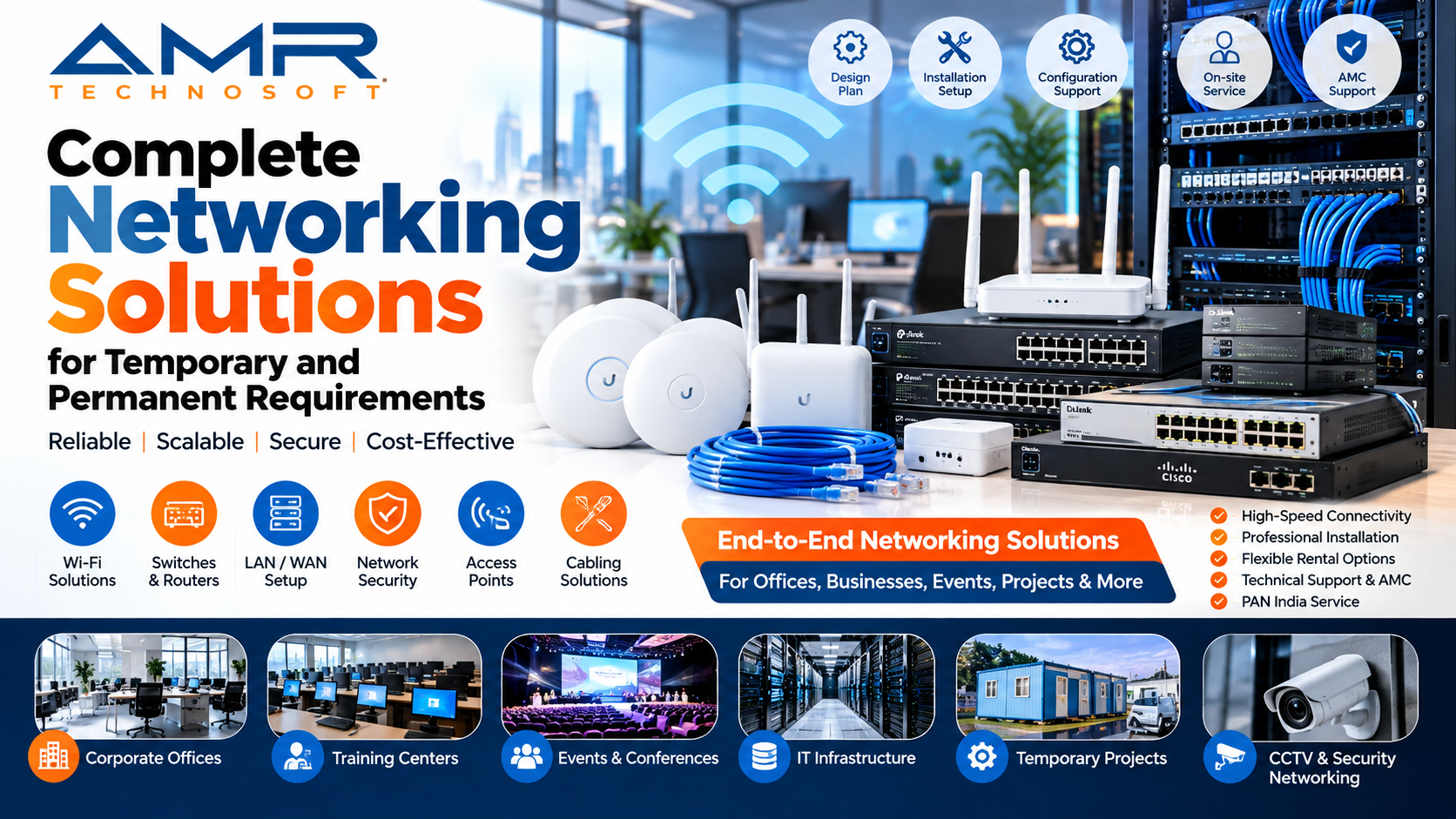
AMR Technosoft – A Complete Networking Solutions
Every business runs on connectivity. A sales team closing a deal, a warehouse scanning inventory, a conference hall streaming a keynote: none of it works without a network that behaves. Yet the network is often the last thing people plan for and the first thing they blame when something goes wrong.
The tricky part is that not every networking need is the same. Some are meant to last a decade. Others need to exist for a weekend. Getting the approach right for each is what separates a smooth operation from a stressful one.
Two Kinds of Network, Two Different Mindsets
A permanent network is infrastructure. It’s built into the walls, the ceilings, and the daily routines of an organization. You design it for growth, document it carefully, and expect it to run quietly for years.
A temporary network is closer to a stage production. It has to go up fast, perform flawlessly during a fixed window, and come down without leaving a mess. Think trade shows, construction sites, film shoots, pop-up stores, training camps, elections, or an office move where the old setup is gone before the new one is ready.
The skills overlap, but the priorities differ. Permanent networks reward careful long-term planning. Temporary ones reward speed, portability, and the ability to improvise without cutting corners on reliability or security.
What a Permanent Network Needs
Structured cabling. Cabling is the least glamorous part of a network and the hardest to fix later. Neat, labeled, properly terminated cabling prevents a surprising number of “mystery” problems. Always install more capacity than you need today.
Switching and routing. The core of the network should handle your busiest hour, not your average one. Segmenting traffic into separate virtual networks keeps guest devices, office computers, cameras, and servers from interfering with each other.
Wireless coverage. Good Wi-Fi is designed, not guessed. A proper site survey identifies dead spots, interference, and the number of devices each area must support. Adding access points randomly usually makes things worse.
Security. Firewalls, access controls, regular updates, and sensible password policies are the baseline. A network that is fast but open is a liability.
Monitoring and support. The best permanent networks tell you about problems before users do. Monitoring tools, scheduled maintenance, and clear escalation paths turn outages from emergencies into minor events.
Room to grow. Businesses add people, devices, and applications. A network sized exactly for today will be a bottleneck within a couple of years.
What a Temporary Network Needs
Rapid deployment. The clock is the main constraint. Pre-configured equipment that arrives ready to plug in saves hours of on-site work and removes guesswork.
Portable, flexible hardware. Compact switches, mobile access points, and cellular or satellite backup links let you create connectivity almost anywhere, including places with no existing infrastructure.
Redundancy. When an event has one chance to go right, a single point of failure is unacceptable. A second internet link and spare equipment on hand are cheap compared to a stalled event.
Capacity planning for crowds. Temporary venues often pack many people into one space. Fifty people with two devices each behave very differently from fifty people with one. Plan for density, not just headcount.
On-site expertise. Someone who understands the setup should be available during the event. Problems at a live event need answers in minutes.
Clean teardown. Equipment should be collected, wiped, and logged properly. Leftover configurations and forgotten devices are a security risk.
Renting vs. Buying Network Equipment
This is where many organizations either overspend or underprepare.
Buying makes sense for equipment you will use continuously for years: core switches, firewalls, and structured cabling. Renting makes sense when demand is short-lived, unpredictable, or needs specialized gear you won’t use often.
Many organizations take a blended approach. They own a stable core and rent extra capacity for peaks, special projects, or trial runs. This keeps capital free and avoids a storeroom full of idle hardware.
A few questions help decide:
- How long will we actually need this?
- Will the technology still fit our needs in three years?
- Do we have staff who can install and support it?
- What does downtime cost us per hour?
If the honest answers point to short duration or high uncertainty, rental is usually the better fit.
When the Two Worlds Meet
Some of the most common situations involve both kinds of requirements at once:
- An office relocation. A temporary network keeps teams working while the permanent one is built at the new location.
- A growing business. The permanent network handles daily work while rented equipment covers seasonal peaks.
- A construction project. Site offices need quick connectivity now, while the finished building gets full structured cabling later.
- Disaster recovery. A temporary setup restores operations while the permanent infrastructure is repaired or replaced.
In each case, the smartest move is planning both together. A temporary network designed with the permanent one in mind makes the transition easier, and sometimes parts of it can be reused.
Choosing the Right Networking Partner
A good partner should be able to handle both ends of the spectrum. When evaluating one, look for:
- Experience across scenarios. Ask for examples of both short-term and long-term projects.
- Clear, itemized pricing. Installation, support, delivery, and removal should all be visible.
- Response commitments. Know exactly how quickly help arrives when something fails.
- Security awareness. They should talk about protecting your data without being prompted.
- Honest advice. A good partner will sometimes tell you that you need less than you thought.
- Documentation. You should receive network diagrams, configurations, and credentials in an organized form.
Common Mistakes to Avoid
- Planning too late. Networks need lead time, especially for large venues or multiple sites.
- Ignoring the user count. Bandwidth that looks generous on paper disappears quickly when everyone connects at once.
- Skipping a test run. Test before the real day, not during it.
- Treating temporary as insecure. Short-lived networks are still targets. Apply the same basic protections.
- No backup plan. One internet connection is a single failure away from silence.
- Weak documentation. When the person who built the network leaves, undocumented systems become mysteries.
A Simple Planning Checklist
Before starting any project, write down:
- The purpose of the network and who will use it
- The number of users and devices, now and later
- The duration, whether days, months, or indefinite
- Critical applications and acceptable downtime
- Security and compliance requirements
- Budget, including support and removal costs
- Who is responsible when something breaks
Final Thoughts
Good networking is mostly invisible. When it works, nobody notices. When it fails, everyone does. Whether you need connectivity for a three-day event or a headquarters you’ll occupy for twenty years, the principles are the same: understand the need, plan for failure, protect your data, and work with people who know the difference between a quick fix and a lasting solution.
Treat temporary and permanent requirements as parts of one connected strategy rather than separate problems, and you’ll spend less, avoid surprises, and keep your people productive wherever they work. AMR Technosoft is a networking for Complete IT Solution for that section which make a perfect solution.