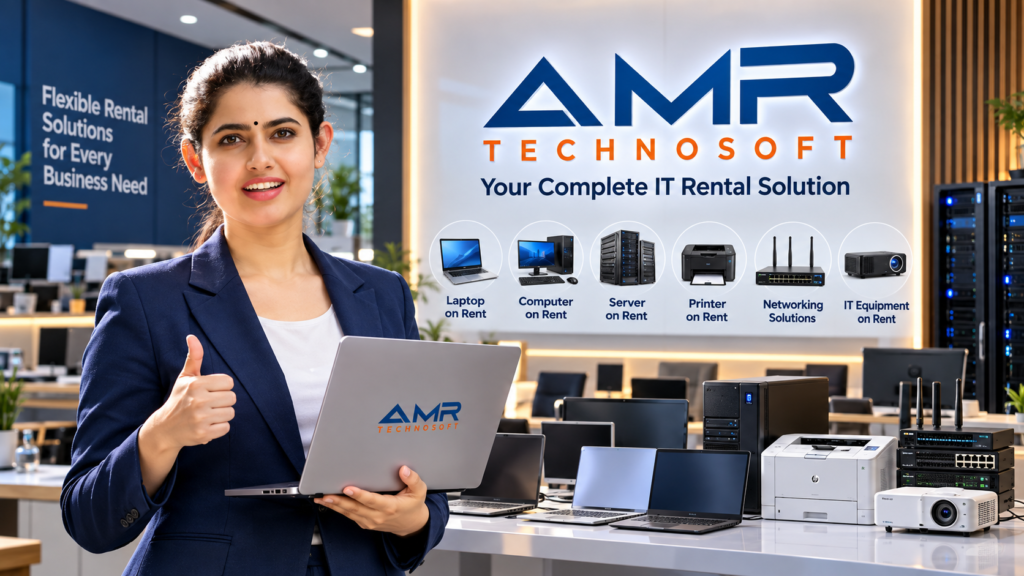
Buying a laptop used to be the only sensible choice. Today, more students, freelancers, startups, and large companies are asking a different question: do we need to own this at all?
Laptop rental has grown because the way we work has changed. Teams are remote, projects are short, and technology gets outdated quickly. Renting gives you a working machine without a large upfront payment and without the headache of maintaining it.
This guide explains how laptop rental works, who it suits, what it costs, and how to find the best laptop rental service near you.
What Is Laptop Rental?
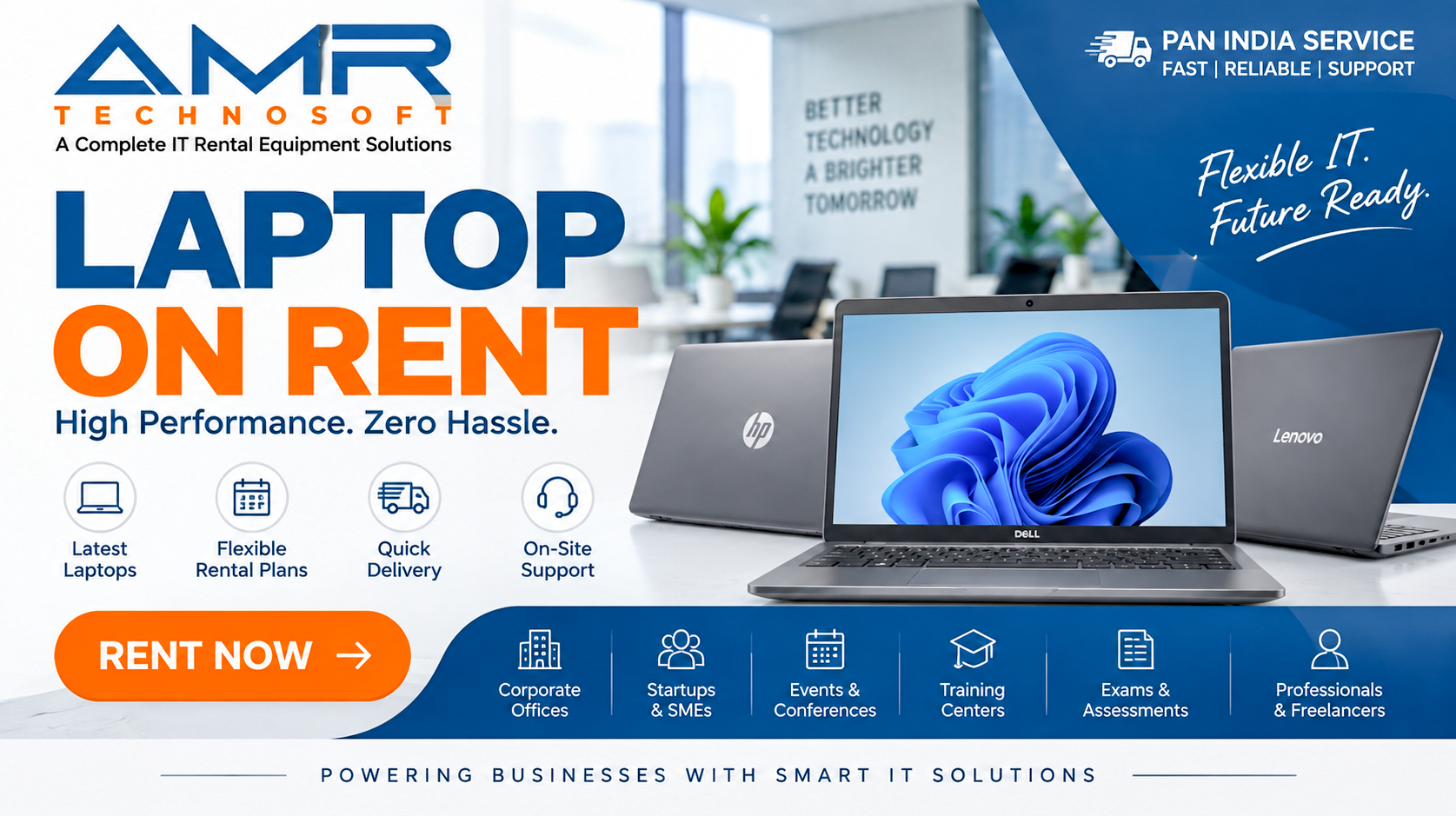
Laptop rental means paying a regular fee, usually daily, weekly, or monthly, to use a laptop that belongs to a rental company. You use it for as long as you need and return it when you are finished. Many providers also include servicing, support, and replacement if something goes wrong.
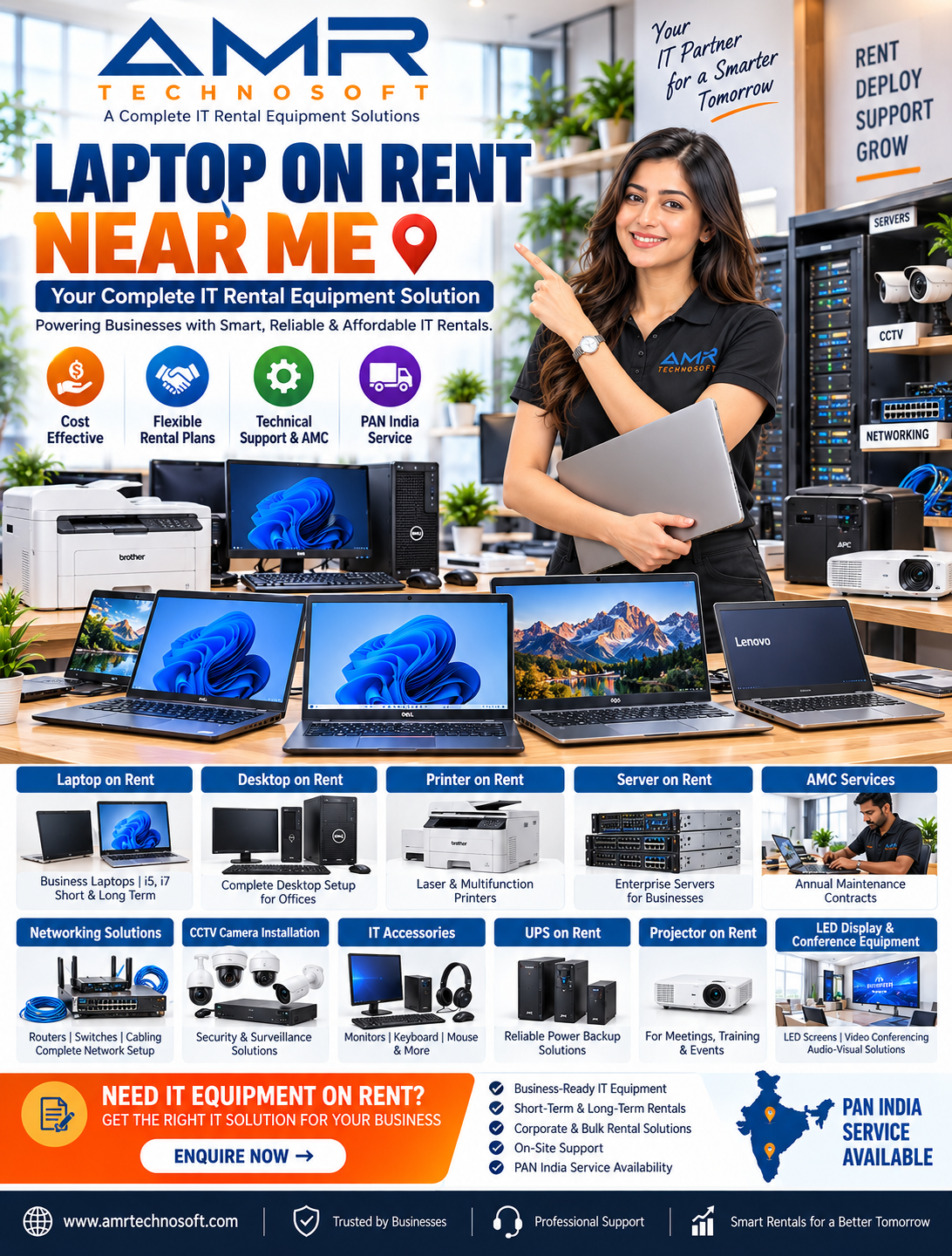
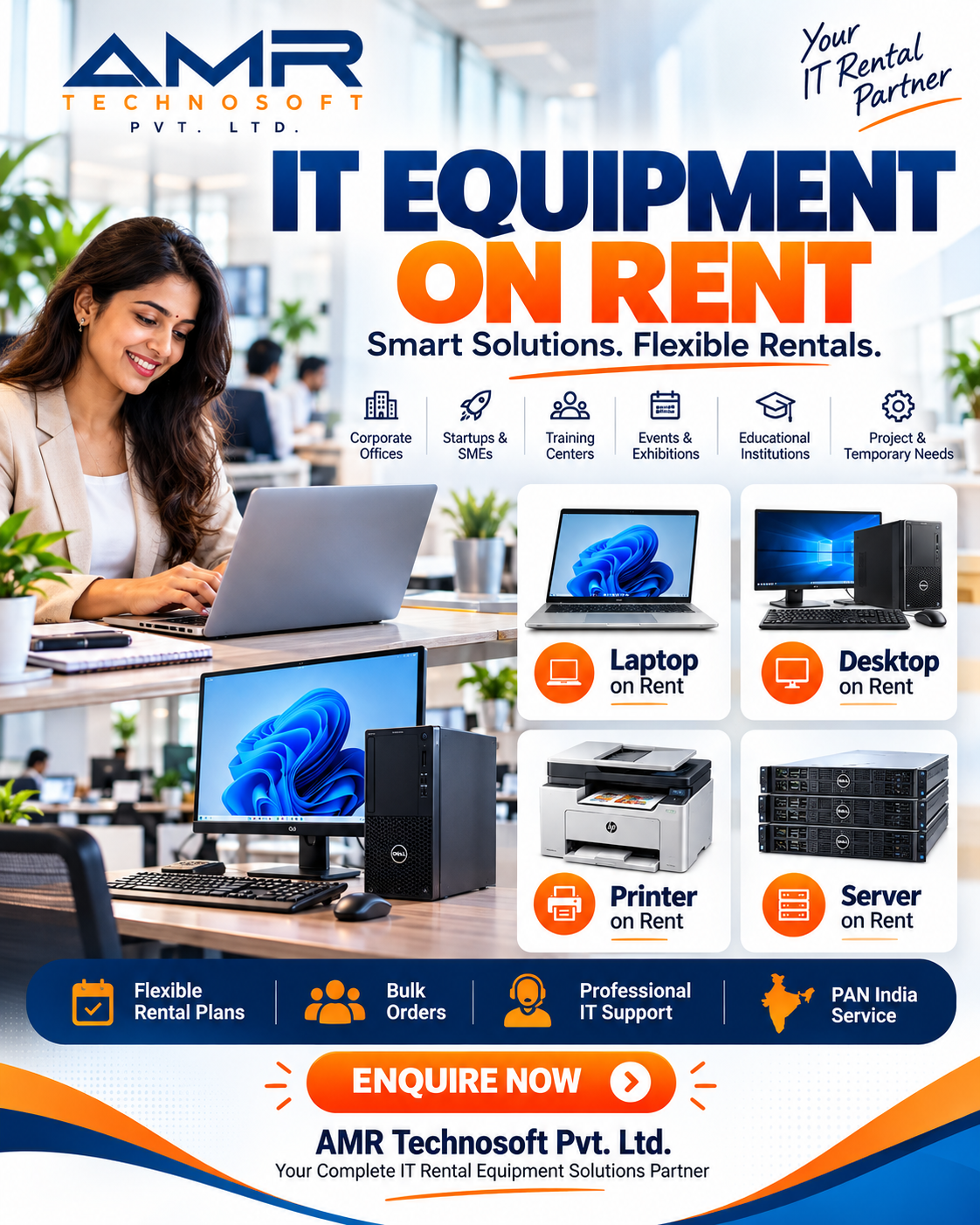
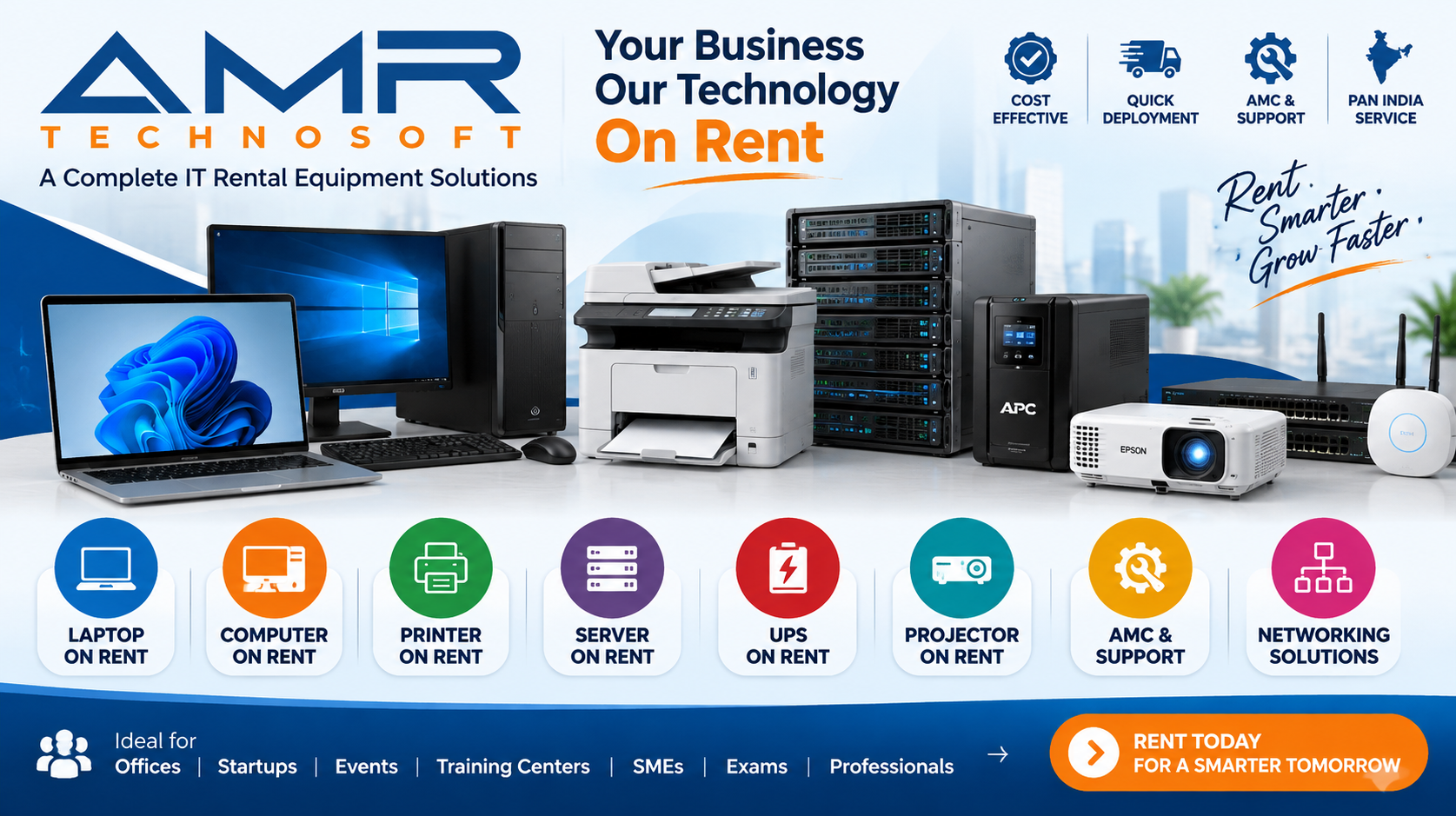
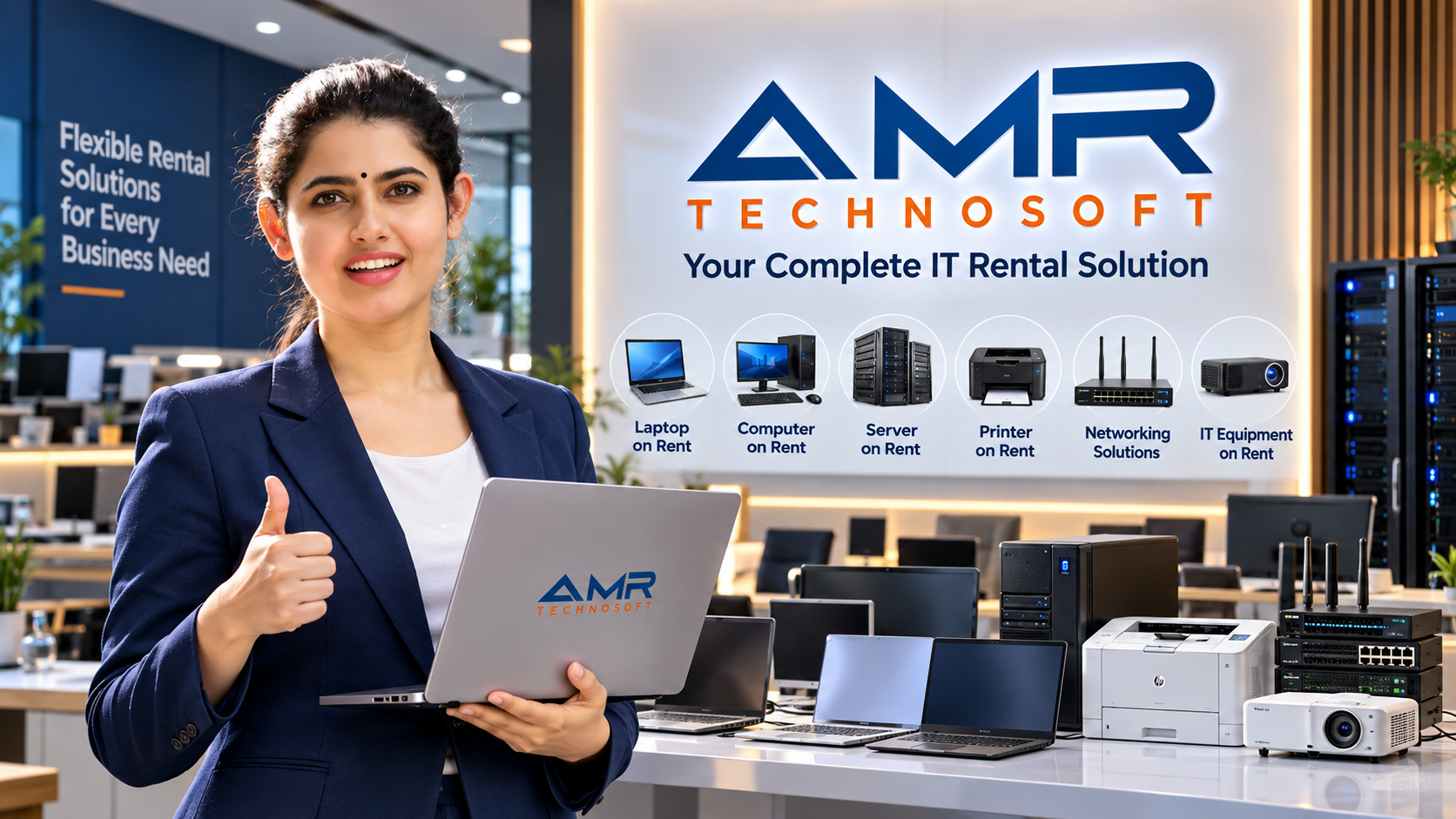
Most rental companies offer more than laptops. A good provider can also supply desktops, monitors, tablets, printers, projectors, docking stations, networking gear, and accessories. This is why many businesses now search for IT equipment rental instead of laptop rental alone.
Why More People Are Choosing to Rent
1. Lower upfront cost. A good business laptop can be expensive. Renting spreads that cost into small payments, which keeps cash free for other needs.
2. Flexibility. If your project lasts three months, you pay for three months. If your team grows, you add machines. If it shrinks, you return them.
3. Latest technology. Rented devices can be swapped for newer models, so you are never stuck with outdated hardware.
4. Maintenance included. Repairs, battery issues, and software problems are usually handled by the provider. That saves time and avoids surprise bills.
5. Predictable budgeting. A fixed monthly fee is easier to plan around than sudden repair costs or replacement purchases.
6. Less waste. Rented devices are reused, repaired, and redeployed, which is better for the environment than constantly buying new.
Who Benefits Most from Laptop Rental?
Students and learners. Online courses, coding bootcamps, and exam periods often need a reliable laptop for a limited time. Renting avoids a large purchase.
Freelancers and remote workers. If your own laptop breaks or underperforms, a rental keeps you earning while you decide what to buy long term.
Startups and small businesses. New companies rarely want to tie up money in hardware. Renting lets them equip a team quickly and scale as they grow.
Large organizations. Companies often rent laptops for seasonal hiring, temporary projects, training programs, or branch offices.
Event organizers. Conferences, exhibitions, workshops, and product launches need many devices for a few days only.
Schools and training centers. Computer labs can be set up for a term or a course without a permanent investment.
Film, design, and creative teams. High-performance machines for editing or rendering can be rented for a single project.
Types of Laptop Rental Plans
Short-term rental. Daily or weekly plans for events, travel, exams, or emergencies. Pricing per day is higher, but the total cost is small.
Long-term rental. Monthly or yearly plans for ongoing work. The monthly rate is lower, and support is often bundled in.
Corporate or bulk rental. Multiple devices for a company, usually with custom pricing, fleet management, and priority service.
Rent-to-own. You rent for a set period and may have the option to buy the device at the end. Read the terms carefully, because the total paid can exceed the retail price.
Managed device services. The provider handles setup, software, security, repairs, and replacement. This suits companies without a large IT team.
How to Find the Best Laptop Rental Service Near You
Searching for “laptop on rent near me” brings up many results. These steps help you separate reliable providers from risky ones.
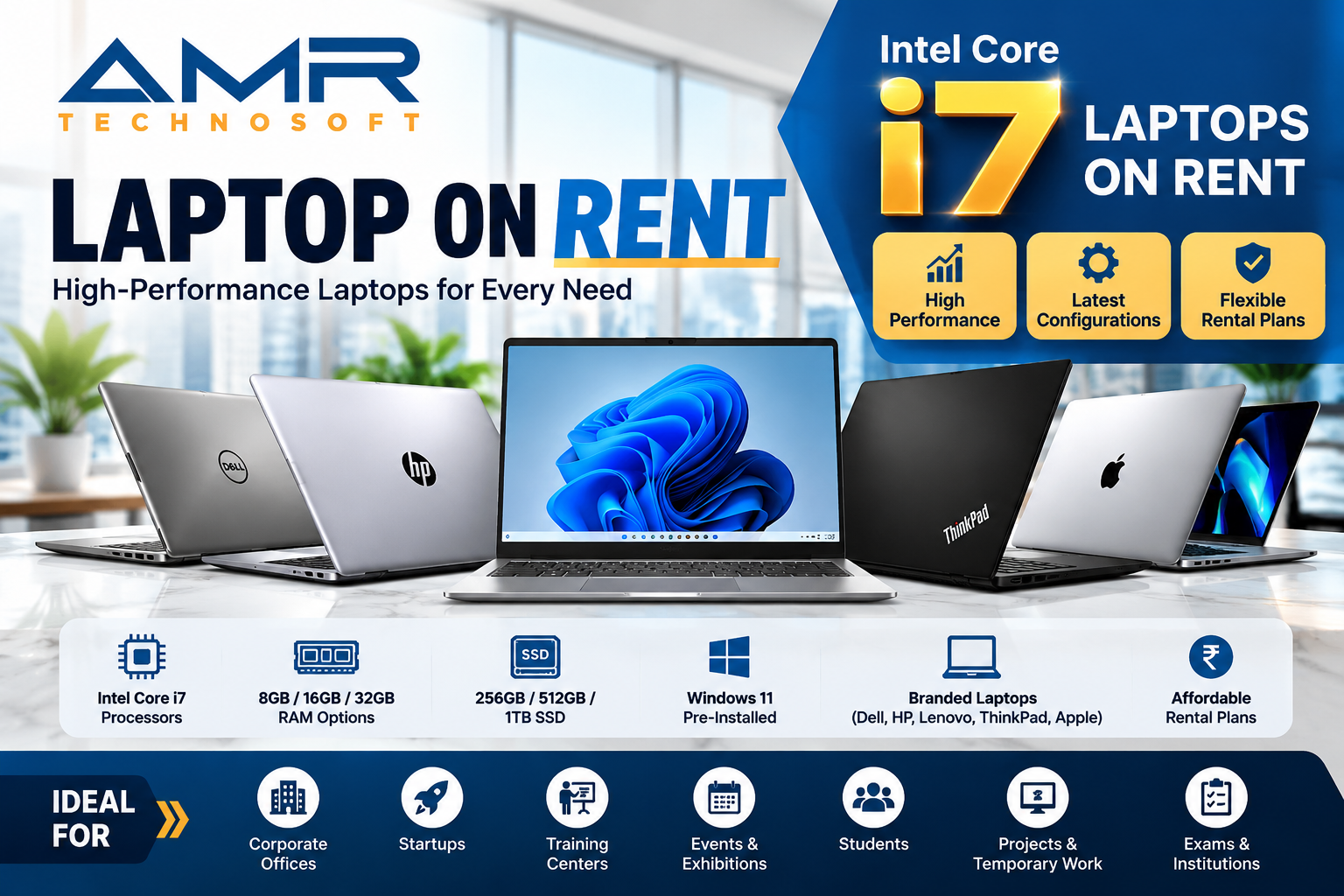
Check the range of equipment. The best providers offer several brands and specifications, such as Dell, HP, Lenovo, Apple, and ASUS, in different performance tiers.
Look at device quality. Ask about the age and condition of the machines. Newer processors, SSD storage, and at least 8 GB of RAM are a sensible baseline for most work.
Compare delivery and pickup. A local provider can often deliver the same day and replace a faulty device quickly. Fast response matters more than a slightly lower price.
Ask about support. Find out what happens if a device fails. Is there a replacement? How quickly? Is support available on weekends?
Read the rental agreement. Look at the deposit, late fees, damage policy, minimum rental period, and early return terms. Anything unclear should be explained in writing.
Confirm data security. Devices should be wiped and reset between customers. Business users should ask about encryption, remote management, and data handling.
Check reviews and references. Look for genuine customer feedback and ask for business references if you are renting in bulk.
Compare total cost, not just the headline price. Include deposits, delivery charges, insurance, taxes, and accessory fees.
Rent vs. Buy: Which Is Better?
There is no single answer. It depends on how long you need the laptop and how you want to manage cost.
| Factor | Renting | Buying |
|---|---|---|
| Upfront cost | Low | High |
| Flexibility | High | Low |
| Maintenance | Usually included | Your responsibility |
| Upgrades | Easy | Requires a new purchase |
| Long-term cost | Higher over many years | Lower if used for years |
| Ownership | No | Yes |
Rent if you need a device for under a year or two, your needs change often, or you want to avoid repair and upgrade hassle.
Buy if you will use the same laptop for three or more years and want full ownership.
What to Look for in a Rental Laptop
Match the specifications to the job.
Basic work and study: A mid-range processor, 8 GB RAM, and 256 GB SSD handle browsing, documents, video calls, and online classes.
Business and office work: Choose 16 GB RAM, a modern processor, a durable body, and good battery life. Business-class models from established brands are a strong choice.
Design, editing, and development: Look for a faster processor, 16 to 32 GB RAM, a dedicated graphics card where needed, and a high-quality display.
Travel: Prioritize low weight and long battery life.
Tips to Get the Most Value from a Rental
- Negotiate longer terms for a lower monthly rate.
- Ask what is included, such as chargers, bags, software licenses, and support.
- Inspect the laptop on delivery and note any existing damage in writing.
- Back up your data regularly, since you will return the device.
- Keep the laptop clean and use a protective sleeve to avoid damage charges.
- Ask about upgrades or swaps if your needs change mid-term.
- For bulk orders, request a trial of one or two devices first.
Common Mistakes to Avoid
- Choosing the cheapest option without checking support quality
- Skipping the fine print on damage and late fees
- Renting underpowered machines that slow down your work
- Not asking about data wiping and privacy
- Ignoring delivery times for urgent needs
- Forgetting to confirm what happens at the end of the term
Beyond Laptops: A Complete IT Equipment Rental Solution
Organizations often need more than a single device type. A complete provider can supply:
- Laptops and desktops
- Monitors and docking stations
- Tablets and smartphones
- Printers and scanners
- Projectors and conference equipment
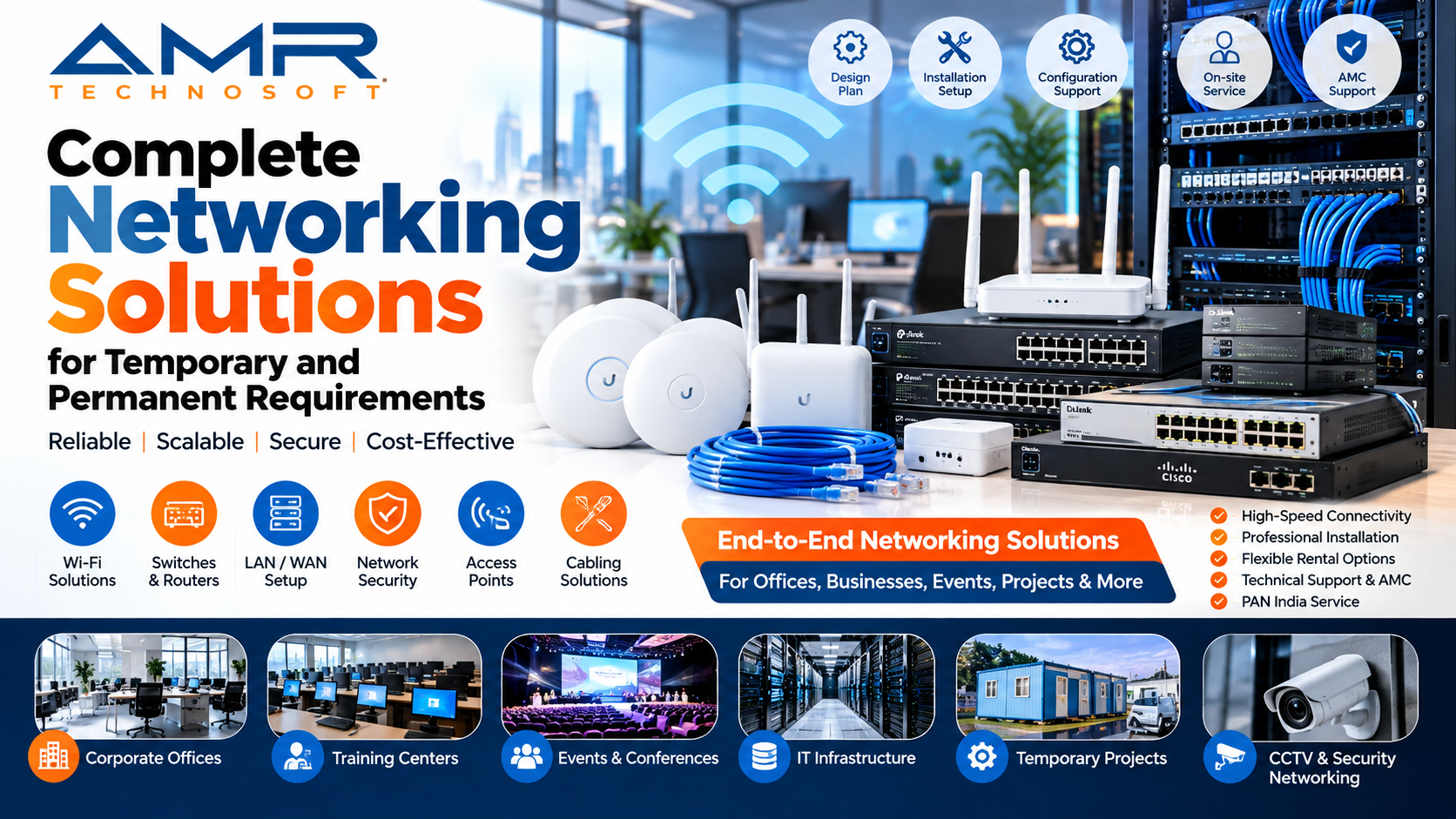
- Servers and networking gear
- Accessories such as keyboards, mice, headsets, and webcams
Working with one provider for everything simplifies billing, support, and logistics. It also makes it easier to standardize equipment across a team.
The Growing Role of Refurbished Equipment
Many rental companies now include professionally refurbished devices in their fleet. Refurbished business laptops are tested, repaired, cleaned, and restored to working condition. They offer strong performance at a lower cost and reduce electronic waste. If budget matters, ask whether refurbished options are available and what warranty or support comes with them.
Frequently Asked Questions
How much does it cost to rent a laptop?
Prices vary by model, rental length, and location. Basic laptops cost less, while high-performance machines cost more. Long-term plans generally have a lower monthly rate than short-term ones.
Is a security deposit required?
Many providers ask for one, especially for individuals. Corporate customers may get deposit waivers based on agreement terms.
Can I rent a laptop for just one day?
Yes, many providers offer daily rentals, though the per-day price is higher.
Who pays if the laptop is damaged?
This depends on your agreement. Some plans include damage cover, while others charge you for repairs. Always confirm this before signing.
Can I buy the laptop after renting?
Some providers offer a purchase option. Ask for the buyout price before you start.
Is my data safe on a rented laptop?
It can be, if the provider wipes devices between rentals and you follow basic security practices. Use encryption and back up your files.
Can businesses rent laptops in bulk?
Yes. Bulk rental is common, and providers usually offer discounted rates, setup services, and dedicated support.
Final Thoughts
The best laptop rental solution is the one that fits your timeline, budget, and level of support. For short projects, events, or growing teams, renting offers flexibility and savings that buying cannot match. For long-term, stable use, buying may cost less over time.
Whatever you choose, compare providers carefully, read the agreement, and prioritize reliable support. A good rental partner does more than supply hardware. They keep you productive.
If you are searching for a laptop rental service near you, start by listing your needs: how many devices, for how long, and with what specifications. Then request quotes from a few local providers and compare the total cost and service quality.