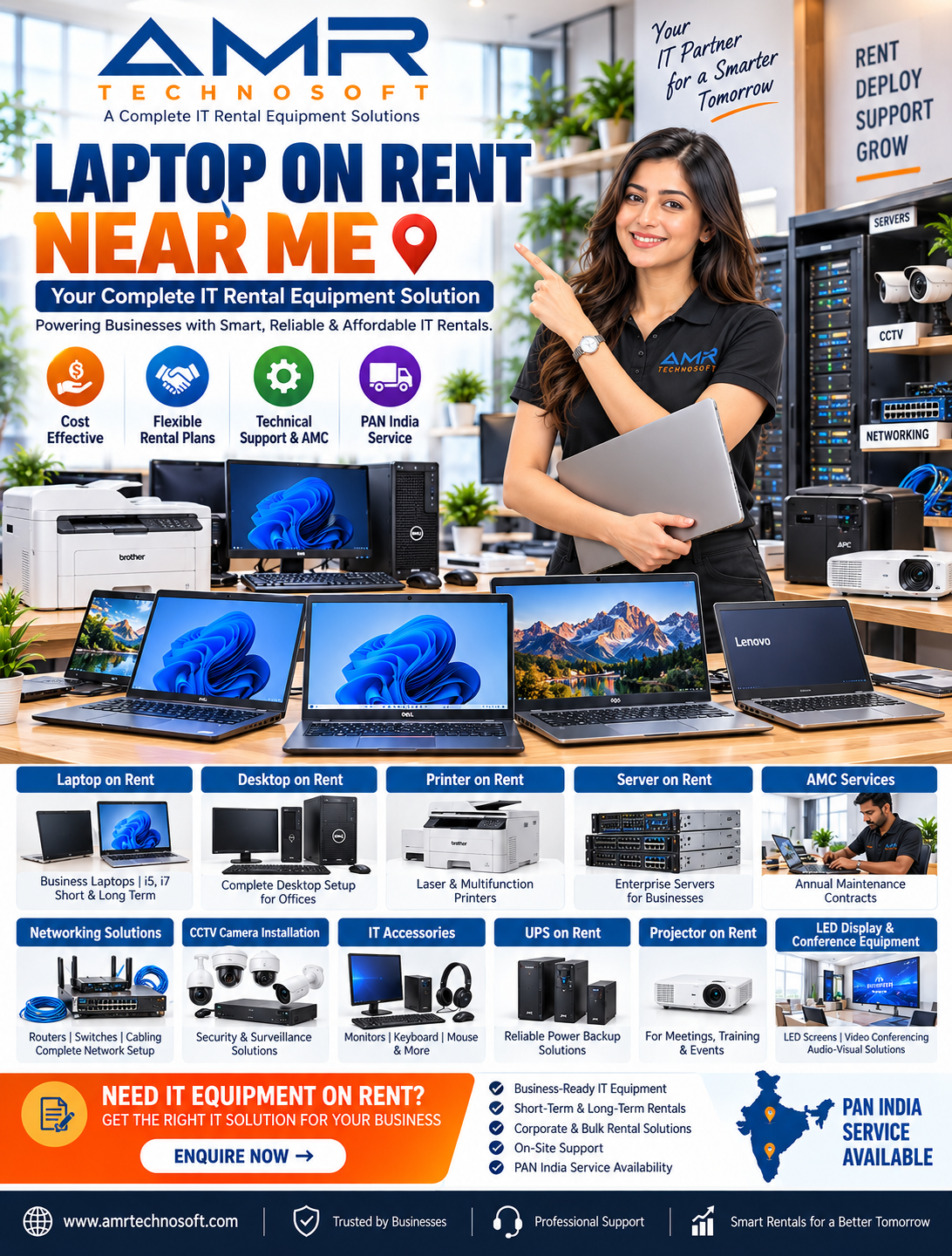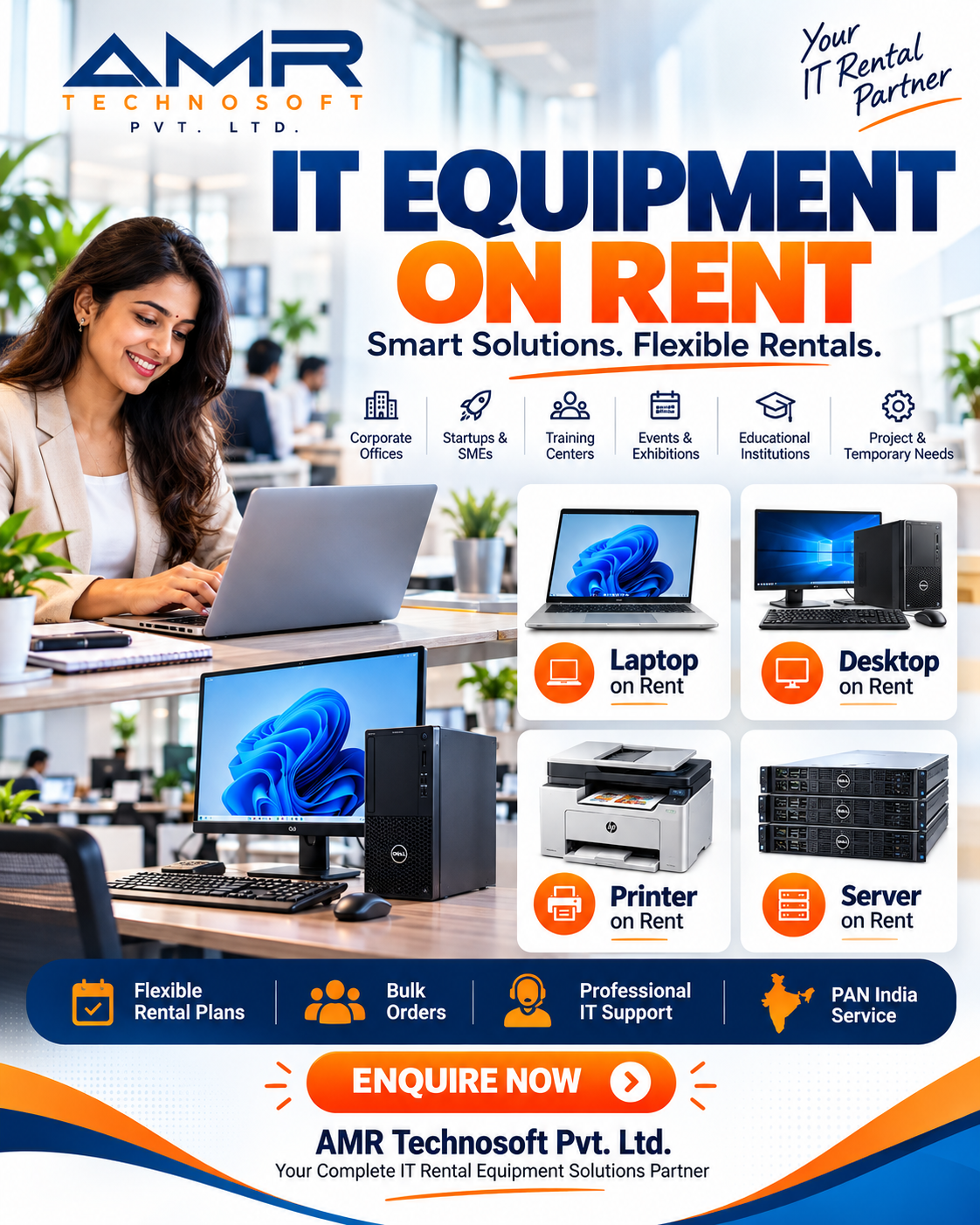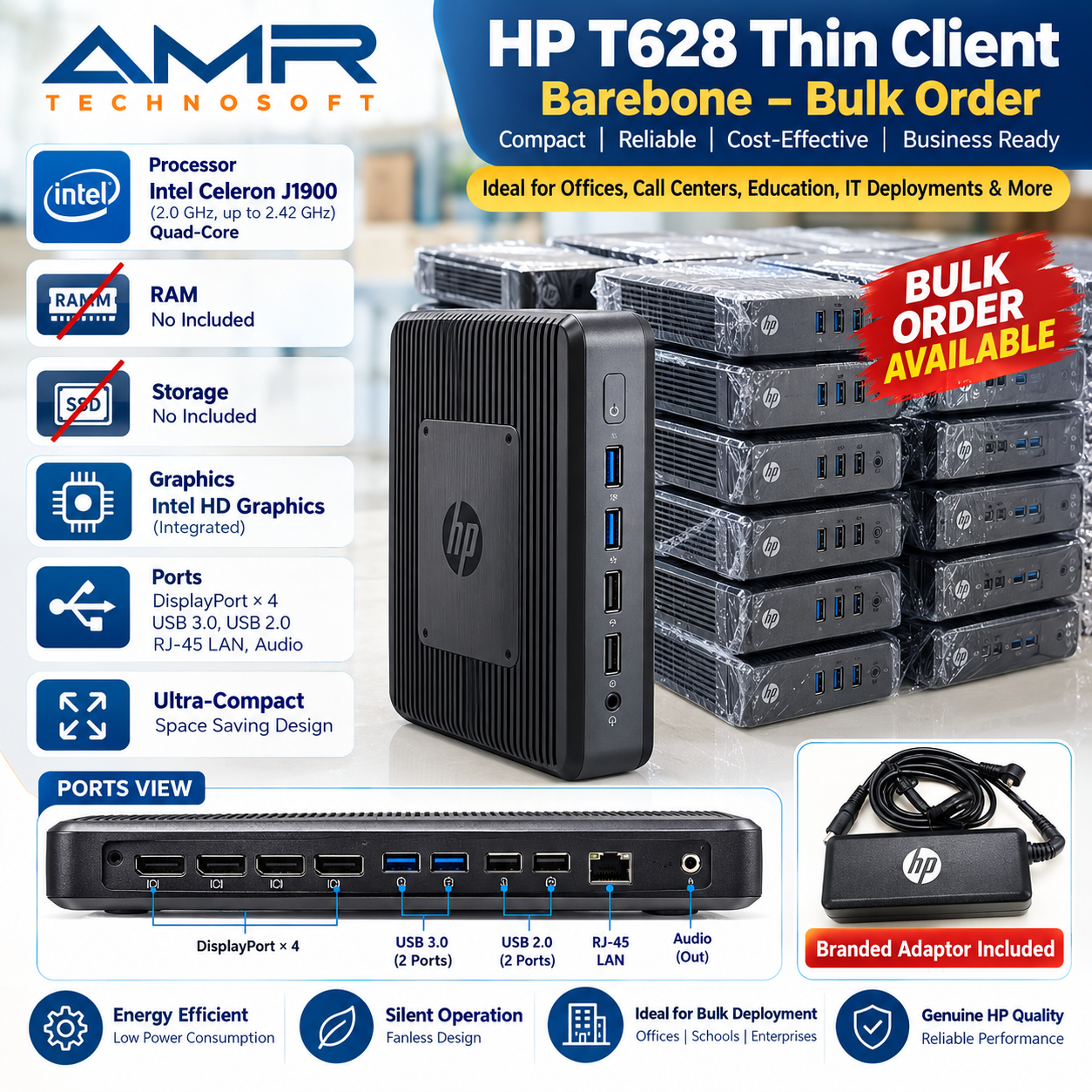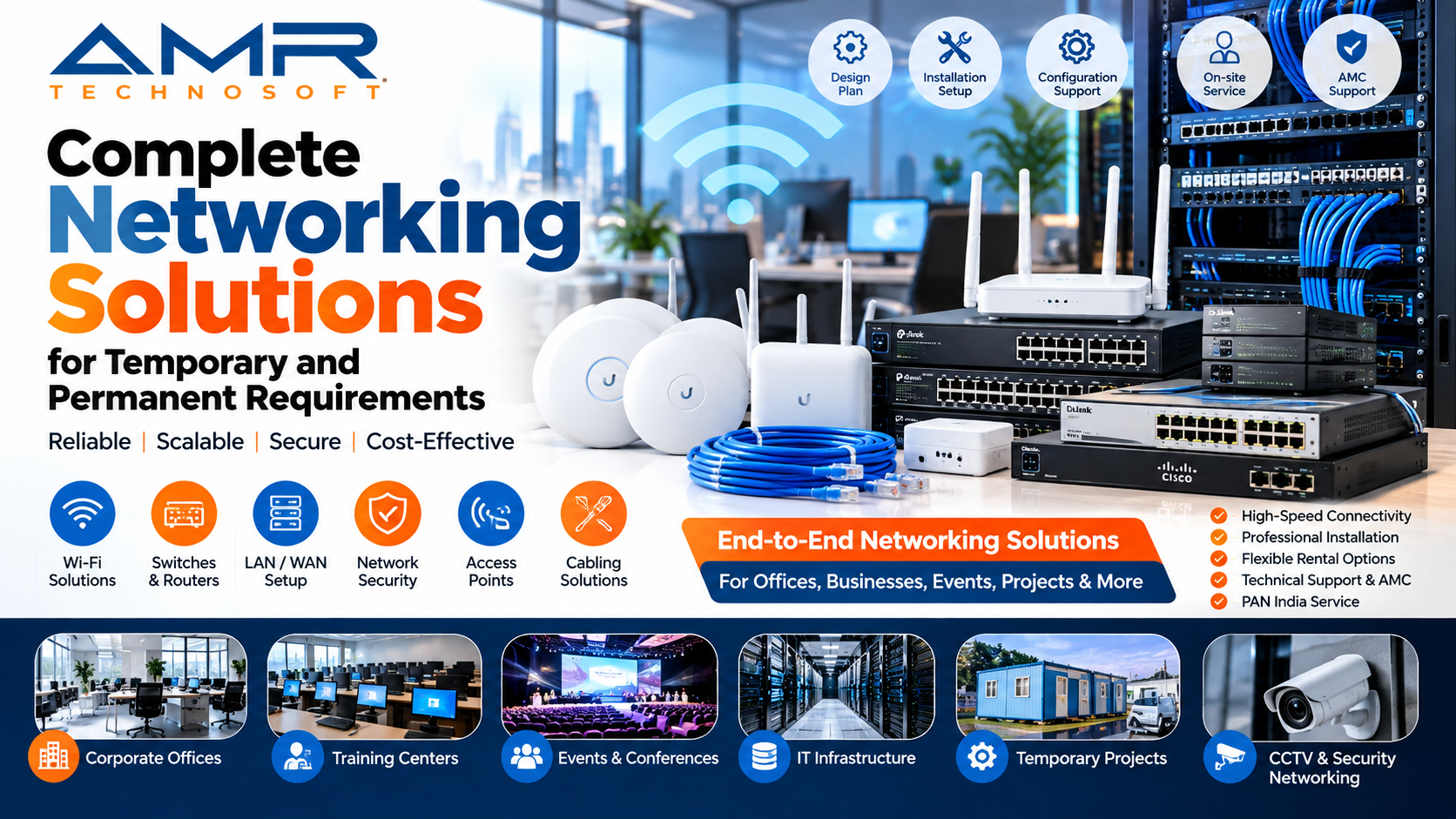
AMR Technosoft Private Limited
Bulk Laptops Dealer
Introduction: The Quiet Shift Away From Buying Technology
Open the budget spreadsheet of almost any growing company and you will find the same pattern. A large share of the money meant for growth, hiring, marketing, and product development gets absorbed by equipment. Laptops, monitors, docking stations, printers, and the accessories that go with them all add up. Most of that spending is not a strategic choice. It is a necessity, because people cannot work without devices.
Buying that equipment outright used to be the only sensible option. If you wanted your team to have computers, you purchased them, depreciated them over three or four years, and replaced them when they gave out. That model made sense in a world where business needs changed slowly and technology moved at a gentler pace.
Neither of those conditions holds today. Teams expand and contract within a single quarter. Projects begin with a burst of hiring and end with a quiet wind-down. Remote and hybrid work has made the idea of a fixed office with fixed desks feel outdated. Meanwhile, processors, memory, and storage keep improving, so a laptop bought today looks modest within a few years.
This is why corporate laptop rental has moved from a niche convenience to a mainstream business strategy. Companies of every size are discovering that they do not need to own their laptops to benefit from them. They need access to reliable, capable machines for exactly as long as they are useful, and no longer.
AMR Technosoft was built around that idea. Whether you are a startup setting up your first ten workstations, a mid-sized firm onboarding a seasonal workforce, or a large enterprise running a short-term project, renting gives you the equipment you need without the capital commitment, the maintenance headaches, or the risk of owning machines that are already out of date. This article explains how laptop rental works, what to look for, and why so many businesses are changing how they think about technology.
Why the Old Buying Model Is Losing Ground
The Hidden Weight of Ownership
When a company buys a laptop, the invoice is only the beginning. The machine has to be configured, tracked, insured against loss, repaired when it breaks, and eventually retired or recycled. Each step takes time, and time has a cost. An IT employee who spends a day reimaging a dozen laptops is not working on security, infrastructure, or projects that move the business forward.
Then there is depreciation. A laptop loses value the moment it leaves the box. Within two or three years, its resale value is a fraction of its purchase price, and the cost of disposing of it responsibly may exceed what you recover. Ownership turns what looks like an asset into a slowly declining liability.
The Mismatch With Modern Work
Traditional purchasing assumes you can predict your needs. You estimate headcount, buy accordingly, and live with the result. Modern business rarely cooperates with such predictions. A client project might require twenty additional consultants for four months. A marketing campaign might call for a temporary team of designers. A training program might need fifty identical machines for two weeks.
If you buy for peak demand, you end up with idle equipment for most of the year. If you buy for average demand, you scramble every time a spike arrives. Either way, you pay for flexibility you do not get. Rental solves this by turning your device fleet into something that expands and shrinks as your needs do.
The Pace of Technological Change
Software grows more demanding every year. Video calls that once required little more than a webcam now run alongside collaboration suites, cloud applications, and browser tabs numbering in the dozens. A machine that handled all of this comfortably three years ago may now stutter. Businesses that own their laptops often face an uncomfortable choice between a costly mid-cycle replacement and a team slowed down by aging hardware.
Rental sidesteps the dilemma. Because you are not committed to a device for its entire lifespan, you can move to newer models whenever your work demands it.
What Is Corporate Laptop Rental?
Corporate laptop rental is a straightforward arrangement. A provider supplies laptops to a business for an agreed period, in exchange for a periodic fee. The provider owns the equipment, maintains it, and takes it back when the rental ends. The business uses the machines for as long as it needs them and pays only for that time.
Rental periods can be as short as a day or a week, which suits events, workshops, and short assignments. They can also stretch to many months or years, which suits ongoing operations that simply prefer not to own their hardware. Some businesses rent a single laptop for a visiting consultant. Others rent hundreds at once for a large project or a new office.
The model differs from leasing, which usually involves a longer, more rigid commitment and often ends with an option to buy. It also differs from purchasing, which transfers ownership and all the responsibilities that come with it. Rental sits at the flexible end of the spectrum. You get the use of the device without taking on ownership, and you can walk away when the job is done.
Meet AMR Technosoft
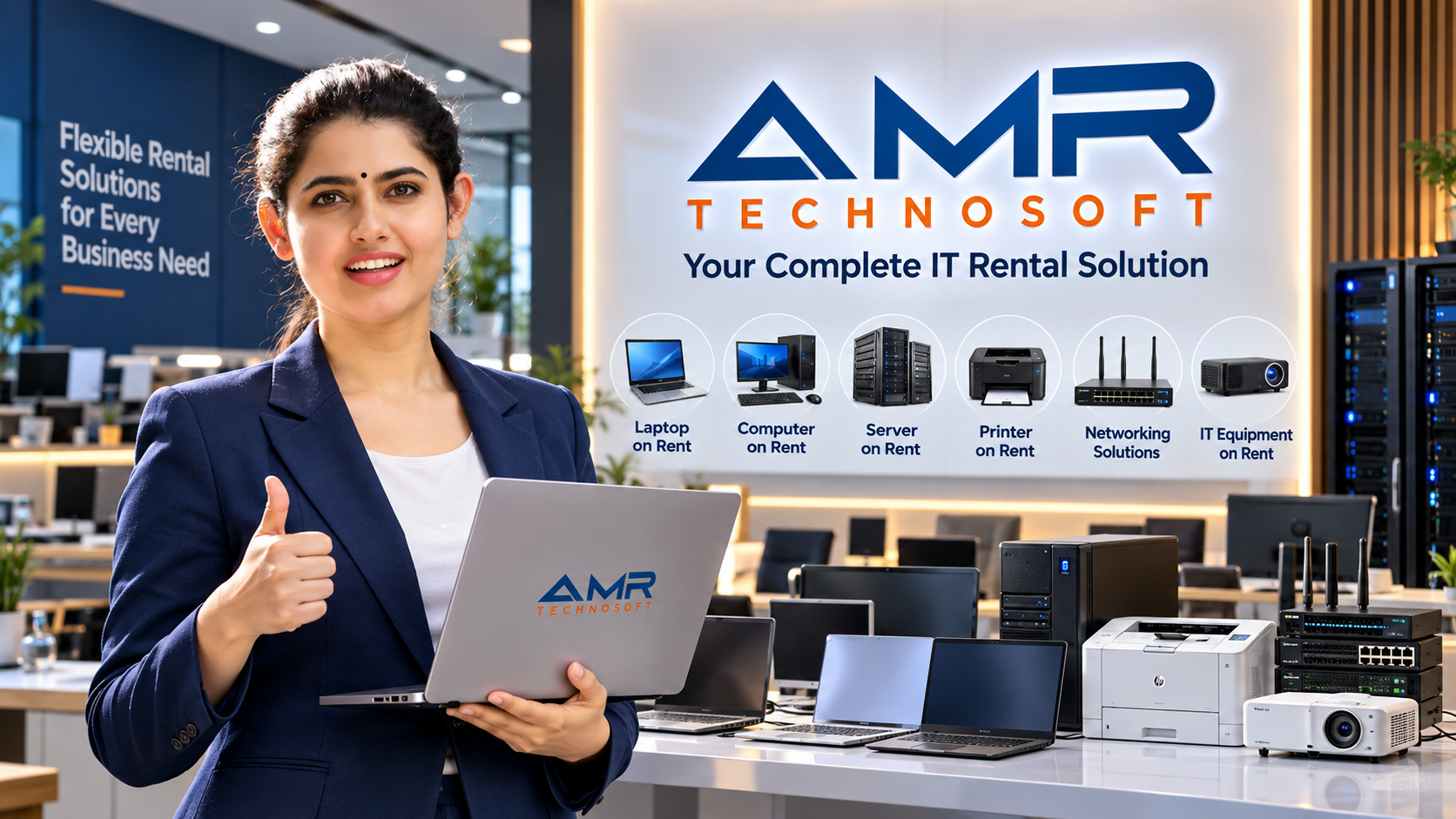
AMR Technosoft is a technology rental provider built around flexibility and reliability. We understand that businesses come in all shapes, and that the equipment that suits a three-person design studio will not suit a three-hundred-person call center. So instead of offering a rigid package, we work with each customer to match the right machines to the right people.
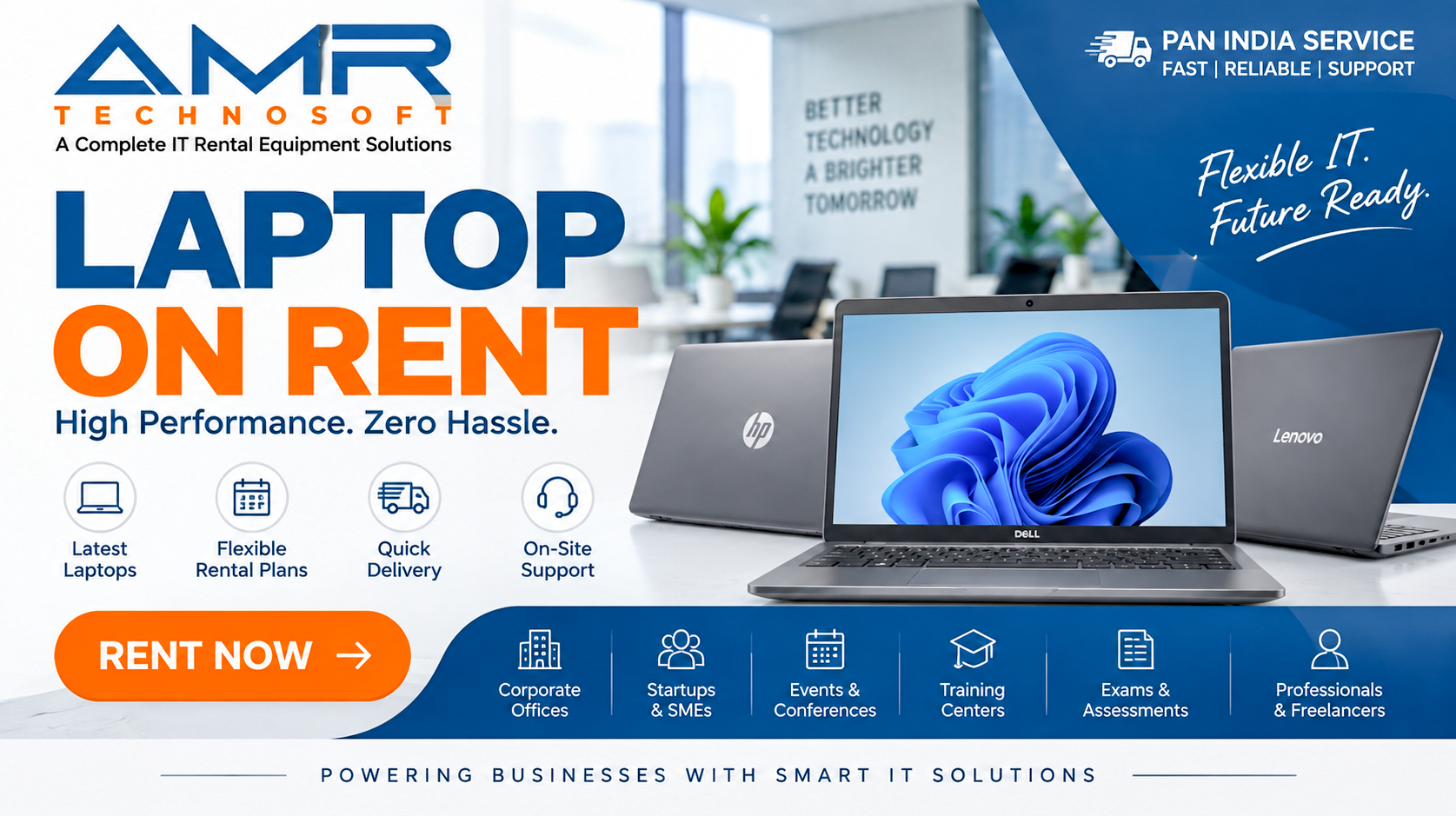
We serve both bulk and individual laptop rental needs. If you need a single high-performance machine for a one-off task, we can provide it. If you are equipping an entire department, we can supply laptops in volume, configured consistently so your team starts on equal footing. Our range of models covers everything from dependable everyday machines to performance-focused workhorses, so there is a sensible option for virtually every role in your organization.
Our approach rests on three commitments. Every device is quality-checked before it leaves us. Every customer receives clear, simple terms with no hidden surprises. And every rental is followed by genuine support, because we want you to have a smooth experience from the first day to the last.
A Closer Look at Our Business-Ready Laptop Range
Choosing the right laptop is not about finding the most powerful machine available. It is about matching capability to need. A laptop that is too weak frustrates employees and wastes their time. One that is far more powerful than necessary wastes your money. The models below cover the spectrum, and each one fits particular kinds of work.
The Core i7 Laptop: Power for Demanding Work
At the high-performance end of our range sits the Core i7 laptop. It pairs an Intel Core i7 processor with 16GB of RAM, a combination that handles heavy workloads with ease. It includes 320GB of SATA storage and offers strong battery life, so it keeps going through long working days.
The generous memory is the real advantage here. Sixteen gigabytes allows you to run many applications at once without slowdown, which makes this laptop a natural choice for people who live in complicated workflows. Think of analysts working with large spreadsheets, project managers juggling several tools, developers running multiple environments, or consultants switching between presentations, research, and live video calls.
Because it handles multitasking so gracefully, the Core i7 model is also a good fit for senior team members whose time is expensive. Saving a few minutes of waiting every day adds up quickly across a year, and a machine that never makes them wait pays for itself in recovered productivity.
The Core i5 Laptop With 4GB RAM: A Reliable Everyday Machine
Not every employee needs a powerhouse. For many roles, a dependable machine that handles the basics smoothly is exactly right. The Core i5 laptop with 4GB of RAM fills this role. It combines an Intel Core i5 processor with 4GB of memory and 320GB of storage.
This model suits everyday office tasks well: writing documents, managing email, working in spreadsheets, browsing the web, and attending video meetings with a modest number of applications open. It is also a sensible option for students and trainees, which makes it popular for training programs, classrooms, and academic use.
Its value lies in economy. When you are equipping a large group with similar, straightforward needs, such as a data-entry team, a group of trainees, or a customer-support unit, this model keeps costs under control without sacrificing dependability.
The AMD Ryzen Laptop: Compact, Sleek, and Capable
For those who want something a little different, the AMD Ryzen laptop offers a compelling alternative. Powered by an AMD Ryzen 5 processor, it features 8GB of DDR4 RAM and 512GB of storage. Its sleek, compact design makes it easy to carry, and its internals are strong enough to take on more than basic office tasks.
The generous 512GB of storage is a highlight. People who work with large files, such as designers, content creators, photographers, and video editors, appreciate the room to store projects locally. The Ryzen processor also copes well with creative software and can handle gaming, which makes the laptop attractive for creative agencies, media teams, and anyone whose work involves visuals.
Its portability makes it a good fit for people who are frequently on the move, such as sales teams, field consultants, and traveling executives. A compact laptop that does not compromise on capability is a real asset when your office is a train seat, an airport lounge, or a client’s conference room.
The Core i5 Laptop With 8GB RAM: The Balanced Performer
The fourth model strikes a balance between affordability and performance. The Core i5 laptop with 8GB of RAM features an Intel Core i5 processor and a 256GB SSD. The solid-state drive is a significant benefit, because SSDs start up faster and open applications more quickly than traditional drives.
This model is, for many businesses, the sweet spot. It has enough memory to handle a realistic mix of daily tasks, including several applications, a browser full of tabs, and regular video calls, while still being priced for broad deployment. It is well suited to business operations, administrative work, and remote employees who need a reliable machine at home.
If you are unsure which model to choose for a general-purpose team, this is often the best place to begin. It is versatile enough to satisfy most employees and affordable enough to roll out widely.
Matching the Right Laptop to the Right Role
A common mistake in business technology is buying a single standard machine for everyone. The idea is understandable, because uniformity simplifies management. But it usually means that some people are under-equipped while others are over-equipped. A smarter approach is to define a few categories of user and match each to a suitable model.
Knowledge workers with heavy multitasking needs, including analysts, managers, and developers, benefit most from the Core i7 with 16GB of RAM. Their work involves many applications running side by side, and slowdowns hurt them most.
General office staff, such as administrators, coordinators, HR teams, and finance assistants, usually do very well with the Core i5 with 8GB of RAM and its fast SSD. It handles their daily workload comfortably and boots quickly.
Entry-level, training, and high-volume support roles can be served well by the Core i5 with 4GB of RAM. Their tasks are typically focused and predictable, and the lower cost makes large deployments practical.
Creative professionals and mobile workers often prefer the AMD Ryzen laptop for its storage capacity, processing strength, and portable design.
The beauty of rental is that these decisions are not permanent. If you discover that a team needs more power than you gave them, you can switch to a stronger model. If a group turns out to need less, you can move them down. Mistakes become inexpensive and reversible, instead of costly and long-lasting.
When you share your requirements with us, we consider more than just the processor and memory. Screen size matters for people who spend hours reading spreadsheets. Camera quality matters for client-facing staff who spend much of their day on video. Battery life matters for those who work away from desks. We take all of these factors into account to find the best match.
The Financial Case for Renting
Converting Capital Expenditure Into Operating Expenditure
The most immediate financial advantage of renting is the change in how the cost is classified and experienced. Buying laptops is a capital expenditure: a large, upfront outlay that affects cash flow, ties up funds, and often requires approval at senior levels. Renting turns that into an operating expense, a predictable periodic cost that fits easily into regular budgeting.
For startups and small businesses, the difference can be decisive. Cash is the lifeblood of a young company, and spending a large sum on equipment up front means that money is unavailable for hiring, marketing, or product development. Renting keeps your cash working where it creates the most value.
For larger organizations, the benefit is more about agility. Departments can obtain equipment quickly without waiting for lengthy capital approvals, because the cost is modest and recurring rather than large and one-time.
Predictable Budgeting
Ownership brings surprises. A laptop fails outside its warranty, a batch of machines needs urgent replacement, or a software update makes older hardware unusable. Each of these events produces an unplanned expense. Rental agreements, by contrast, specify the fee in advance. You know what you will pay each month, and that predictability makes financial planning easier and more reliable.
Avoiding Depreciation and Disposal Costs
When you rent, depreciation is the provider’s concern, not yours. You never face the unpleasant moment of discovering that equipment you paid heavily for is worth very little. You also avoid the cost and effort of disposal. Retiring old laptops involves wiping data securely, arranging recycling, and handling logistics. With rental, you simply return the device.
Paying Only for What You Use
Perhaps the most underrated financial benefit is the ability to match spending to actual need. If a project lasts three months, you pay for three months. If a seasonal team is needed only during the busy period, you pay only during that period. There is no idle inventory sitting in a cupboard, quietly representing wasted money.
Lower Total Cost of Ownership
When you add up everything involved in owning laptops, including purchase price, IT labor, repairs, insurance, upgrades, storage, and disposal, the true cost is often much higher than the sticker price suggests. Rental bundles many of these elements into a single predictable fee. For many businesses, particularly those with fluctuating needs, the total cost of renting comes out meaningfully lower than the total cost of owning.
How Our Rental Process Works
We designed the AMR Technosoft process to be simple, quick, and free of unnecessary friction. Here is what to expect from start to finish.
Step 1: Share Your Requirements
Everything begins with a conversation. Tell us what you need. That might include the processor type, the amount of RAM, the screen size, the storage capacity, or the camera quality. It might also include the number of devices, the duration of the rental, and where they need to be delivered.
You do not need to be a technology expert. If you are unsure what specifications suit your team, describe the work they do and we will recommend suitable options. Our goal is to find the best match for your needs and your budget, not to sell you more than you need.
Step 2: Fast Registration and Booking
Once you have chosen your devices, registration and booking are fast and uncomplicated. We know that when a business needs laptops, it usually needs them soon, so we keep the process efficient. Whether your rental is short-term or long-term, the options are designed to fit around your workflow and budget rather than force you to adapt to ours.
Step 3: Sign the Rental Agreement
We provide a clear, simple rental agreement that sets out the key terms: the rental duration, the fees, and the responsibilities on both sides. We deliberately keep the language plain. You should be able to read the agreement and understand exactly what you are committing to, with no buried clauses or confusing jargon.
Step 4: Quick and Safe Delivery
Before any laptop leaves our facility, it goes through a quality check. We test the hardware, confirm that it performs as it should, and make sure it is ready for immediate use. Then we deliver it promptly and safely. The goal is that when your team unboxes their machines, everything simply works from day one.
Step 5: Ongoing Support
Delivery is not the end of our involvement. Our customer care team follows up after delivery to confirm that your rental is meeting your expectations. If something is not right, or if your needs change, we are there to help. Support is part of the service, not an afterthought.
When the Rental Ends
If you only needed the laptops temporarily, returning them is easy. When you are finished, return the devices with no pressure and no complications. If your needs have changed, you can adjust the arrangement, extend the rental, or swap to different models.
Who Benefits From Laptop Rental? Real-World Scenarios
Laptop rental is not a niche solution. It fits a remarkably wide range of situations. Here are some of the most common.
Startups and Early-Stage Companies
New businesses face a constant tension between spending money and conserving it. Rental lets a startup equip its team with professional-grade machines from day one without draining its limited funds. As the company grows, adding laptops is as simple as placing another order. If the company pivots or downsizes, it is not stuck with equipment it no longer needs.
Growing Small and Mid-Sized Businesses
A business that is hiring steadily needs a smooth, repeatable way to equip new employees. Rental provides exactly that. Each new hire gets a laptop quickly, with no need to source, configure, and manage a fresh purchase every time. It removes a bottleneck from the onboarding process and allows managers to focus on integrating new people.
Large Corporations With Project-Based Needs
Even the biggest organizations face fluctuating demand. A major implementation, an audit, an acquisition integration, or a special initiative can require large numbers of temporary workers. Renting lets large companies scale their equipment up and down in line with the project, without permanently expanding their asset base.
Seasonal and Temporary Workforces
Retailers, logistics firms, call centers, and event companies often hire extra staff during peak periods. Equipping those workers by purchase would be wasteful, since the machines would sit unused for much of the year. Rental allows these businesses to obtain exactly the equipment they need for the busy season and return it afterwards.
Training Programs and Workshops
Companies, institutions, and training providers frequently need a batch of identical laptops for a short course. Renting a uniform set means every participant has the same experience and the trainer can rely on consistent machines. Once the program ends, the laptops go back.
Conferences, Events, and Exhibitions
Events often require laptops for registration desks, presentations, demonstrations, and staff. These needs last days, not years. Short-term rental is the obvious solution, and it saves event organizers from buying equipment they would use only once.
Remote and Hybrid Teams
As work spreads beyond the office, businesses need to provide reliable equipment to employees in different places. Rental makes it practical to deliver laptops directly to remote workers, ensuring they have professional tools regardless of where they live.
Consultants and Visiting Professionals
Short-term consultants, auditors, and contractors often need a laptop only for the duration of their engagement. Renting one for them is far more practical than buying, and it keeps your own devices secure and separate from outside access.
Interim Replacement for Damaged or Delayed Equipment
Sometimes a company’s own laptops fail, are stolen, or are delayed in transit. A rented machine can fill the gap immediately, so work continues without interruption while the problem is resolved.
Educational Institutions and Students
Schools, colleges, and coaching centers may need laptops for exams, labs, or special courses. Rental provides capable machines for the required period without the burden of permanent ownership.
Beyond Laptops: A Complete Range of Rental Services
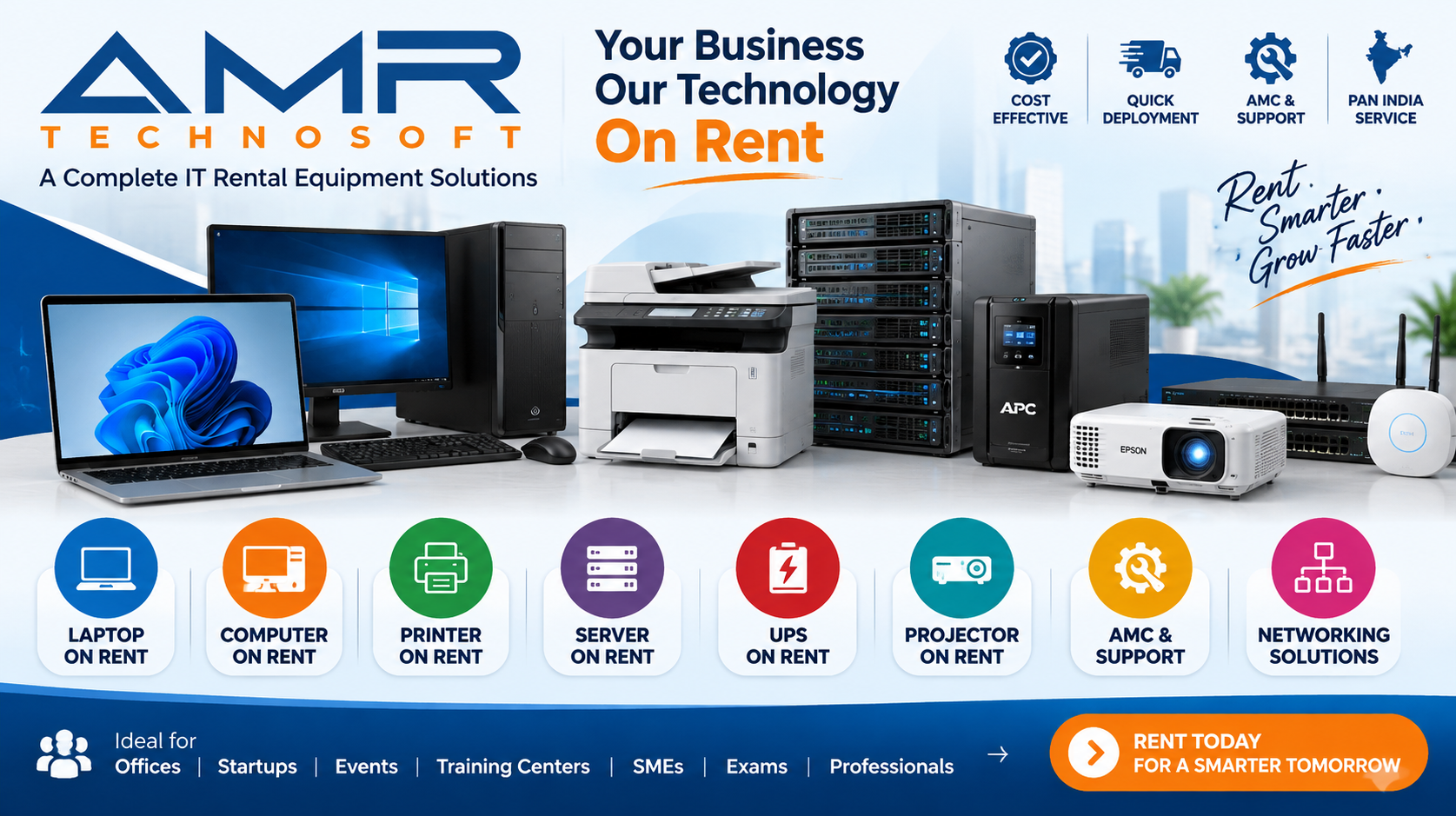
Many businesses that start by renting laptops soon realize that the same logic applies to the rest of their technology. A laptop alone does not make a workspace. Teams need displays, peripherals, printers, networking equipment, and more. Renting these items together keeps everything consistent, simplifies management, and keeps your costs flexible across the board. Here are the kinds of services businesses commonly look for alongside laptops.
Desktop Computer Rental
For fixed workstations such as reception desks, accounts departments, and call centers, desktop computers remain a practical and economical choice. Renting desktops gives you the same flexibility as renting laptops. You can equip a new office or a temporary team quickly and then scale back when the need disappears.
Tablet Rental
Tablets are valuable for field operations, retail environments, restaurants, healthcare settings, and events. They are light, easy to use, and well suited to tasks like check-ins, surveys, inventory counts, and interactive presentations. Renting tablets is especially convenient for short campaigns and events, where a large number of devices are needed for a limited time.
Workstation and High-Performance Computer Rental
Some work demands more than a standard laptop can offer. Architecture, engineering, 3D modeling, video production, and data science often require powerful processors and large amounts of memory. Renting high-performance machines for the duration of a specific project gives you serious computing power without the heavy cost of ownership.
Monitors and Displays
A second screen can boost productivity noticeably, and many employees consider one a basic requirement. Renting monitors alongside laptops lets you build comfortable, effective workstations without a separate purchase. For presentations and meetings, larger displays and screens are also available for short-term hire.
Printers, Scanners, and Multifunction Devices
Despite the move toward digital documents, most offices still need to print, scan, and copy. Renting printers and multifunction devices eliminates the upfront cost and shifts maintenance concerns to the provider. This is a particularly good fit for temporary offices, project sites, and events.
Projectors and Presentation Equipment
Training sessions, client pitches, conferences, and workshops often call for projectors, screens, and presentation accessories. Because these items are used only occasionally by many businesses, renting them is far more economical than buying.
Networking and Connectivity Equipment
Routers, access points, switches, and related equipment can be rented for temporary offices, events, and project sites. This lets you establish a working network quickly, without investing in infrastructure you might use only briefly.
Peripherals and Accessories
Keyboards, mice, headsets, webcams, docking stations, laptop bags, external drives, and chargers can all be part of a rental package. Bundling accessories with your devices means that each employee receives a complete, ready-to-use setup.
Servers and Storage
For short-term projects, testing environments, and temporary capacity needs, renting servers and storage equipment offers an alternative to a permanent investment. It suits businesses that need extra capacity at specific times.
Event Technology Packages
For conferences, trade shows, product launches, and corporate gatherings, combined packages of laptops, tablets, screens, printers, and networking gear can be assembled to suit the occasion. One provider handling everything simplifies logistics and reduces the number of things that can go wrong.
Bulk Deployment and Fleet Management
For large organizations, the biggest challenge is often coordination rather than the equipment itself. Bulk rental programs help manage the delivery, distribution, tracking, and return of many devices at once. Standardized configurations keep every machine consistent, which makes IT support far simpler.
Short-Term and Long-Term Flexibility
Whatever you rent, the duration is up to you. Short-term rental covers days or weeks for events and quick projects. Long-term rental covers months or years for ongoing needs. The ability to move between these modes as your business evolves is one of the most valuable features of the rental model.
Quality You Can Count On
One of the biggest fears about rented equipment is that it will be unreliable, worn out, or poorly maintained. At AMR Technosoft, we treat that concern seriously. Every laptop is inspected and tested before it is dispatched. We check that the hardware functions correctly, that the performance matches the specification, and that the device is clean and ready to use.
Quality control matters for more than convenience. A laptop that fails in the middle of a client presentation or a critical deadline can cost far more than the rental fee. By checking each machine thoroughly before it reaches you, we aim to prevent such failures and give you confidence that your equipment will perform when it matters.
We also keep our range current enough to handle the demands of modern business software. Our devices are chosen for dependability, so that the machine you receive is one you can rely on rather than one you need to worry about.
Security and Data Protection
Any conversation about business technology must address security. When employees work on laptops, those laptops contain sensitive information: client details, financial data, internal documents, and credentials. The question of how rented devices handle security is therefore an important one.
Clean Starting Points
Rented laptops should arrive free of any data from previous users. A responsible rental provider prepares each device properly before dispatch, so that your team starts with a clean machine and no one else’s information lingers on it.
Secure Return and Data Removal
The other side of the equation is what happens when the rental ends. Before returning any device, businesses should make sure that all company data has been removed, and that accounts have been logged out. Following a clear offboarding process protects your information and helps the provider prepare the device for the next customer.
Practical Security Habits for Rented Laptops
Treat rented devices with the same discipline you would apply to your own. Use strong passwords and multi-factor authentication. Keep operating systems and applications updated. Encrypt sensitive files where appropriate. Avoid storing confidential data locally when secure cloud storage or company servers are available. Train employees to recognize phishing attempts and to lock their screens when they step away.
Policy and Access Control
Because rental fleets change over time, access management becomes especially important. When a device is returned or reassigned, the associated user accounts and permissions should be updated immediately. A simple register of which employee holds which device, and until when, goes a long way toward preventing confusion and security gaps.
Rental as a Security Advantage
Interestingly, rental can improve security in some respects. Because rented devices are refreshed regularly, you are less likely to be running old hardware that no longer receives support. Short-term devices for contractors and visitors also keep outside people away from your main equipment and network.
Support and Maintenance: Service That Does Not Stop at Delivery
Technology problems rarely arrive at convenient times. A laptop that refuses to start on the morning of a major meeting can cause genuine stress. This is where the support element of rental becomes valuable.
When you own your devices, every problem is yours to solve. You must diagnose the fault, arrange repairs, and cover the cost. With rental, a large share of that burden shifts to the provider. Our customer care team follows up after delivery, listens to your feedback, and helps resolve issues so that your people can keep working.
This support is especially valuable to small and growing businesses that lack a dedicated IT department. Without in-house technical staff, a single device problem can become a major distraction. Having a provider who stands behind the equipment gives such businesses a safety net they would otherwise lack.
For larger organizations, rental support reduces the load on internal IT teams. Instead of spending time on routine hardware faults, those teams can focus on higher-value work such as security, system integration, and strategic projects.
The Sustainability Angle
Environmental responsibility is no longer a nice-to-have. Customers, employees, and investors increasingly care about how companies manage their impact, and electronic waste is a serious global problem. Discarded laptops contain materials that are difficult to dispose of safely and valuable resources that are wasteful to throw away.
Rental supports sustainability in a few meaningful ways.
First, it encourages better use of each device. Instead of a laptop being used by one company for a short period and then discarded, rented equipment can serve many customers over its lifetime. That makes the manufacturing effort behind each device go further.
Second, it reduces premature disposal. Businesses that buy laptops often replace them before they have worn out, simply because their needs changed or the machines became inconvenient. With rental, devices return to the provider, who can redeploy them to other customers whose needs match.
Third, it supports responsible end-of-life handling. When a rented laptop finally reaches the end of its useful life, the provider is responsible for managing it, which concentrates expertise and accountability in one place instead of scattering it across many small buyers.
For companies that report on environmental goals or want to demonstrate responsibility to stakeholders, rental provides a practical, measurable step.
Flexibility and Scalability: Growing Without Friction
If there is one theme that runs through every benefit of rental, it is flexibility. Businesses are not static, and their technology should not be either.
Scaling Up
When you win a large contract, launch a new product, or open a new office, you may suddenly need many more laptops. With rental, you can arrange this quickly. There is no long procurement cycle and no large capital approval. You simply tell us what you need.
Scaling Down
Equally important is the ability to reduce. When a project ends or a team shrinks, you return the devices you no longer need. You are not stuck with surplus equipment gathering dust and losing value.
Upgrading
As your work grows more demanding, you can move to more powerful machines. A team that started on the Core i5 with 8GB of RAM might later need the Core i7 with 16GB. Rather than being stranded with underpowered devices you have already paid for, you can simply switch.
Experimenting
Rental also lowers the risk of trying something new. Not sure whether your design team would benefit from the AMD Ryzen laptop with its larger storage? Rent a few and find out. If they work well, expand. If not, return them with no harm done.
This freedom to adapt without penalty is a quiet but powerful advantage. It lets you make decisions based on what your business actually needs, instead of what you were forced to commit to months or years ago.
Renting vs. Buying vs. Leasing: How They Compare
Understanding the differences among the three main approaches helps you choose well.
Buying
Strengths: You own the asset, there are no ongoing rental payments after the purchase, and you can use the equipment for as long as it functions. For stable, predictable, long-term needs, buying can be reasonable.
Weaknesses: High upfront cost, depreciation risk, responsibility for maintenance and repairs, difficulty scaling, and the burden of disposal. You are also locked into hardware that ages.
Leasing
Strengths: Lower upfront cost than buying, predictable payments, and in some cases an option to purchase at the end.
Weaknesses: Leasing typically involves longer, more rigid commitments, and early termination can be costly. It suits businesses with stable needs but is less helpful for fluctuating or short-term requirements.
Renting
Strengths: Minimal upfront cost, maximum flexibility, short or long durations, support and maintenance included, easy scaling and upgrading, and no disposal burden.
Weaknesses: Over a very long period of continuous use, the cumulative rental fees can approach or exceed the purchase price of a device. Businesses with extremely stable, long-term needs and strong IT capabilities may find that buying works out cheaper.
Which Is Right for You?
The answer depends on how predictable your needs are. If your headcount is steady and your equipment needs are stable over many years, buying or leasing may be perfectly sensible. If your requirements fluctuate, if you are growing quickly, if you run projects of limited duration, or if you simply want to preserve cash and avoid IT overhead, renting is likely to serve you better. Many businesses use a combination: owning a core group of machines while renting additional ones to cover peaks and special projects.
How to Choose a Laptop Rental Provider
Not all rental providers are equal. When evaluating a company, consider the following factors.
Range of devices. A good provider offers a selection broad enough to match different roles, from basic machines to high-performance models. Be wary of providers who offer only one or two options.
Quality assurance. Ask how devices are tested and prepared before delivery. A provider that quality-checks every machine is far more likely to give you a smooth experience.
Transparent terms. The rental agreement should be clear and easy to understand. Pay attention to fees, rental durations, conditions of return, and what happens if a device is damaged.
Speed and reliability of delivery. Equipment is only useful if it arrives when you need it. Check how quickly the provider can deliver and how reliably they meet commitments.
Support quality. Find out what kind of help is available if something goes wrong. A responsive customer care team makes an enormous difference.
Flexibility. Can you extend, shorten, upgrade, or adjust the rental if your needs change? The best providers make this easy.
Scalability. If you might need to expand later, confirm that the provider can handle larger orders without difficulty.
Reputation. Look for feedback from other businesses, and ask for references where possible.
Getting the Most Out of Your Rental: Best Practices
A rental works best when both sides treat it as a partnership. These practices will help you get maximum value.
Plan Ahead
Even though rental is fast, planning helps. Think about how many devices you need, when you need them, and for how long. The more clearly you can describe your needs, the better we can serve you.
Define Roles and Match Specifications
As discussed earlier, think in terms of user categories rather than a single standard machine. Matching specifications to roles saves money and keeps people productive.
Standardize Where You Can
Within each role category, use the same model. Consistency simplifies support, reduces training needs, and makes it easier to troubleshoot problems.
Keep a Device Register
Record which employee holds which laptop, the device identifiers, and the expected return date. A simple spreadsheet is enough. This prevents loss, speeds up returns, and supports security.
Set Clear Usage Guidelines
Let employees know how to treat rented equipment. Basic guidelines on handling, transport, charging, and software installation prevent most avoidable problems.
Protect Devices Physically
Use sleeves or bags for transport, avoid placing laptops near liquids, and do not leave them in vehicles or in extreme temperatures. Physical care is the simplest way to keep devices in good condition.
Back Up Important Work
Encourage employees to save work to cloud storage or company servers rather than relying solely on the local drive. This protects against data loss and makes handing back devices straightforward.
Communicate Early About Changes
If your needs change, whether you want to extend, add devices, or return early, tell us as soon as possible. Early communication allows us to arrange things smoothly.
Prepare for Return
Before the rental ends, remove all company data, log out of accounts, and gather chargers and accessories. A tidy return benefits everyone.
A Note to Our Customers
Customer satisfaction is at the heart of everything we do. We want every rental to be a positive experience, and we work hard to make that happen.
To keep our service excellent for everyone, we ask that rented laptops be returned in the same condition in which they were delivered. Ordinary wear from normal use is expected, but we ask that you treat the devices with care, and that you report any problems promptly. Your cooperation helps us keep our equipment in good shape, which allows us to serve more clients with the quality and reliability they deserve.
Frequently Asked Questions
How quickly can I get laptops delivered?
Delivery timing depends on the quantity, the models you choose, and your location. Because our process is designed to be fast, many requests can be arranged quickly. Share your timeline when you contact us and we will tell you what is possible.
Can I rent just one laptop?
Yes. We serve both individual and bulk requirements. Whether you need a single machine or many, we can help.
Is there a minimum rental period?
Rental durations are flexible, spanning short-term to long-term arrangements. Tell us how long you need the devices, and we will recommend an arrangement that fits.
What if I need a different specification from the models listed?
Describe what you need, whether it is a particular processor, RAM, screen size, or camera quality, and we will work to find the closest match. Our range is designed to cover common business requirements, and we are happy to discuss special needs.
What happens if a laptop develops a problem during the rental?
Contact our customer care team. We follow up with customers regularly and will help you resolve issues so your work is not interrupted.
Can I extend or end the rental early?
Flexibility is a core part of our service. If your needs change, get in touch and we will explain the options available under your agreement.
Are the laptops tested before delivery?
Yes. Every device is quality-checked before dispatch to make sure it works properly from the first day.
What condition should the laptops be returned in?
We ask that rented laptops be returned in the same condition they were delivered in, allowing for normal use. Taking reasonable care of the devices helps us continue to provide good service to all customers.
Is renting really cheaper than buying?
For businesses with changing, temporary, or uncertain needs, renting is usually more economical, because you avoid upfront costs, depreciation, maintenance, and disposal. For very stable needs over many years, buying may be cheaper in the long run. We are happy to help you think through the comparison.
Can I rent other equipment along with laptops?
Many businesses pair laptops with monitors, accessories, printers, and other equipment. Ask us about the full set of items you need, and we will help you put together a complete solution.
Do you serve startups as well as large companies?
Absolutely. Our services are designed for businesses of all sizes, from small startups setting up their first workstations to large corporations managing major projects.
How do I protect company data on a rented laptop?
Follow the same practices you would on any company device: use strong passwords and multi-factor authentication, keep software updated, store sensitive files securely, and make sure all data is removed before you return the laptop.
Conclusion: Make Technology a Strength, Not a Burden
For years, businesses assumed that owning their equipment was simply the cost of doing business. But the world has changed. Teams are more fluid, projects are shorter, technology moves faster, and cash is more precious than ever. Under these conditions, rigid ownership of laptops is increasingly a handicap rather than an advantage.
Corporate laptop rental offers a better way. It frees your cash for growth. It lets you scale up and down in step with your real needs. It hands the burden of maintenance, quality control, and disposal to a partner whose job is to handle them well. And it keeps your people working on machines that are suited to their tasks, whether that means a dependable Core i5 for everyday work, a balanced Core i5 with a fast SSD for general business, a sleek AMD Ryzen for creative and mobile professionals, or a high-performance Core i7 for demanding workloads.
At AMR Technosoft, we built our service around a simple belief: technology should support your business, not weigh it down. From the first conversation about your requirements to the day you return your devices, our aim is to make the experience smooth, transparent, and reliable.
If you are ready to stop worrying about the cost of buying laptops and start focusing on growing your business, now is the time to explore rental. Share your requirements with us, and we will help you find the right machines, at the right time, on the right terms.