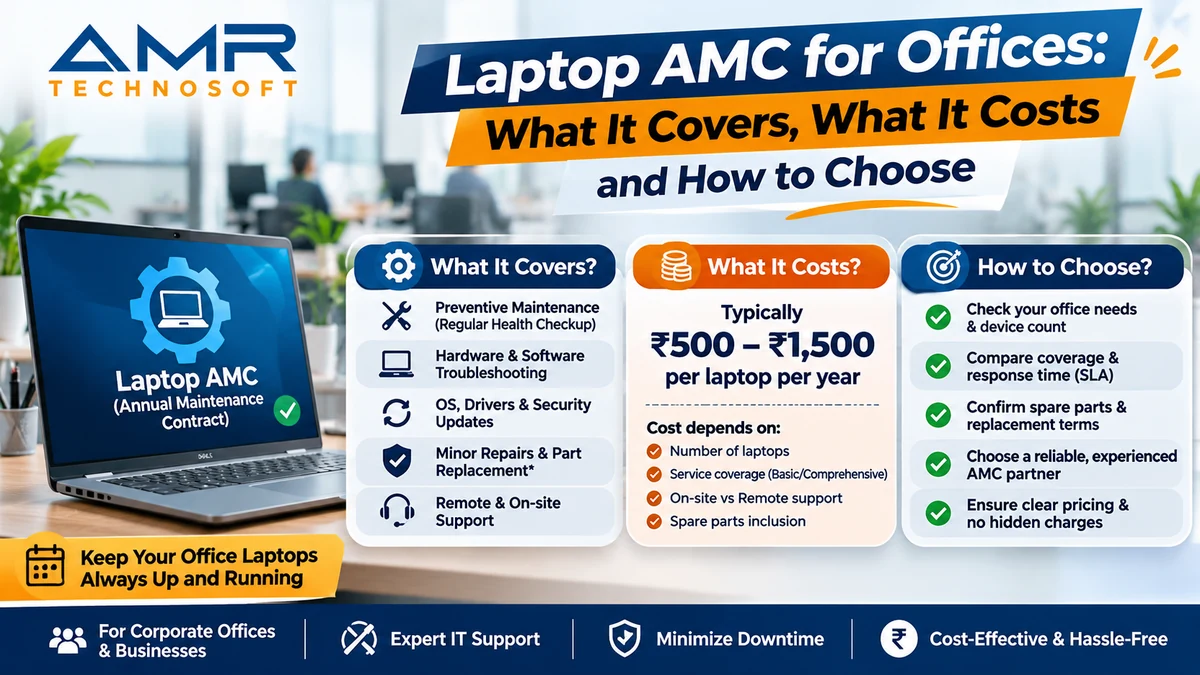
A laptop AMC (annual maintenance contract) is a yearly agreement where a service provider looks after your office laptops for a fixed fee, and it starts to pay off once breakdowns cost you more in lost work time than the retainer does.
What a laptop AMC actually is
Think of it as a service plan for your office computers. Instead of calling a repair shop every time a screen cracks or a battery gives up, you sign one agreement with a provider. For a set yearly (or monthly) fee, they take care of the routine upkeep and the breakdowns that come with running a group of laptops day after day.
Most offices begin looking at an AMC after the same kind of week: three laptops fail in ten days, nobody knows who to call, and a deadline slips because a colleague spent two days without a working machine. An AMC is meant to remove that scramble. You get a known contact, a known response time, and a known cost.
It is not a warranty. A manufacturer warranty covers defects in a new device for a limited period and usually excludes accidents, liquid damage and software trouble. An AMC is a separate commercial service. It can cover older machines, mixed brands, and the everyday problems that warranties tend to skip.
What a good contract covers
No two providers write their contracts the same way, so the safest habit is to read the scope line by line. The table below shows how services usually split. Treat it as a checklist to compare against any quote you receive.
| Service | Usually included | Often charged extra | Commonly excluded |
|---|---|---|---|
| Fault diagnosis and repair labour | Yes | ||
| Scheduled preventive visits (cleaning, fan and vent check, health check) | Yes | ||
| Operating system repair, reinstall, driver and update support | Yes | ||
| Antivirus clean-up and basic security checks | Yes | ||
| Replacement parts such as keyboard, battery, charger, RAM, SSD | Depends on plan | Yes, on labour-only plans | |
| Screen replacement | Depends on plan | Often | |
| Motherboard or chip-level repair | Depends on plan | Often | |
| Stand-by (loan) laptop while yours is being repaired | Yes | ||
| Data backup and recovery | Yes | ||
| Accidental or liquid damage | Yes | Often | |
| Theft, loss, fire, natural disasters | Yes | ||
| Software licences and user-installed programs | Yes |
Two lines in that table cause most disagreements later: replacement parts and accidental damage. Ask about both in writing before you sign.
Types of laptop AMC
There are two choices to make, and they are independent of each other.
1. How much the provider takes on
- Comprehensive AMC: labour and replacement parts are both covered. You pay more upfront, but surprise bills are rare. It suits offices that want a predictable yearly budget.
- Non-comprehensive (labour-only) AMC: the provider does the work, but you pay for any part that has to be replaced. It costs less at the start and works for newer laptops that are unlikely to need parts soon.
2. Where the service happens
- On-site: an engineer comes to your office. This saves travel time and keeps staff at their desks, which matters when several people are affected at once.
- Carry-in or pick-up and drop: the laptop goes to the provider’s workshop. It is cheaper, but the person is without a machine until it comes back, unless a stand-by laptop is part of the deal.
Many providers also offer a hybrid: quick fixes on-site, bigger repairs in the workshop. For a team that works to daily deadlines, on-site support with a stand-by laptop is usually the setup that causes the least disruption.
What drives the price, and whether it is worth it
Providers price an AMC per device, and the number moves with a handful of factors. Prices change with the market and from city to city, so ask for a written quote rather than trusting a figure you read online.
- Age of the laptops. Older machines fail more often, so contracts for them cost more, and some providers refuse devices past a certain age.
- Brand and model mix. A fleet of one business-class model is easier and cheaper to support than six different brands.
- Comprehensive or labour-only. Parts coverage is the biggest single jump in price.
- On-site or carry-in, and the response time promised. A four-hour on-site promise costs more than “next business day”.
- Number of devices. Larger fleets get a lower per-laptop rate.
- Extras. Stand-by laptops, backup, and accidental damage cover are usually priced separately.
A simple way to test the value. Work out what your breakdowns cost you today, then compare. Use your own numbers in this formula:
\text{Yearly cost without AMC} = (\text{repairs per year} \times \text{average repair bill}) + (\text{hours of downtime} \times \text{cost of one staff hour})If that figure is close to, or higher than, the quoted AMC for the same laptops, the contract is worth taking. The second half of the formula is the one most offices forget. A repair bill that looks small can hide two days of lost work from someone whose time is not cheap.
An AMC makes the least sense for a handful of new laptops still under warranty. It makes the most sense for a team of ten or more, for older machines, and for any business where a single dead laptop stops a client deliverable.
Terms to check before you sign
The headline price tells you very little. The details below decide how the contract behaves on a bad day.
- Response and resolution time. These are two different promises. “We respond in 4 hours” means someone calls you back. “We resolve in 24 hours” means the laptop works again. Get both in writing, with working hours and holidays defined.
- Stand-by laptops. If a repair will take more than a day, will you be given a working machine to use meanwhile? Ask how many are kept for your account.
- Parts policy. Are replacements new, original, or refurbished? Who pays when a part is discontinued?
- Data privacy. Laptops hold client files, passwords and accounts. Ask how the provider handles data when a device leaves your office, and whether staff sign a confidentiality agreement.
- Escalation path. Who do you call when the first engineer cannot fix it, and how long before the issue moves up?
- Visit frequency. For preventive maintenance, how many scheduled visits per year, and what exactly is done during each?
- Reports. A good provider records every call and gives you a periodic summary. That record shows which laptops keep failing and helps you decide what to replace.
- Exit terms. Check the notice period, the renewal clause, and whether the price can rise at renewal.
- Asset list. The contract should name each covered laptop by serial number, so there is no argument about what is included.
Red flags in an AMC proposal
A few warning signs show up again and again in weak contracts.
- Vague scope. Phrases like “all problems covered” with no list of exclusions usually mean the exclusions appear later, during a dispute.
- No response time at all, or one that only says “as soon as possible”.
- A price far below every other quote. Someone is cutting corners, often on parts quality or staffing.
- No written asset list. If your laptops are not named, coverage is open to argument.
- Pressure to sign today. A reliable provider is happy to let you compare.
- Unclear data handling. If the provider cannot explain what happens to your files, take that seriously.
- No references. Ask for two or three current business clients you can contact, and actually contact them.
How to set up an AMC for your office
- List every laptop. Record brand, model, serial number, age, and who uses it. A simple spreadsheet is enough.
- Note your problem history. What failed in the last year, how often, and how long each fix took. This shows what you actually need covered.
- Decide what you cannot live without. For some teams it is same-day on-site support. For others a next-day workshop repair is fine.
- Ask three providers for written quotes based on the same list and the same scope, so the numbers can be compared fairly.
- Check references and read the full agreement, including the exclusions page.
- Start with a trial or a smaller fleet if the provider allows it, then expand once you have seen how they perform.
- Review at renewal. Look at the call records, replace the laptops that keep failing, and renegotiate the scope and price.
Frequently asked questions
Is an AMC the same as a warranty? No. A warranty comes from the manufacturer, covers defects for a limited time, and usually leaves out accidents and software problems. An AMC is a paid service from a provider and can cover older and mixed-brand laptops.
Can an AMC cover laptops from different brands? Yes. Most providers support several brands under one contract, though a fleet of similar models is cheaper to maintain.
Does an AMC cover accidental damage? Only if the contract says so, and usually as a paid add-on. Always confirm this in writing.
How many laptops do I need before an AMC makes sense? There is no fixed number. Offices with around ten or more laptops, or any business where one failure delays client work, tend to benefit most. For a very small team, pay-per-visit repair can be cheaper.
Can I add or remove laptops during the year? Most contracts allow it, often with a pro-rata adjustment. Check this clause before signing.
What happens if a laptop is beyond repair? The contract should say. Some providers offer a replacement at a stated cost, while others only advise you to buy a new one.
Is on-site support really necessary? Not always. If your team can spare a laptop for a few days, or if a stand-by machine is provided, carry-in service is a sensible way to save money.
Can I rent laptops and also get maintenance? Yes. Some providers bundle rental with service, so repairs and replacements are handled as part of the rental. This removes the need for a separate contract on those devices.
The short version
AMR Technosoft laptop AMC is about replacing surprises with a plan. Know your fleet, decide how fast you need help, compare written scopes rather than headline prices, and read the exclusions before you sign. A provider that is clear about what is covered, how quickly they respond, and what happens to your data is usually the one worth keeping.