Introduction
Opening a new office is one of those milestones that feels great in the board meeting and turns into a very long to-do list the following Monday. The lease is signed, the interior team has a layout, HR has a joining date for the first batch. Then someone asks the obvious question: what will these people actually work on?
IT is one of the biggest costs in kitting out a modern office. Laptops, monitors, networking, printers, meeting room screens, power backup, security: it adds up fast, and most of it is needed before the first employee walks in. For a company growing into a new city, writing a large cheque for all of this at once can strain cash flow at exactly the moment money is needed for hiring and operations.
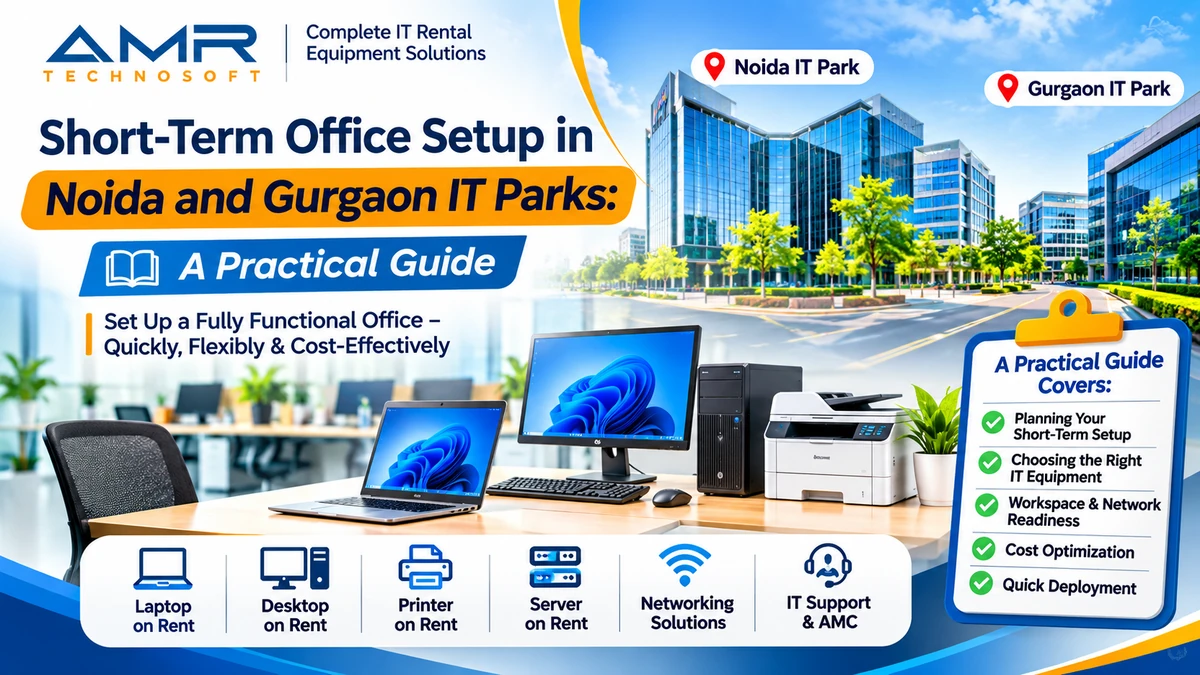
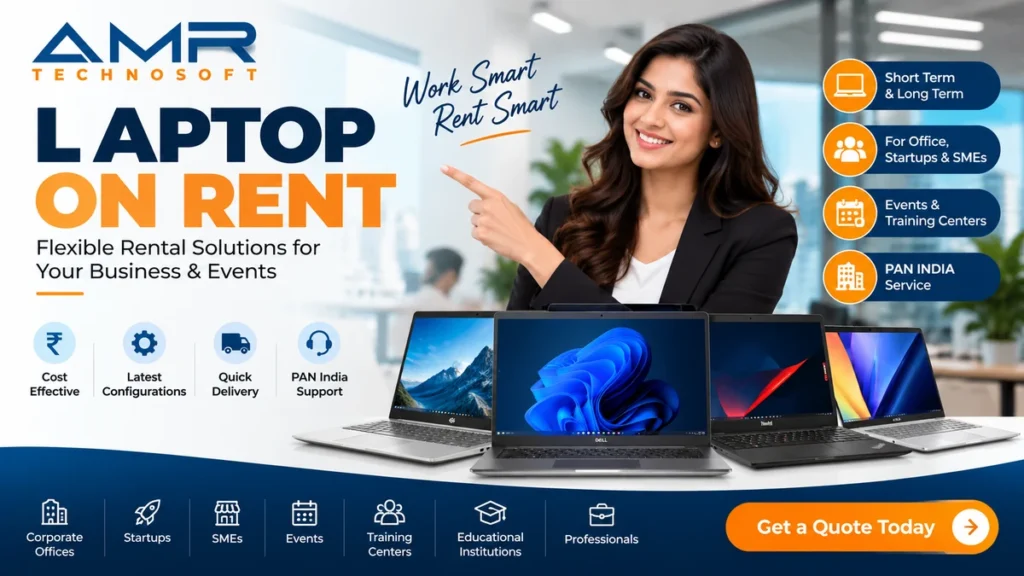
That is why many businesses setting up in Noida and Gurgaon choose IT equipment on rent for their new office instead of buying everything upfront. This guide covers what a new office really needs, team by team, how rental plans work, how to budget for them, and how to get every desk working on day one. We at AMR Technosoft Pvt. Ltd. supply IT equipment on rent across Delhi NCR, so the advice here comes from the practical side of the job.
Why Companies Pick Noida and Gurgaon for a New Office
The two cities sit on opposite sides of Delhi, but they attract new offices for similar reasons. Both have large business districts built for corporate tenants, a deep pool of engineering, finance and operations talent, and buildings designed with power backup, high-speed connectivity and round-the-clock access in mind.
Gurgaon tends to draw corporate headquarters, consulting and financial services firms, and global companies setting up regional offices. Noida has a strong base of IT services, product engineering and large back-office operations, along with big tech campuses along its expressway corridor.
For IT planning, the city matters less than the building. A Grade A tower in either city will usually have multiple internet providers, generator backup and a facilities team used to handling deliveries. An older commercial building may need more groundwork. Before you finalise IT orders, find out what the building already provides: internet providers present, backup power coverage, server room or rack space, and rules for bringing equipment in and out. If the office is inside an SEZ or an STPI-registered park, there may be extra documentation for moving equipment, so ask the developer early.
Why Rent IT Equipment for a New Office?
Buying has long been the default, so it helps to be clear about why renting is worth considering at all.
The first reason is cash. A new office already absorbs deposits, fit-out costs, salaries for people who are not yet productive, and recruitment fees. Paying for a full IT setup on top of that pulls money out of the business just when it needs a cushion. Renting spreads the cost into predictable monthly payments that start as the office starts earning.
The second is uncertainty. New offices rarely grow exactly to plan. A team expected to reach eighty people might stop at fifty, or hit a hundred and twenty in the first year. With owned equipment, both outcomes hurt: idle laptops in a cupboard, or a rushed purchase when hiring speeds up. With rental, the number of devices moves with headcount.
The third is the refresh problem. Laptops and desktops slow down and fall out of warranty over a few years. Companies that buy often keep machines longer than they should, because replacing them means another large spend. A rental plan can include upgrades at the end of the term, so the team keeps working on current equipment without a fresh purchase cycle.
The fourth is effort. Procurement, asset tagging, repairs, warranty claims and eventually disposal of old equipment all take time from someone. A good rental partner handles a large share of that, leaving your small IT or admin team free to support users.
None of this means buying is wrong. It means the decision deserves a proper comparison rather than a habit.
What Each Team Actually Needs
One of the most common ways to overspend is giving everyone the same machine. A finance executive and a machine-learning engineer do very different work, and their equipment should reflect that. Planning by role keeps costs sensible and avoids complaints about slow systems.
| Team or role | Typical device | Extras that make a difference |
|---|---|---|
| Leadership and management | Lightweight business laptop | Docking station, external monitor, good webcam |
| Sales and business development | Portable laptop with good battery life | Mobile hotspot or data plan, headset |
| Finance and accounts | Business laptop or desktop | Two monitors, numeric keypad, access to a printer and scanner |
| HR and administration | Business laptop or desktop | Shared printer and scanner, ID card printer if needed |
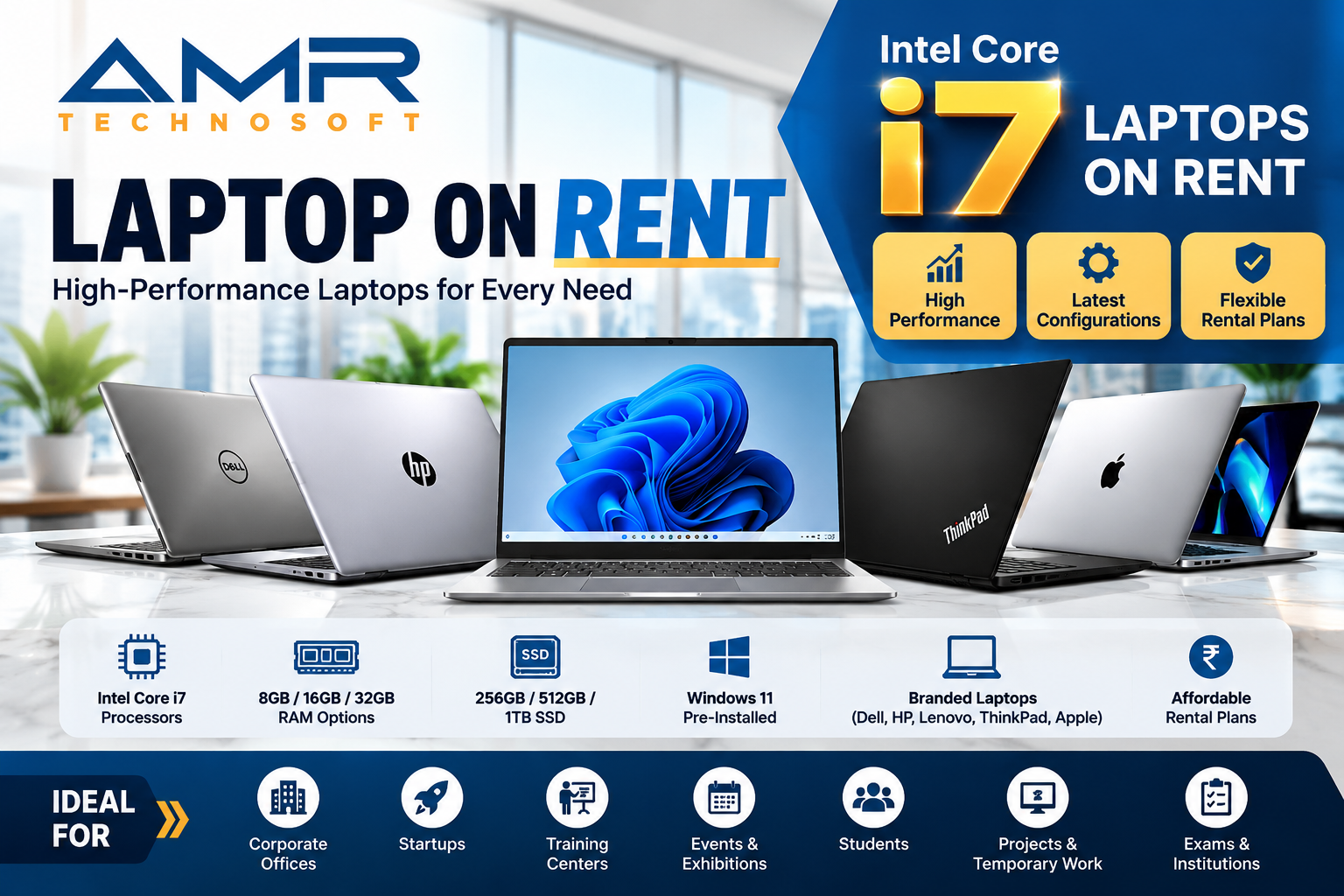
| Software developers | High-memory laptop or desktop with fast SSD | One or two external monitors, docking station |
| Designers and video editors | High-performance workstation or laptop with good graphics | Colour-accurate monitor, graphics tablet |
| Data and AI teams | High-memory workstation, sometimes with GPU | Large monitors, access to shared compute |
| Customer support and operations | Desktop or thin client | Headset, single monitor, fixed workstation |
| Front desk and reception | Desktop or all-in-one | Visitor management device, phone |
A simple way to start: list every role you expect to hire in the first year, note how many people will be in each, and fill in a row like the ones above. That one-page sheet becomes the basis for every rental quote you request, and it makes comparisons between suppliers far easier.
The Complete IT Equipment Checklist for a New Office
Beyond individual devices, a working office depends on a layer of shared equipment that people only notice when it fails. Use this checklist to make sure nothing is missed.
End-user devices
- Laptops and desktops, by role
- Monitors, keyboards, mice and docking stations
- Headsets for people on frequent calls
- A small pool of spare laptops for new joiners and replacements
Network and connectivity
- Two internet connections from different providers, if the team relies on cloud tools
- Business-grade firewall or router with failover
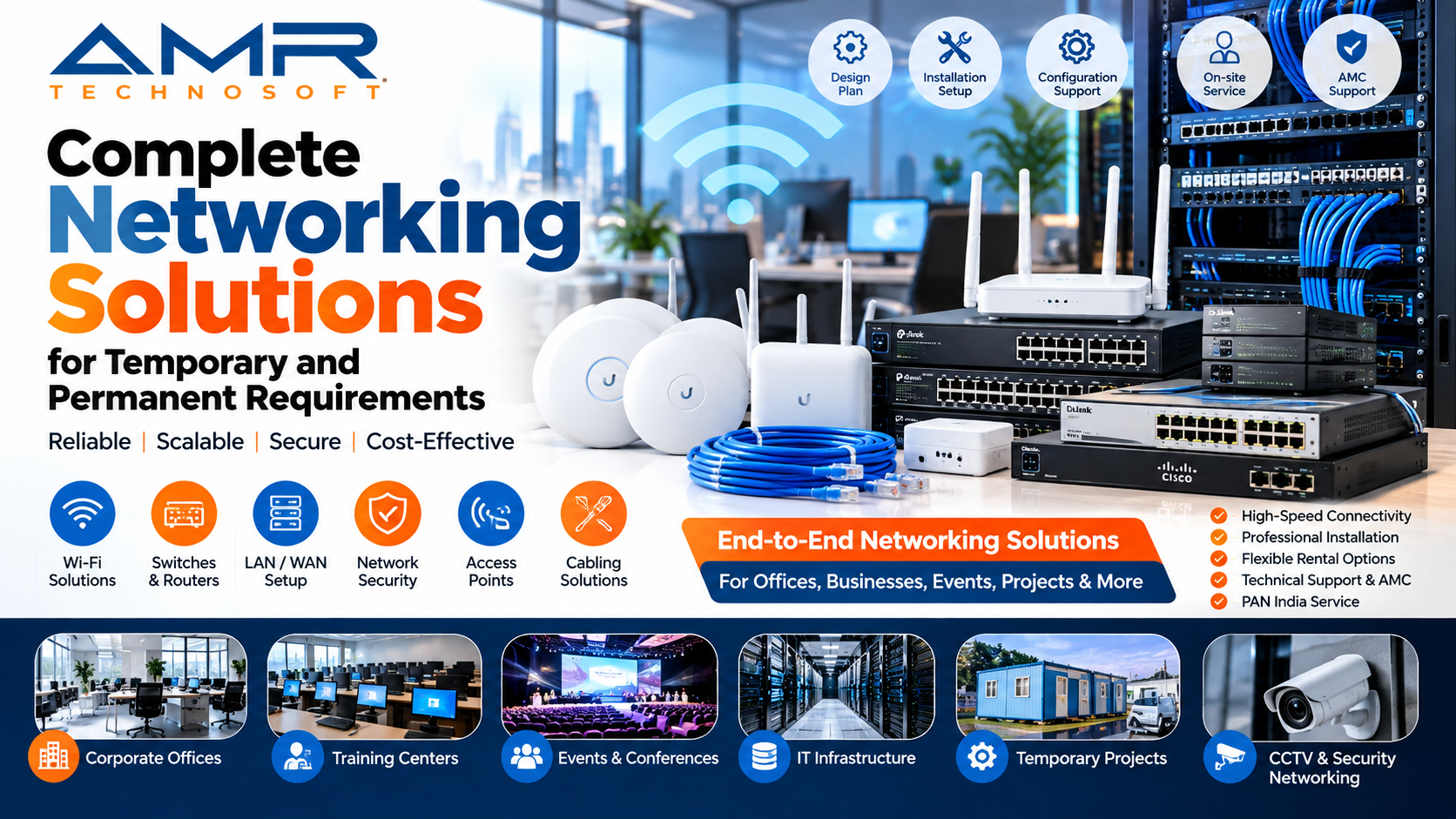
- Managed network switches
- Wi-Fi access points covering every desk, cabin and meeting room
- Separate guest Wi-Fi
- Network rack, patch panel and structured cabling
Servers and storage
- A local server or NAS, only if your applications or data policy need it
- Backup storage for anything kept on-site
Printing and scanning
- Shared multifunction printers, usually one per floor or large team
- Scanner for finance and HR documents, if not built into the printer
Meeting rooms
- Large display or projector in each room
- Conference camera and speakerphone sized to the room
- Simple wireless or cable connection for presenting
Power and safety
- UPS units for the network rack, servers and fixed desktops
- Surge protection for sensitive equipment
Security and access
- CCTV and access control, if not provided by the building
- Biometric attendance device, if your HR process uses one
Not every office needs every item. A twenty-person team working entirely on cloud software may skip the server and keep networking simple. A hundred-person operation with a client-facing delivery team will likely need all of it.
Rental Models: Which One Fits a New Office?
“Renting” covers a few different arrangements. Understanding them helps you ask for the right thing.
| Model | How it works | Works well for |
|---|---|---|
| Short-term rental | Monthly or shorter, flexible returns | Pilot teams, interim offices, project staff |
| Long-term rental | Fixed term, often one to three years, lower monthly rate | Core staff in a permanent office |
| Rental with maintenance | Repairs, replacements and sometimes on-site support included | Offices without a large in-house IT team |
| Rental with upgrade option | Swap to newer models at renewal | Teams that need current hardware, such as developers and designers |
| Outright purchase | Full payment upfront, you own and maintain | Equipment you will use for many years with steady headcount |
Many companies mix these. Core laptops for permanent staff go on a long-term plan with maintenance included. A buffer of extra devices sits on a short-term plan so it can grow or shrink with hiring. Specialised items, such as a high-end workstation for a design lead, might be rented only for the months they are needed.
When comparing offers, look closely at three terms: the minimum commitment, what happens if you need to return devices early, and whether you can add devices mid-term at the same rate. These matter far more for a growing office than a small difference in monthly rent.
Budgeting: Looking Beyond the Monthly Rent
It is tempting to compare a rental quote with a laptop’s price tag and decide in thirty seconds. That comparison leaves out most of the real cost of owning equipment.
When you buy, the purchase price is only the start. Over the life of each device you also pay for repairs once the warranty ends, replacement batteries and chargers, the time your team spends on procurement and support, insurance, storage for spare and retired devices, and eventually secure disposal. If headcount drops, the money stays locked in machines nobody uses. If it rises quickly, you buy again, often in a hurry and at whatever price is available that week.
When you rent, the main costs are the monthly rent, a refundable security deposit, and any one-time delivery or setup charges. Depending on the plan, maintenance and replacements may already be included.
A fair comparison looks something like this:
- Estimate how many devices you will need each quarter for the next two or three years, based on your hiring plan.
- Price the purchase route: devices, extended warranty, repairs, staff time, and the cost of tying up that capital.
- Price the rental route for the same headcount curve, including deposits and any setup fees.
- Compare the totals, then weigh the flexibility each option gives you if the plan changes.
For offices with steady, predictable headcount and an in-house IT team, buying can come out ahead over several years. For new offices where the next two years are still uncertain, renting usually gives better control.
On the tax side, rental is generally treated as an operating expense, and GST-registered businesses can usually claim input tax credit on rental invoices. Your CA should confirm how this applies to your company.
A Day-One Readiness Plan
The goal is simple: when the first employees arrive, they sit down, log in and start working. Getting there takes a sequence of steps that overlap with the interior fit-out.
While the office is being fitted out
This is the time to lock in the long-lead items. Order internet connections as soon as the address is final, since a new leased line can take a while depending on the building. Share your network plan with the interior contractor so cabling runs, floor boxes, the rack location and power points are built in rather than added later. Finalise the role-wise equipment sheet and request rental quotes.
Two to three weeks before move-in
Confirm the rental order with delivery dates. Decide on a standard laptop setup: operating system, security software, office applications, VPN and any line-of-business tools. Many rental partners can load this image before delivery, which saves days of work. Create email IDs and user accounts for everyone joining in the first wave.
Move-in week
Install and test the network first: firewall, switches, Wi-Fi coverage in every corner, and internet failover. Then bring in printers and meeting room equipment and test them properly, including a real video call. Finally, receive the laptops and desktops, check serial numbers against the delivery note, and set up each desk.
First day
Hand each person their device against a signed acknowledgement, and walk them through logging in, Wi-Fi, printers and where to go for help. Keep a few spare devices ready, because something will go wrong somewhere, and a quick swap keeps a small problem small.
First month
Collect feedback. Is anyone’s machine too slow for their work? Are there dead zones in the Wi-Fi? Does a meeting room need a better microphone? Fixing these early, while the rental partner is still closely involved, is much easier than living with them for a year.
Managing Rented IT as the Office Grows
Renting does not mean you stop managing your equipment. It means the work changes from buying and fixing to tracking and coordinating.
Keep a live asset register. Record every device’s serial number, model, the person using it, the date it was issued, and its rental contract. A shared spreadsheet is enough for a small office; larger teams may use asset management software. This register is what makes audits, renewals and returns painless.
Build a simple joiner and leaver process. When someone joins, a device is issued from the spare pool and the pool is topped up with a fresh rental order. When someone leaves, their device is collected, backed up if needed, wiped and either reissued or returned. Linking this to HR’s onboarding and exit checklists stops devices from quietly going missing.
Review headcount against devices every quarter. Compare how many devices you are paying for with how many are in use. Return extras or add more as needed, within the terms of your agreement.
Use renewals to upgrade. As a long-term rental nears its end, decide which roles need newer or more powerful machines and which are fine as they are. This is a natural point to move developers to higher-spec laptops or replace older desktops.
Keep one point of contact. Have one person in your team who manages the relationship with the rental partner. Repairs, additions and returns move much faster when the supplier knows exactly who to call.
Security, Compliance and Paperwork
A rented laptop holds the same company data as an owned one, so it deserves the same protection. Set this up from day one rather than retrofitting it later.
On the devices themselves, turn on disk encryption, enforce strong passwords or other secure sign-in, keep operating systems and security software up to date, and limit admin rights so users cannot install unapproved software. If your company uses device management tools, enrol every rented device as soon as it arrives. If you work with clients who have their own security requirements, such as USB restrictions or specific antivirus, build those into your standard image.
On the network, separate guest traffic from staff traffic, use a firewall with sensible rules, and restrict access to any local servers.
When devices go back to the rental partner, back up anything you need, then securely wipe the drives. Ask your provider to explain how they handle data on returned equipment and whether they can confirm the wipe in writing.
A few administrative items also come up with a new office:
- GST registration. A new office may need to be added to your GST registration as an additional place of business, or may need its own registration if it is in a different state. Check with your CA.
- Local registrations. State rules, such as shops and establishments registration, may apply. Your CA or legal adviser can confirm what is needed in Uttar Pradesh or Haryana.
- Rental agreement terms. Read the clauses on damage, theft, insurance, early return and renewal before signing, not after something goes wrong.
- Building rules. Arrange gate passes and delivery slots for equipment, especially in IT parks and SEZ buildings.
Mistakes to Avoid When Setting Up IT for a New Office
The same handful of mistakes turn up in office after office.
Treating IT as the last step. IT gets planned after furniture and interiors, and then the network cabling has to be run over finished ceilings. Bring IT into the fit-out conversation from the first layout drawing.
One configuration for everyone. Developers end up with machines too slow for their work, while managers get more than they need. Plan by role.
Ordering for today’s headcount only. If thirty more people join in three months, you want a plan that absorbs them without a scramble. Keep a buffer and agree in advance how quickly you can add devices.
Comparing rent alone. A slightly cheaper quote with no maintenance, slow replacements and strict return terms often costs more in practice.
No standard image. Setting up each laptop by hand leads to different software versions, missing security tools and a long first week. Agree on one standard build.
Forgetting meeting rooms and printers. These are shared, so nobody owns them, and they are often the last things sorted out. Then the first client meeting happens on a laptop screen.
Weak record-keeping. Without an asset register and signed handovers, devices drift between people and some disappear. The cost shows up at the end of the rental term.
Skipping the exit plan for leavers. A departing employee’s laptop should be collected, backed up and wiped on their last day, not discovered in a drawer months later.
Choosing the Right IT Rental Partner
For a permanent office, your rental partner is a long-term relationship, not a one-time delivery. It is worth spending a little time on the choice.
Start with range. A partner who can supply laptops, desktops, monitors, networking, printers and meeting room equipment saves you from juggling several vendors. Then look at condition and consistency: ask what models they offer for each role, whether devices are tested before dispatch, and whether a batch of fifty laptops will all be the same model.
Support is where good and average suppliers really separate. Ask how quickly a faulty device will be replaced in Noida or Gurgaon, whether that commitment is written into the agreement, and whether they can keep spares at your office. Ask whether they can preload your standard software image, and how they handle data wiping when devices come back.
Finally, read the commercial terms carefully: minimum tenure, rates for adding devices mid-term, early return conditions, deposit refund timelines, upgrade options at renewal and a clear GST invoice.
How AMR Technosoft Pvt. Ltd. can help
AMR Technosoft Pvt. Ltd. provides IT equipment on rent for businesses across Delhi NCR, including Noida and Gurgaon. This can include laptops, desktops, monitors, networking equipment, printers and other office IT, with delivery and setup support where available.
The easiest way to start is to share your office address, move-in date, expected headcount for the first year and a rough role-wise breakdown. If you have not worked out the specifications yet, tell us what each team does, and we can suggest a sensible mix and prepare a clear quotation.
Frequently Asked Questions
Is it better to rent or buy IT equipment for a new office? It depends on how stable your headcount is and how long you plan to use the equipment. Renting suits new offices with uncertain growth and limited upfront budget. Buying can work out cheaper over several years for a stable team with in-house IT support.
Can I rent laptops for a permanent office, not just short projects? Yes. Long-term rental plans are common for permanent offices and often come with lower monthly rates, maintenance and upgrade options.
What IT equipment does a new office need? At minimum: laptops or desktops by role, monitors and peripherals, internet connectivity, a firewall and Wi-Fi network, printers and meeting room equipment. Larger offices may also need servers, UPS units, CCTV and access control.
Can I add more devices as my team grows? Most rental plans allow you to add devices during the term. Check the rate for additions and how quickly new devices can be delivered.
Will rented laptops come with our software installed? Many rental partners can preload a standard image with your operating system, security tools and business applications. Share the requirements and licences in advance.
What happens if a rented device breaks? This depends on the plan. Many include repair or replacement. Confirm the replacement timeline in writing, and keep a few spare devices at the office.
Can we claim GST input tax credit on IT rental? GST-registered businesses can usually claim input tax credit on rental invoices. Confirm the specifics with your CA.
How far in advance should we plan IT for a new office? Ideally start when the office layout is being finalised, so cabling and power are planned with the interiors. Internet connections should be ordered as soon as the address is confirmed.
Conclusion
A new office in Noida or Gurgaon is a bet on growth. The IT setup should support that bet, not drain the cash it needs.
Renting IT equipment lets you open with every desk ready, keep spending in line with headcount, and stay on current hardware without a fresh purchase cycle every few years. The planning still matters: map equipment to roles, bring IT into the fit-out early, order connectivity first, standardise your setup, and keep good records. Do those things well, and choosing IT equipment on rent for your new office becomes a quiet advantage rather than one more thing to manage.
If you are planning a new office in Noida or Gurgaon, talk to AMR Technosoft Pvt. Ltd. Share your move-in date, team size and role mix, and we will help you put together the right laptops, desktops, networking and office IT on rent.
[Add contact button / enquiry form link here]
Publishing Notes (not part of the article)
Internal linking recommendations
| Anchor text | Link to | Place in section |
|---|---|---|
| laptops | Laptop rental service page | What Each Team Actually Needs |
| desktops | Desktop rental service page | What Each Team Actually Needs |
| networking | Networking solutions page | Complete IT Equipment Checklist |
| high-memory workstation | GPU workstation rental article | What Each Team Actually Needs (data and AI row) |
| short-term rental | Short-term office setup article | Rental Models |
| meeting room | Display / AV rental page | Complete IT Equipment Checklist |
| IT equipment on rent | Corporate IT rental page | Conclusion |
Image placement and alt text
| Placement | Image idea | Alt text |
|---|---|---|
| Below introduction | New office floor with laptops on desks | New office in Noida with IT equipment on rent |
| Team needs section | Developer desk with laptop and two monitors | Developer workstation set up with rented laptop and monitors |
| Checklist section | Network rack with switch and firewall | Office network rack for a new office in Gurgaon |
| Day-one plan | Technician handing over a laptop | Employee receiving a rented laptop on day one |
| Meeting rooms | Conference room with large display | Meeting room with rented display and conference camera |
Use your own photos where possible.
Suggested CTA
Opening a new office in Noida or Gurgaon? Share your move-in date and team size with AMR Technosoft Pvt. Ltd. and get a clear quote for laptops, desktops and networking on rent. Request a Quote