Introduction
People rarely search for “hire laptop near me” when life is calm. They search when a laptop has just died two days before a client presentation. When five new joiners start on Monday and IT has only two spare machines. When a training batch arrives next week, or a visiting team needs systems for a month, or a student’s laptop is in for repair during exam season.
In each case the need is the same: a working laptop, from someone close enough to deliver quickly and fix things quickly if they go wrong.
Hiring a laptop locally is simple once you know what to look for. This guide explains when laptop hire makes sense, why a nearby provider matters, how to find a trustworthy one, which laptop to ask for, what the cost depends on, and the checks that protect you on delivery day. We at AMR Technosoft Pvt. Ltd. provide laptops on rent across Delhi NCR, and this guide covers the practical questions worth answering before you book.
When Hiring a Laptop Makes Sense
Laptop hire is not only for emergencies. It fits any situation where you need a machine for a limited time, or need more machines than you have.
| Situation | Typical hire period | What usually matters most |
|---|---|---|
| Your own laptop is under repair | A few days to a few weeks | Quick delivery, similar performance |
| New joiners before company laptops arrive | Weeks to a few months | Same model for everyone, ready to use |
| Training programmes and workshops | A day to a few weeks | Identical machines in bulk, on time |
| Events, conferences and exhibitions | One to a few days | Delivery and pickup at the venue |
| Project or client-site teams | Months | Reliable support, easy replacement |
| Exams and assessments | Days | Consistent configuration, spares |
| Visiting teams or consultants | Weeks | Flexibility to extend |
| Testing a model before buying | A few weeks | Access to the exact model |
If the need is permanent and steady, buying or a long-term rental plan may suit better. But for anything with an end date, or anything that might change, hiring keeps you flexible.
Why a Nearby Provider Matters
You can rent a laptop from a company in another city and have it couriered. For long, low-touch rentals, that can work. But for most short-term or urgent needs, distance quietly adds risk.
Speed of delivery. A local provider can often deliver the same day or the next day, depending on stock and timing. A courier from another city adds days, and courier days are rarely guaranteed.
Speed of replacement. This is the bigger reason. If a laptop fails during your training session or the week of a client deadline, a nearby provider can swap it quickly. A distant one may need to ship a replacement and wait for the faulty unit to travel back.
On-site help. For bulk hires, events and office setups, a local team can come over, install laptops, connect them to your network and stay on call. That is hard to arrange from far away.
Easier pickups and extensions. Ending or extending a rental is simpler when the provider’s team is a short drive away.
You can see before you sign. For larger orders, being able to visit, check a sample laptop and meet the team builds confidence that a website alone cannot.
In a region as spread out as Delhi NCR, “near” is also relative. A provider in one corner may take a while to reach another during peak traffic. Ask which areas they cover and how quickly they can actually reach yours.
How to Find a Reliable Laptop Hire Service Near You
A quick search will show plenty of options. Telling the dependable ones apart takes a few minutes of checking, and those minutes are well spent.
- Search with your area, not just “near me”. Adding your city or locality, for example a sector in Noida or a neighbourhood in Gurgaon or Delhi, gives more relevant results and shows who genuinely serves your location.
- Look at the business listing properly. Check that the provider has a real address, working phone number, business hours and photos of actual equipment or premises, not just stock images.
- Read reviews for patterns, not stars. A single angry review means little. Repeated comments about late delivery, deposit refunds or poor laptops mean a lot. Notice how the business replies to complaints.
- Check their website for specifics. Good providers list the types of laptops they rent, the areas they cover and how their rental process works. Vague pages with only a phone number are a weaker sign.
- Call and ask direct questions. Ask what models are available today, delivery time to your address, what is included in the rent, deposit terms, and what happens if the laptop fails. Clear, confident answers are a good sign.
- Get the quote in writing. A WhatsApp message or email with the model, specification, rent, deposit, delivery charges and rental period protects both sides.
- Confirm they issue a GST invoice, if you are renting for a business. It is also a basic sign of a registered, accountable company.
- For bulk orders, ask to see a sample. Testing one laptop with your software before confirming fifty is the most reliable check you can do.
Choosing the Right Laptop for the Job
“Any laptop will do” is how people end up with a machine that struggles on day two. Tell the provider what the laptop will be used for, and let the specification follow from that.
| What you will do | What to ask for |
|---|---|
| Email, documents, browsing, video calls | A reliable business laptop with SSD storage and enough memory for multitasking |
| Presentations and client meetings | A light laptop with a clear screen, good webcam and the right ports for projectors or displays |
| Software development | More memory, a fast SSD and a strong processor |
| Graphic design and photo editing | A good-quality display and better graphics performance |
| Video editing and 3D work | A high-performance laptop or workstation with dedicated graphics |
| Training or exam batches | Identical models with the same configuration and software |
| Travel and field work | Light weight and good battery life |
A few practical points to mention when booking:
- Operating system. Windows, macOS or Linux, and any specific version your software needs.
- Software. Whether you need office applications or other software pre-installed, and whether you will bring your own licences.
- Ports and accessories. HDMI or USB-C for displays, a mouse, a laptop bag, a headset for calls.
- New or refurbished. Refurbished business laptops are often fine for everyday work at a lower rent; new machines suit heavier or client-facing use. Ask which you are getting.
- Quantity and consistency. For groups, ask whether all laptops will be the same model.
What Affects the Cost of Hiring a Laptop
Laptop hire prices change with the market, so instead of a rate card that would soon be out of date, here is what actually moves the price up or down. Understanding these helps you compare quotes fairly.
Specification. A basic business laptop costs less to hire than a high-memory developer machine, a MacBook or a graphics workstation.
New or refurbished. Refurbished laptops of a similar class usually rent for less than new ones.
Duration. Daily rates are generally the highest per day. Weekly and monthly rentals usually work out cheaper per day, and long-term plans cheaper still.
Quantity. Hiring several laptops at once often brings a better per-unit rate.
Delivery and setup. Some quotes include delivery, pickup and installation; others charge separately. Same-day or late-evening delivery may cost extra.
Support level. On-site technicians for events or offices, or guaranteed replacement times, can add to the price.
Accessories and software. Monitors, bags, headsets and pre-installed software may be extra.
Security deposit. Most providers take a refundable deposit. It is not part of the cost, but it affects how much cash you need up front.
When comparing two quotes, add everything up: rent for the full period, delivery and pickup, setup, accessories and GST. The quote with the lowest daily rent is not always the cheapest once everything is included.
Documents, Deposit and the Booking Process
The booking itself is usually quick, especially if you keep the paperwork ready. Requirements vary between providers, so treat this as a general guide and confirm with the one you choose.
Documents usually asked for
- Individuals: a government-issued photo ID and address proof.
- Businesses: company details, GST number if registered, and an authorised person’s ID. Some providers also ask for a purchase order or a signed rental agreement for larger orders.
Share copies only with a provider you have checked, and only through official channels.
Security deposit
Most laptop hire services take a refundable deposit to cover the risk of damage or non-return. Ask how much it is, how it is paid, what can be deducted from it, and how long the refund takes after the laptop is returned. Get these terms in writing.
A typical booking flow
- Share your requirement: purpose, specification, quantity, address, start date and duration.
- Receive a written quote with model details, rent, deposit and charges.
- Confirm the order and submit documents.
- Pay the deposit and any advance rent as agreed.
- Receive delivery, check the laptop and sign the delivery note.
- Use the laptop, extend if needed, and arrange pickup at the end.
- Get the deposit refunded after inspection, as per the agreed terms.
For urgent same-day needs, call rather than filling in a form, and have your documents ready to send immediately.
Delivery-Day Checklist
Take ten minutes with the delivery person still present. Problems found now are fixed now; problems found later turn into arguments.
- Model and specification match the quote
- Serial number is written on the delivery note
- No cracks, dents, loose hinges or missing keys
- Screen is clear, with no dead pixels or lines
- Laptop charges with the supplied charger
- Battery holds a reasonable charge
- Keyboard, touchpad, Wi-Fi, webcam and speakers work
- Ports you need (USB, HDMI or USB-C) work
- Operating system is activated and any requested software is installed
- Accessories you ordered are in the box
- Any existing scratches or marks are noted on the delivery note
A couple of quick photos of the laptop from all sides, taken at delivery, are a simple record of its condition. Keep the delivery note and invoice together until the deposit is refunded.
When the rental ends, back up your files and sign out of your accounts before the laptop goes back. Our separate guide on wiping data before returning a rented laptop explains how.
Red Flags to Watch For
Most laptop hire businesses are honest. A few warning signs, though, are worth taking seriously when you are in a hurry and tempted to book the first number that answers.
A price far below everyone else’s. Very low rent can mean old or poorly maintained laptops, high hidden charges, or a deposit that is hard to get back.
No written quote or agreement. If the terms exist only in a phone call, you have nothing to refer to when something goes wrong.
Full payment demanded before any details. Paying in advance is normal for many rentals, but not before you know the model, terms and delivery date.
No clear address or GST details. A business that cannot tell you where it operates from is hard to hold accountable.
Vague answers about the laptop. “It’s an i5” is not a specification. A reliable provider can tell you the model, memory, storage and whether it is new or refurbished.
Unclear deposit terms. If no one can say when and how the deposit will be returned, expect delays.
No answer on replacements. Every laptop can fail. If the provider will not commit to how quickly they replace a faulty one, that is a gap you will feel at the worst moment.
Pressure to decide immediately. A genuine shortage can happen, but heavy pressure is usually a sales tactic.
Hire a Laptop in Delhi NCR with AMR Technosoft Pvt. Ltd.
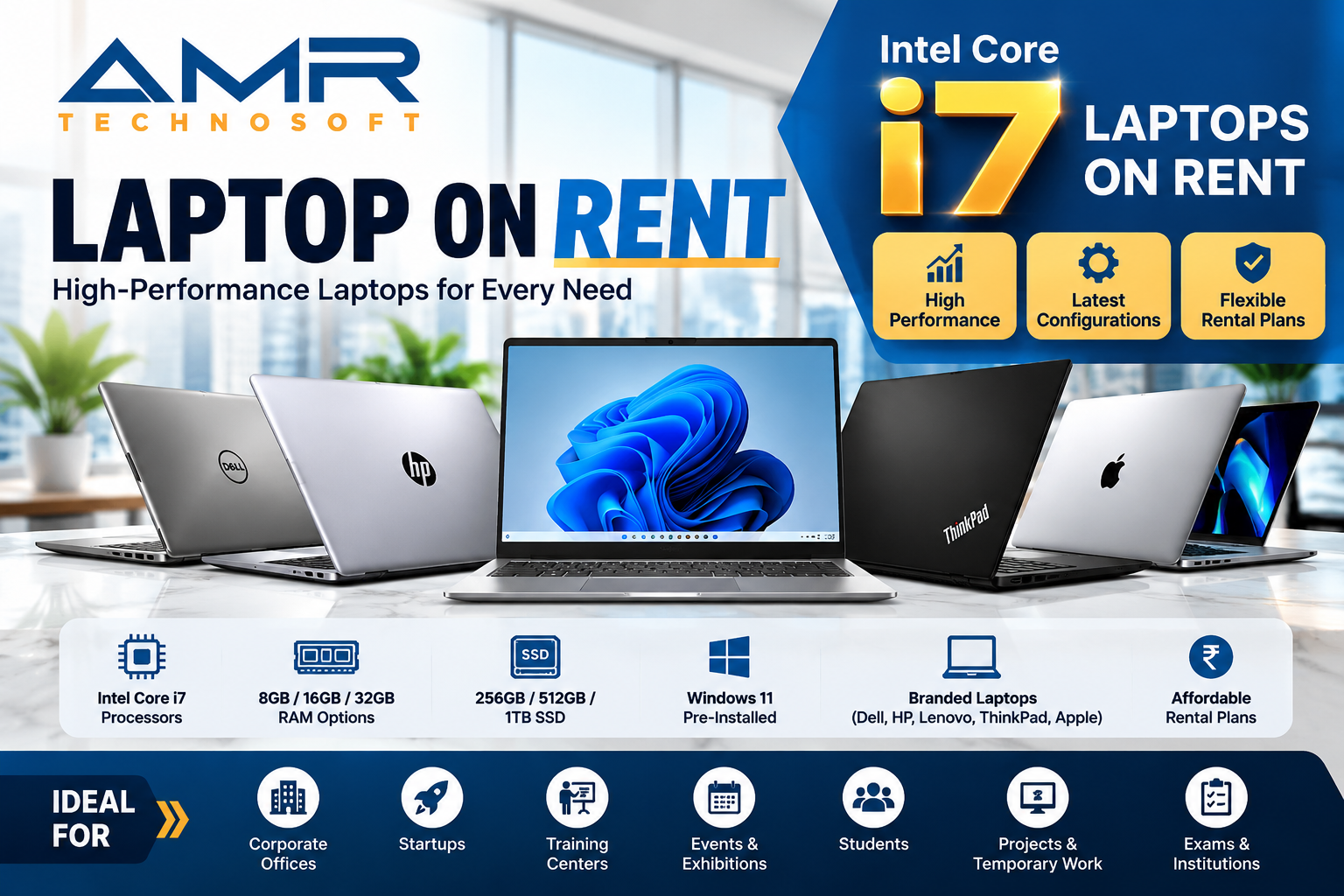
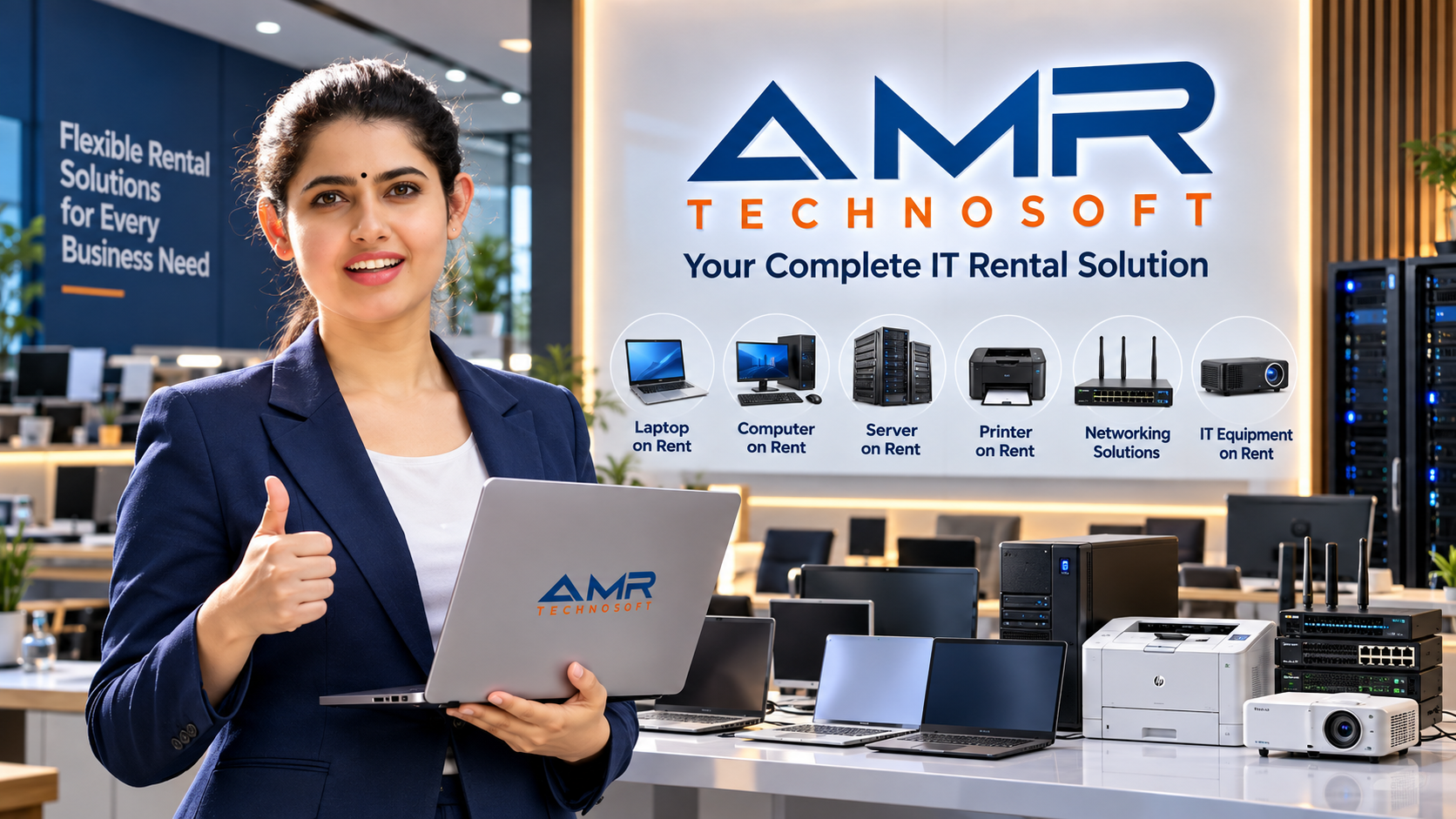
If you are in Delhi NCR and need a laptop for a day, a week, a month or longer, AMR Technosoft Pvt. Ltd. provides laptops, desktops and related IT equipment on rent for individuals, businesses, institutions and events.
When you contact us, it helps to share:
- What the laptop will be used for
- How many laptops you need, and whether they should be the same model
- Your delivery address and the date you need them
- How long you need them for
- Any software, accessories or setup support required
We will suggest suitable options, give you a clear written quote, and confirm delivery timing for your location.
[Edit before publishing: list the specific areas you deliver to (for example, parts of Delhi, Noida, Greater Noida, Gurgaon, Ghaziabad, Faridabad), and add details such as same-day delivery only if you actually offer it.]
Frequently Asked Questions
Can I hire a laptop for just one day? Yes, many providers offer daily hire, which is common for events, exams, interviews and presentations. Daily rates are usually higher per day than weekly or monthly rates.
How quickly can a hired laptop be delivered? It depends on the provider, stock and your location. Local providers can often deliver the same day or the next day. Confirm the delivery time for your address before booking.
What documents do I need to hire a laptop? Usually a photo ID and address proof for individuals, and company details with GST information for businesses. Requirements vary, so ask the provider.
Is there a security deposit? Most providers take a refundable deposit. Ask about the amount, deductions and the refund timeline, and get the terms in writing.
Can I hire a MacBook or a high-performance laptop? Many providers offer MacBooks, developer laptops and graphics workstations, subject to availability. Book these earlier, as stock is often more limited.
What if the hired laptop stops working? A reliable provider will repair or replace it. Ask about replacement time before you book, especially for urgent or business-critical use.
Can I extend the hire period? Usually yes. Inform the provider before the rental ends so the extension can be confirmed and billed correctly.
Is it better to hire or buy a laptop for a short need? For needs that last days, weeks or a few months, hiring is usually more economical and flexible. For long, steady use, compare the total rental cost with buying.
Conclusion
When you need to hire a laptop near you, speed matters, but so does picking the right provider. A nearby, dependable service can deliver quickly, replace a faulty machine without fuss and pick it up when you are done.
Take a few minutes to check the business, describe what the laptop is for, get a written quote that includes every charge, and inspect the laptop on delivery. Those small steps turn a rushed booking into a smooth one.
If you are in Delhi NCR and need a laptop, or several, for any length of time, get in touch with AMR Technosoft Pvt. Ltd. Tell us what you need and when, and we will help you get the right machine to your door.